Hour of Code for Tablets
Teacher GuideComplete an Hour of Code by solving fun coding puzzles, following step-by-step tutorials to create projects, and building your own mobile games. You can even work offline.
- Program dragons to hunt for treasure
- Design and animate fun characters
- Experiment with physics and math
- Create storytelling projects
- Build your own games


Suggested Hour of Code Activities
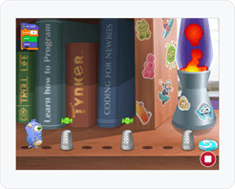
Grades K-2
- - Solve Candy Quest
- - Design a Fun Character
- - Make a Holiday Card
- - Write a Knock Knock Joke
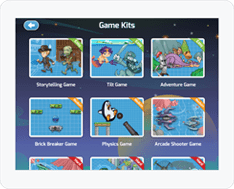
Grades 3-5
- - Complete Dragon Journey
- - Make a Piano
- - Program Space Chickens
- - Create Spin Draw
Grades 6+
- - Solve Lazer Racer
- - Build Gravity Tilt Game
- - Make Undersea Arcade Game
- - Program a Kaliedoscope

Gold Award

Editor's Choice

5 Stars for Engagement
5 Stars for Quality

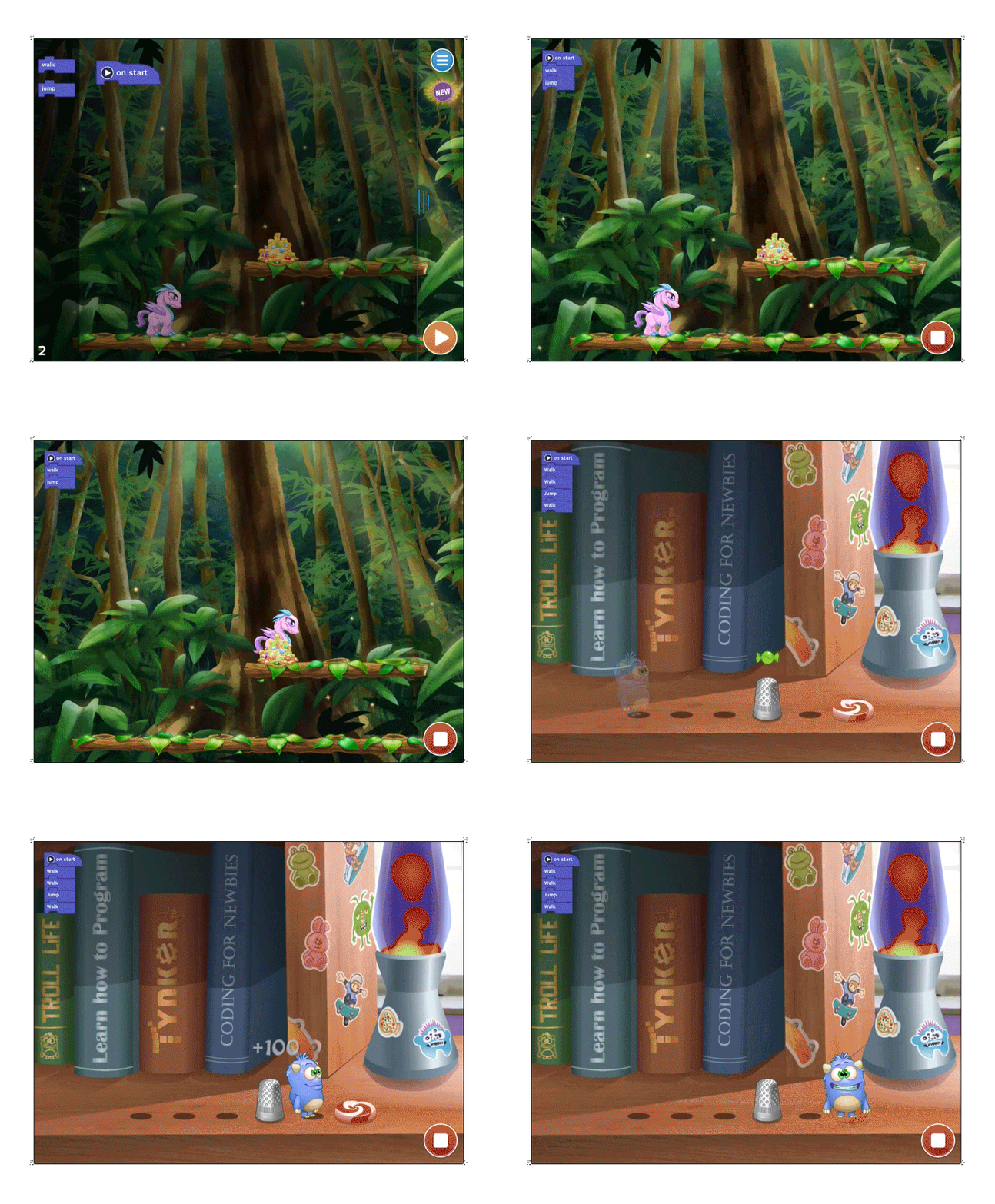
200+ Fun Coding Puzzles
- Codey's Quest - Use logic and loop variations to lead Codey home.
- Crash Course - Learn to program drones and lights in a virtual environment.
- Dragon Journey - Create functions and subroutines to lead your dragon through the forest. In-app purchase. Available for free during Hour of Code.
- Lost in Space - Apply conditional logic to lead astronaut Biff to his moon base. In-app purchase. Available for free during Hour of Code.
- Lazer Racer - Draw complex geometric shapes using simple commands in this futuristic racing game. In-app purchase. Available for free during Hour of Code.
Step-by-Step Tutorials
60+ Interactive Tutorials and Templates
Learn with interactive tutorials and get inspired to create an unlimited portfolio of games and projects to share and play with friends
- Game Kits - Build your own arcade, platformer, and physics games
- Storytelling - Write stories, comics, jokes, riddles, quizzes, and more
- Animation - Learn stop motion animation or use the Character Creation Engine
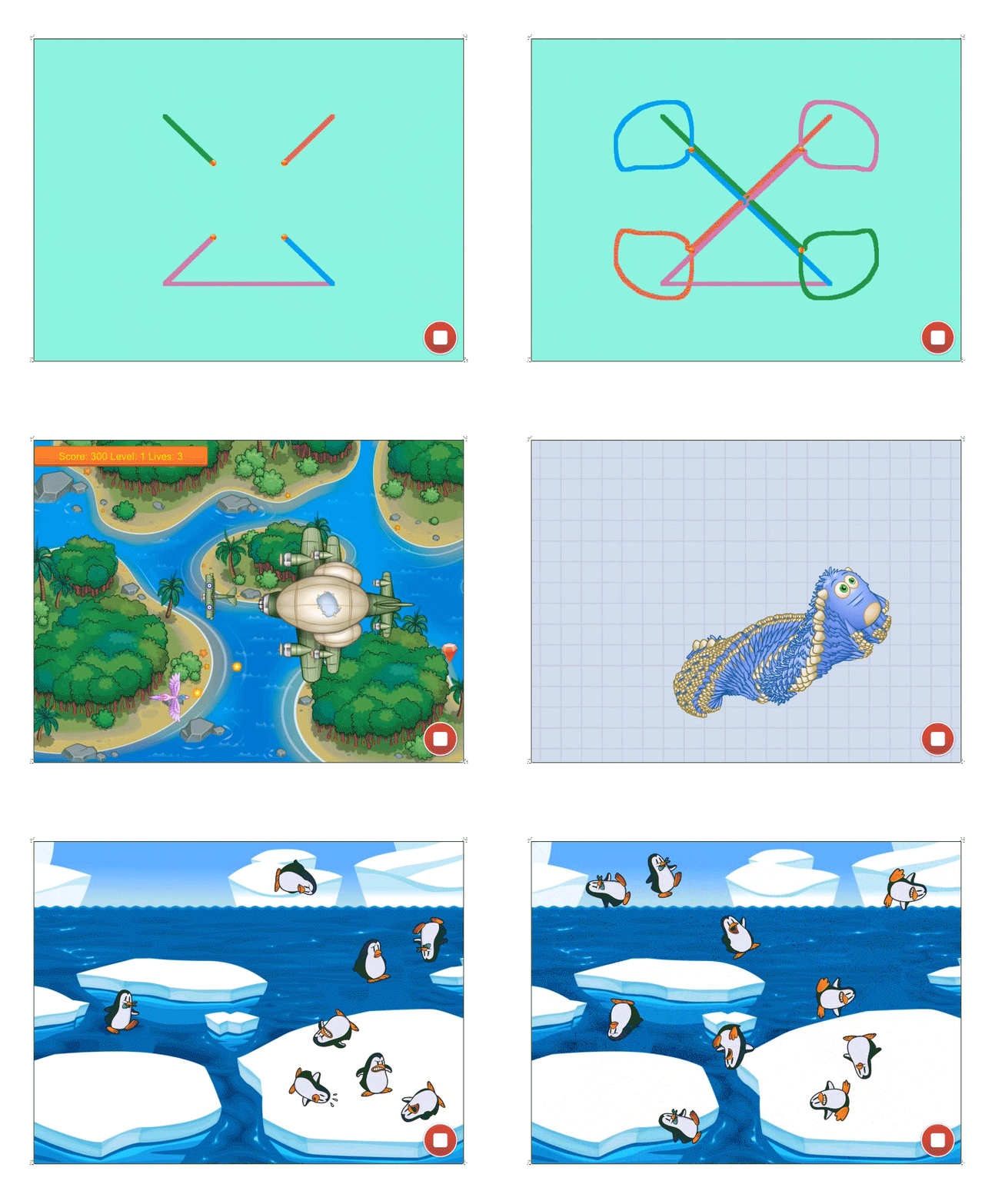
- Physics - Launch bouncing penguins, program zero gravity, and fire cannons
- Drawing - Program math art, kaleidoscopes, or your own art studio app
- Music - Program musical notes and drum beats to play any song
Connected Toys
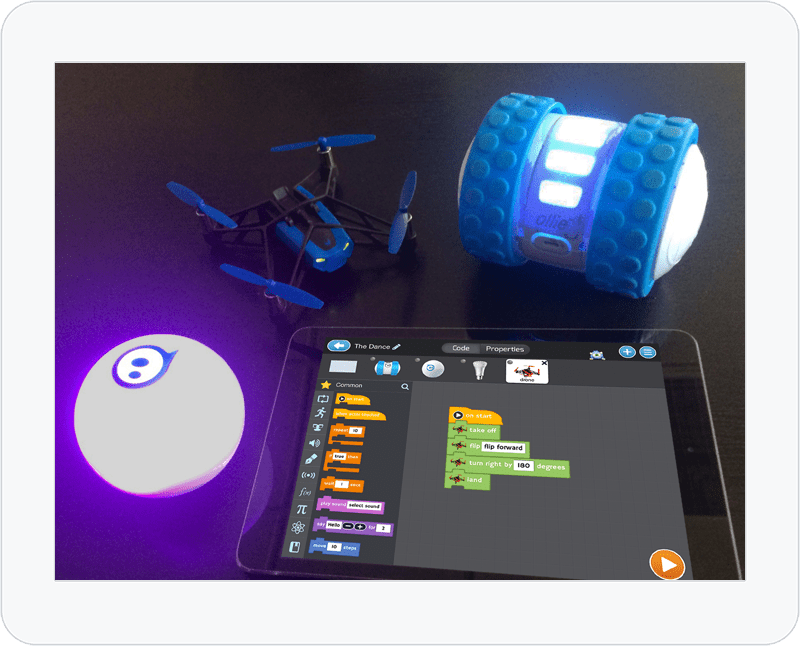
Use code blocks to control connected toys including drones and robots. Learn by playing the “Crash Course” puzzle set, then make a remote controller for your drone or robot. Support for the following devices is included:
- Parrot Rolling Spider drone
- Philips Hue and Lux personal lighting systems
Full Workshop
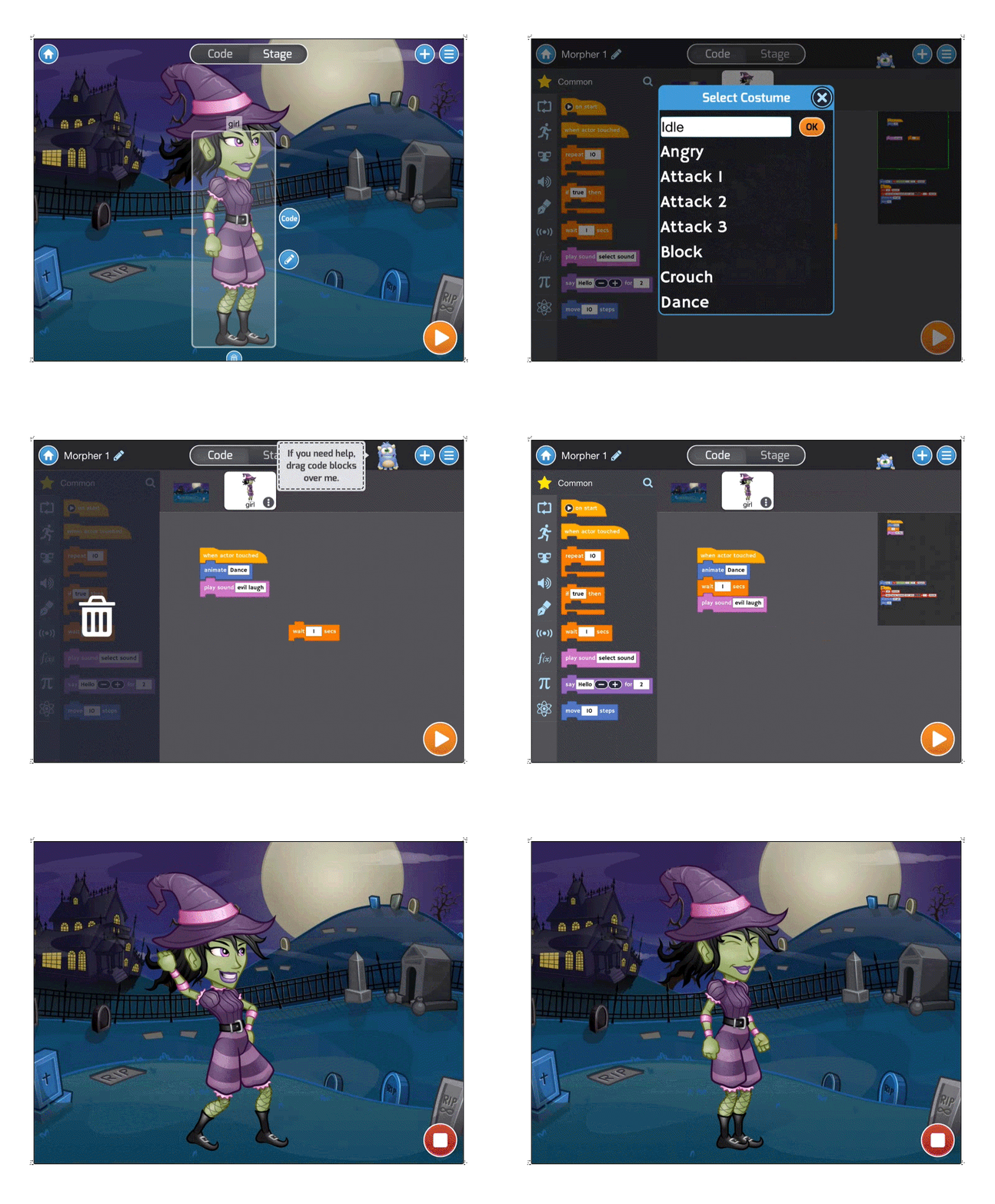
Create games and apps quickly using drag-and-drop programming and play them with friends on tablets or the web.
- Code with drag-and-drop visual blocks
- Design and use millions of animated characters
- Experiment with physics
- Use native tilt controls
- Draw math art
- Make music
Educator Features
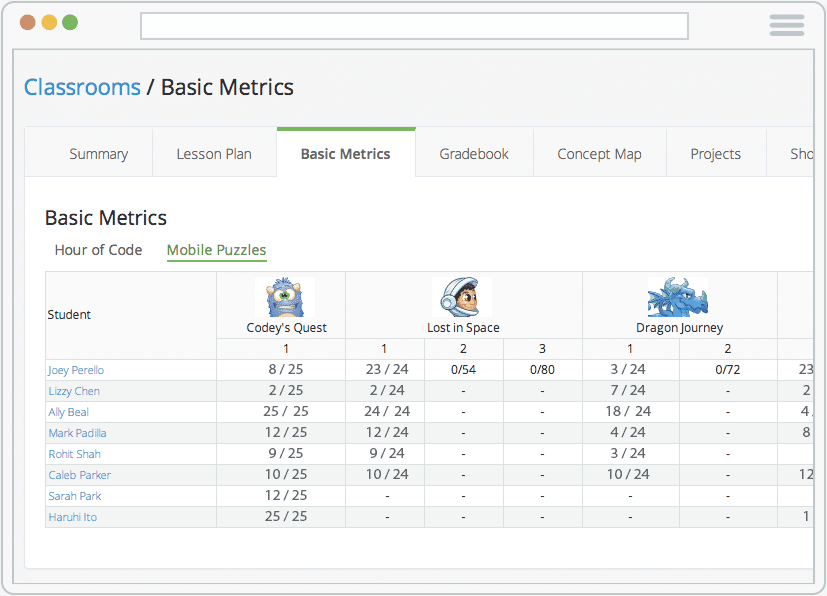
- Multi-User Support - Students can sign in to the Tynker App on any tablet and continue where they left off.
- Classroom Management - Teachers can create classrooms with multiple student accounts.
- Mobile & Desktop Syncing - Students can seamlessly access projects from web or mobile devices.
- Access to Student Projects - Teachers can review mobile student projects from a web-enabled computer.
- Class Showcases - Teachers can create and publish a class showcase by selecting the best student projects.
Tynker for Schools Premium App
Download the premium version of the Tynker App for schools including all puzzles and characters.