A Bright Future Starts with Code.
Tynker provides the best interactive coding education that fosters children's creativity, logic, and problem-solving skills, giving them an advantage in school and beyond.
More kids learn to code on Tynker than anywhere else.

100M
Students globally150K+
Schools use Tynker160M+
Apps created5,000+
Lessons
World’s largest library of fun
Tynker offers the world’s largest library of fun, self-paced coding tutorials – pair with expert guidance from over 20,000 teachers.

Personalized learning
Tynker grows with young coders, guiding them from novice to advanced coding, data science, AI, augmented reality and beyond.

Easy and approachable
Kids as young as 7 can start coding with our unique story-based and visual block coding modules, to easily create games, apps, art, music, animations and more.

Meeting kids where their interests lie
Kids are natural born creators, so we give them thousands of hours of projects in game design, Minecraft, Python, web design – even AI.
We empower students of all ages to become creators, while developing critical thinking and coding skills to help them be successful today and tomorrow.
Tynker's Award-Winning Coding Program
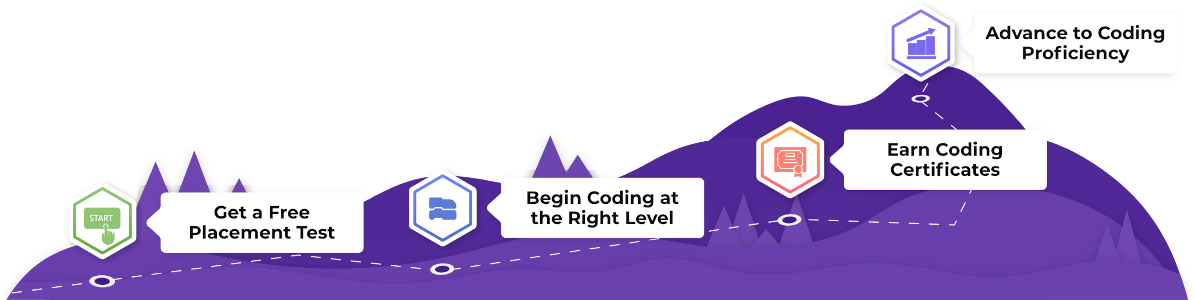
The Tynker coding curriculum is presented in a carefully designed program of 300
lessons in six levels to take your child from a novice to an expert coder.
-
Build a Strong Coding Foundation
-

Programming Basics
40 lessons, 179 activities 30 minutes per lessonCoding puzzles and creative sandboxes to learn coding fundamentals in a fun and intuitive way.
Skills They'll Learn
- Ordering tasks
- Sequencing
- Flexible sequencing
- Building a program
- Critical thinking
- Computational thinking
- Problem solving
- Debugging
- Repeating with loops
- Using conditional logic
- Composition
Get full access with a Tynker Plan Get Started for Free -

Creating with Code
49 lessons, 287 activities 30 minutes per lessonDevelop original block-based programs with storytelling, game design, animation, music, math art, and more.
Skills They'll Learn
- Coding Workshop
- Drawing Tool
- Sprite animation
- MIDI Instruments
- Interactive storytelling
- Game design
- Debugging
- Designing a UI
- Events and messaging
- Critical thinking
- Music composition
- Synthesizing sounds
- Pen drawing
- 2D motion
- Cartesian coordinates
Get full access with a Tynker Plan Get Started for Free -

Coding Proficiency
50 lessons, 299 activities 30 minutes per lessonExplore computer science data structures and algorithms while building exciting physics games, utility apps, and simulations.
Skills They'll Learn
- Cloning Actors
- Using physics
- Parallax scrolling
- Top-down game design
- Platformer game design
- Variables
- Functions
- Algorithmic thinking
- Lists and data structures
- Recursion
Get full access with a Tynker Plan Get Started for Free -
Modding Minecraft, Game Design & more!
31 elective courses, 1,702 activitiesDigital Literacy
2 courses, 71 activitiesExplore key ideas of digital literacy and learn how to stay safe online with your favorite Tynker characters from Super Squad and Puffball Panic!
Modding Minecraft
6 courses, 360+ activitiesLearn to mod Minecraft with custom add-ons, skins, mods, blocks and items.
Game Design
8 courses, 512 activitiesDesign arcade games, platformers, RPGs, physics games, and more.
Art and Music
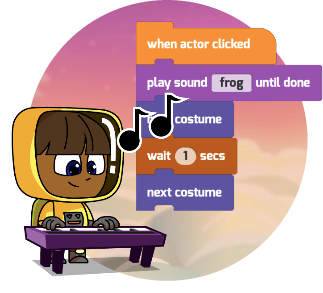
3 courses, 329 activitiesCompose music with code, and synthesize your own instruments.
Robotics and IoT
4 courses, 266 activitiesInvent hardware gadgets, control LEGO robots and code your own drone.
Artificial Intelligence
1 course, 25 activitiesDetect face, hands, poses, and objects using training models. Use NLP to create chat bots.
Get full access to all of these courses with a Tynker Plan Get Started for Free
-
-
Advance to Real-World Coding
-
Python I - Python Fundamentals
48 lessons, 198 activities 30 minutes per lessonA great introduction to Python using simple movement puzzles and bite-sized Python programs that students can code on the web.
Skills They'll Learn
- Python programming
- Basic syntax
- Sequencing
- Debugging
- Loops and patterns
- Conditional logic
- Nested loops
- Conditional loops
- Variables
- Data types
- Expressions
- I/O
- Turtle graphics
- Python modules
Get full access with a Tynker Plan Get Started for Free -

Python II - Advanced Python Concepts
52 lessons, 187 activities 30 minutes per lessonExplore core Python using functions, lists, dictionaries, variable scopes, classes, inheritance, data structures, and algorithms.
Skills They'll Learn
- Python programming
- Boolean logic
- Expressions
- String operations
- Functions
- Variable scope
- Lists
- Dictionaries
- Pygal
- Data sets
- Data science
- Charting
- Classes
- Objects
- Inheritance
- Recursion
- Binary Search
- Sorting
- Fractals
Get full access with a Tynker Plan Get Started for Free -

Python III - Real-world Python
57 lessons, 200 activities 30 minutes per lessonUse Python modules to solve real world problems in math and science, design games, visualize data and generate interactive art.
Skills They'll Learn
- Python programming
- Interactive art
- Image processing
- Game design
- Data manipulation
- Data visualization
- Data analysis
- Solving equations
- Matrix algebra
- Processing
- Pandas
- Numpy
- Sympy
- Matplotlib
Get full access with a Tynker Plan Get Started for Free -
Advanced Computer Science Paths
7 elective courses, 1,351 activitiesImage Processing and Art
59 Lessons, 304 ActivitiesExplore the work of dozens of famous masters like Warhol, Mondrian, Monet, and more — while creating artistic works on a digital canvas using p5.js.
JavaScript and Web Dev
23 Lessons, 235 ActivitiesBuild web pages with HTML and CSS and host your own web sites. Then learn JavaScript, the language of the web to build browser-based apps using JS and HTML canvas.
Artificial Intelligence
31 Lessons. 113 ActivitiesExplore artificial intelligence and machine learning with JavaScript and make your projects come alive in an all-new way!
Data Science
36 Lessons, 161 ActivitiesDesigned for aspiring data scientists, this pathway introduces data manipulation, analysis, and visualization using Python.
AP Prep with Java
105 Lessons. 452 ActivitiesEngineer a variety of real-world solutions with Java, and be ready to take on AP Computer Science A!
Get full access to all of these courses with a Tynker Plan Get Started for Free
-
-
Certificates for all Ages and Levels
-
Certifications and Outcomes
Projects Portfolio CredentialsStudents will:
- Build a solid portfolio of 100+ original projects
- Develop the understanding to solve a wide variety of real-world problems using programming
- Earn certificates for each level completed, as well as specializations in App Development, Game Design, Web Apps, Python Programming, and Data Mining
Certified Tynker Developer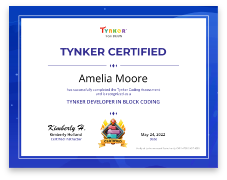 Certified Python Developer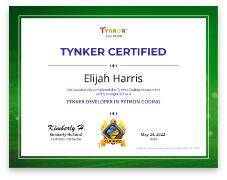

-


Choose a Plan to Accelerate Your Learning
Choose Live Online Courses
Choose a Plan to Accelerate Your Learning
Choose a 3-Year Self-Paced Plan
Quarterly
Yearly
Lifetime*
Access everything Tynker offers
3-Year All-Access plans include:
- 70+ courses
- 5,000+ activities
- Block Coding
- Text Coding
- 3 Mobile Apps
- Minecraft Modding
- Game Design
- Robotics
- Hardware
- Web Development
- Python
- JavaScript
- Processing (P5.JS)
- Data Science
- Advanced CS
Tynker is designed to progress with your child. A three year plan accelerates their coding mastery from block coding to advanced text languages.
The Tynker Approach™
Individualized learning with built-in tutorials and hands-on projects. Progress to Python coding & other languages like JavaScript.
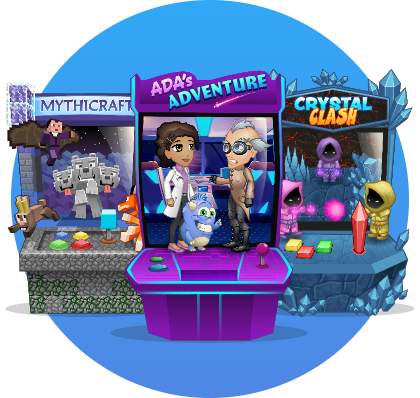
We make coding fun for kids
Engaging scenario-driven activities make learning to code a blast!
- Award-winning curriculum
- Interactive, game-like lessons
- Independent project-building
- Coding apps
- Something for everyone
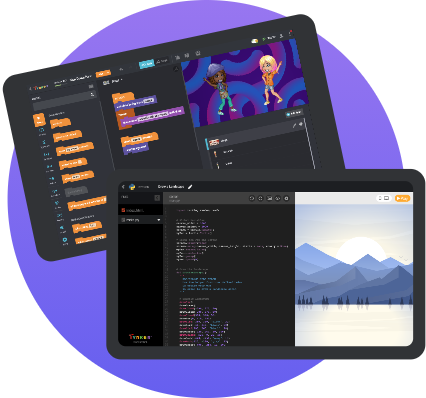
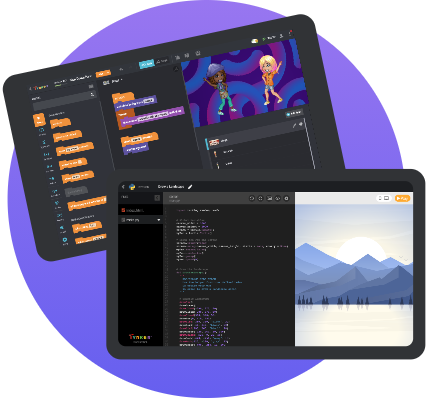
World class creative tools, built for creative minds
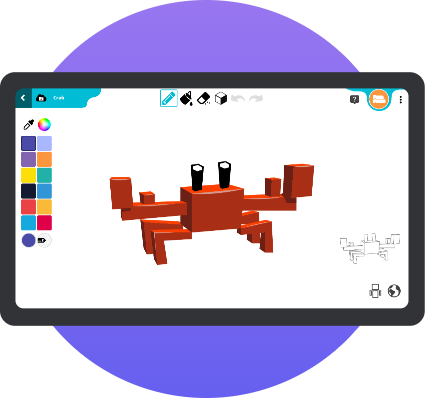
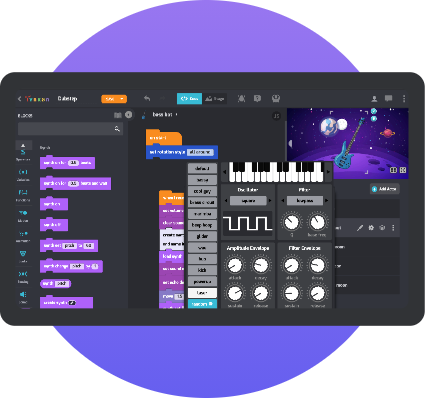
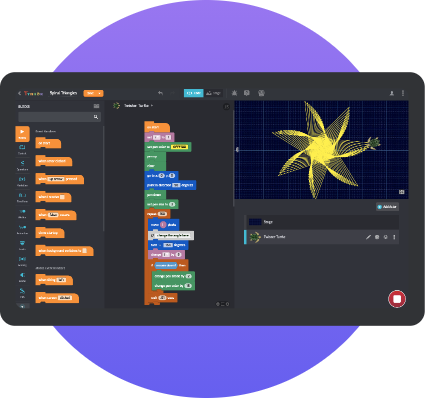
Easy-to-use tools let kids create anything they can imagine with code from Minecraft modding to creative coding art, music and more!.

Code Editors

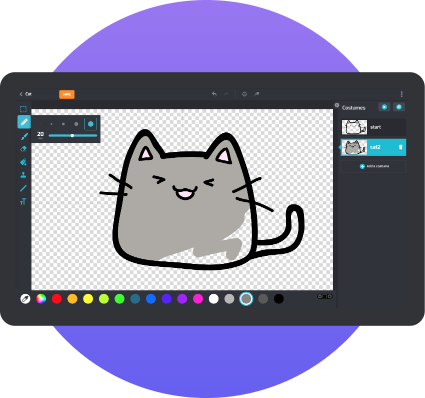
Paint Editor

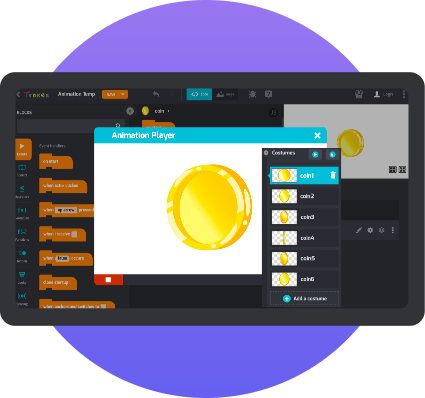
Animation Tool

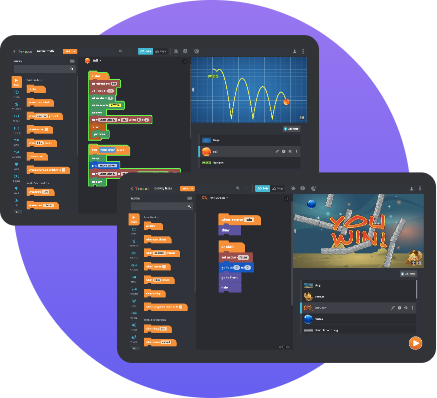
Physics Engines

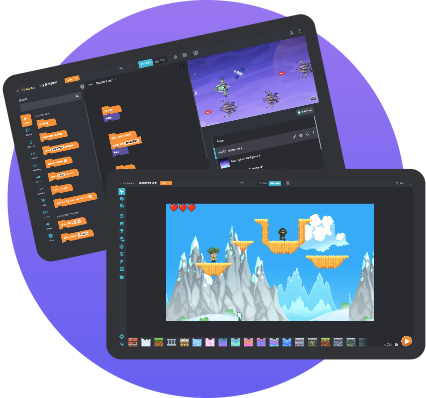
Game Builders

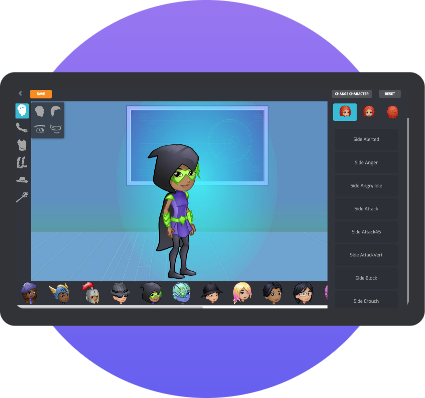
Character Creators

3d modeling Minecraft

Synthesizers

Turtle Pen Tools
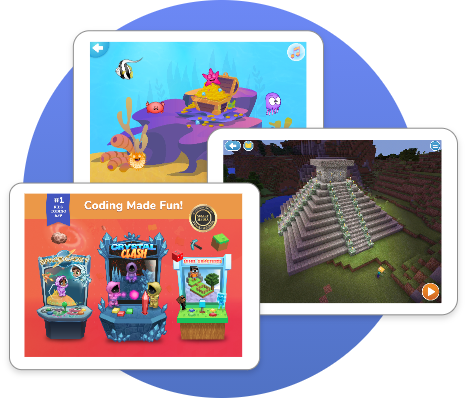
3 Highly-Rated Mobile Apps for Learning Code
Tynker Junior
Tap-Tap picture coding with voice-overs. Pre-readers solve story-based puzzles and build their first programs in coding sandboxes. Ages 5-7

Tynker
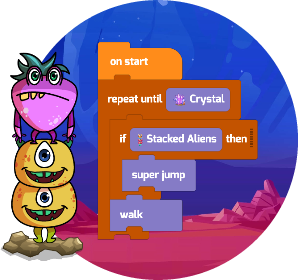
Drag-and-drop block coding with a full-featured workshop. Build games and apps, compose music and art, control smart devices, and much, much more. Ages 7-12
Mod Creator
Drag-and-drop Minecraft modding. Design skins, blocks and items. Modify mob behaviors. Create mods and add ons. Explore virtual worlds! Ages 7-12
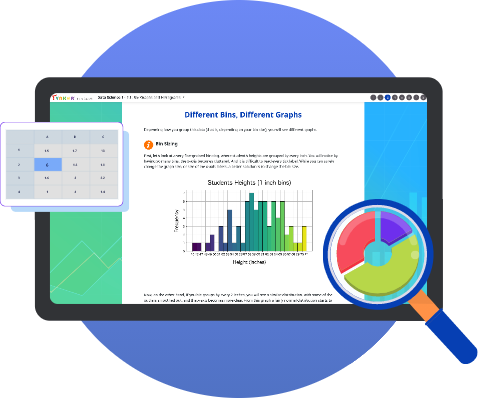
We build a solid computer science foundation for the real world
From block coding to Python coding, we teach the big ideas of CS like abstraction and computing systems.
- Learn real languages like JavaScript
- Program IOT hardware using MicroPython
- Code Data Science with Python
- Explore Art and Image Processing
- Prep for AP CS with Java
- Earn CS mastery certifications

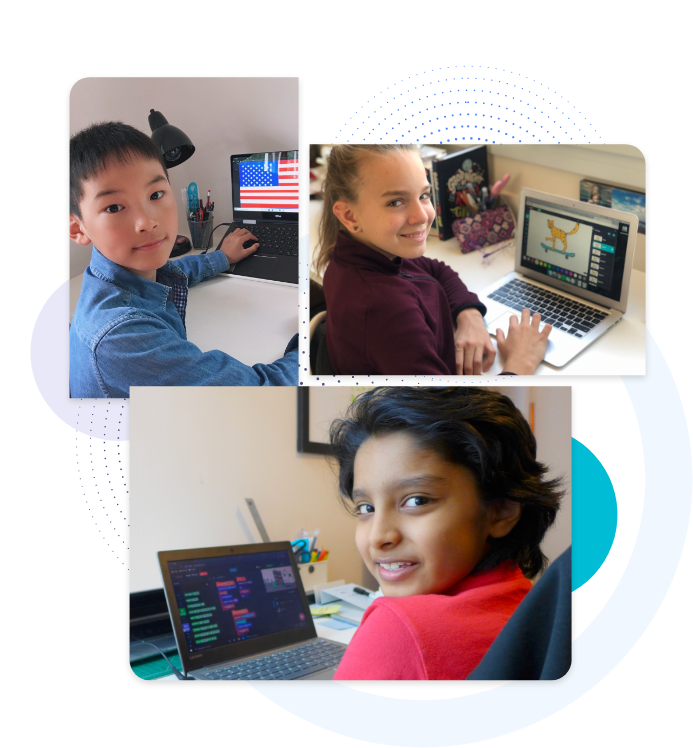
Connect and share your creations in a safe, moderated community
Over 100 million kids and teens coding and creating.
Learn from fellow makers worldwide.
- Safe and moderated activity
- Weekly featured makers
- Educational how-tos
- Remix from millions of projects
- Global competitions
Kids, Parents, and Teachers love Tynker

100 Million+ Users
Millions of learners have started programming using our free Hour of Code puzzles and games and then advanced to Python coding and web dev.

150,000+ Schools
Tynker is trusted by over 150,000 schools and districts all over the world to teach Computer Science in elementary, middle and high schools.

75 Million+ Projects
Kids have used Tynker coding and creativity tools to publish millions of apps, games, Minecraft skins and resources in our safe moderated community.
Trusted by Leading Brands







Frequently asked questions
-
Is coding for kids good?
We're living during a high-tech revolution, witnessing life-changing advancements in medicine, environmental conservation, and much more. At the core of all these amazing projects and discoveries is CODE. There's a lot of exciting and imaginative work going into new technology from coders all around the world, transforming fields you wouldn't normally expect and creating huge opportunities for your child in the future.
As kids and teens learn to code, they also build essential skills like critical thinking, logic, and problem-solving. They learn to logically sequence events, create playable games, tell good stories, and model real situations. They also learn computational thinking by developing algorithmic and design thinking abilities. Learning to code has become an essential element of a child's education and an excellent way to express their creativity and imagination. -
Why should we use Tynker coding for kids?
Tynker is the world’s number one coding platform for children ages 5 to 18 for a reason—it works! Tynker powers the creativity of over 100 million students and serves thousands of schools and educators worldwide.
Tynker’s award-winning, gamified courses and activities encourage kids to complete projects as they have fun, allowing them to progress from novices to experts using languages like Python. Tynker’s interactive lessons have built-in tutorials for all ages and skill levels. Our highly-rated mobile app (4.7 stars) lets students take Tynker on the go. Learning how to code with Tynker unlocks and empowers children’s creativity, teaching them life-long skills they can use today and into the future. -
How does Tynker coding work?
Tynker’s program provides individualized learning with built-in tutorials and hands-on projects so kids and teens can learn to code easily at their own pace while having fun. Tynker provides story-based lessons that engage children of all ages and offers powerful creativity tools to let kids create anything they can imagine with code. Tynker places your child on the right path and motivates them to progress to more complex skills — advancing to real-world text languages like Python and JavaScript and building apps, games, art, and more with code.
Tynker also has an inspiring global community where millions of kids create and learn from each other in a safe, moderated environment. -
At what age can my child start coding?
With Tynker, kids can learn to code at any age and as early as 5-6 years old. Tynker offers a range of solutions with icon-coding for pre-readers, block-based coding, and advanced courses in Python, JavaScript, data science, art, and image processing. Tynker will assess your child when they start and place them on the right path. -
How do I pick the best coding plan for my child?
Tynker has several great time-based home plans — Quarterly, Yearly, and Lifetime. All premium home plans give you full access to Tynker self-paced on the web and to all Tynker apps: Tynker Jr, Tynker, Mod Creator. Tynker premium plans include all self-use courses and activities in block coding and advanced coding with Python, Java, JavaScript, and advanced CS. Suitable for ages 5 to 18 and any coding skill level. Tynker will assess your child when they start and place them on the right path.
Quarterly plans are good if you are checking Tynker out; yearly plans allow your child to progress and get to more advanced coding. The Lifetime plan is set up to assess your child yearly and advance them through real-world coding languages like Python.
Each plan includes access for up to 3 children. All plans come with a 30-day money-back guarantee. -
Can my children share a single account?
Multiple children cannot share the same account, because they will overwrite each other’s work. But each paid plan includes up to 3 children so they can each create in Tynker -
Do you offer discounts for multiple children?
All Tynker plans include access for up to 3 children. -
How do I know my child is learning how to code?
Tynker automatically tracks your child’s achievements as they work through lessons and activities. From your Parent Dashboard, you can view your children’s progress through the courses, the projects they’ve created, and the concepts they’ve learned. You can even share projects with your friends and family. -
Will my subscription renew automatically?
Yes, your subscription will renew automatically by default. After purchasing, you can turn off recurring billing and edit any other payment information from your Tynker parent dashboard. -
How do I turn off auto-renewal for my subscription?
If you purchased the subscription from our website, you can cancel a plan by turning off automatic renewal in settings via your Parent Dashboard. Click “Manage” next to each child and select “cancel.” This will remove auto-renewal.If you purchased the subscription through our iPad app, you need to cancel through the iPad general settings. Open up the settings for the iPad and scroll down until you see iTunes & App Store. Then, select the Apple ID that you used to sign up for the subscription. When you get the pop up, select View Apple ID. Scroll down until you see Subscriptions and click on Subscriptions. Find Tynker and select Cancel. -
What devices are Tynker courses supported on?
You can access Tynker courses from any computer with a modern browser and Internet connection. Some courses are also available on the Tynker iPad app. To access courses from the iPad app, sign in to your account. -
What are the technical requirements for Minecraft modding?
We currently support Minecraft: Bedrock Edition (formerly known as Pocket Edition or Windows 10 Edition). To use mobs, skins, blocks, and Add-Ons for Minecraft, you must install Minecraft on either your computer or your mobile device, download the creation onto the device, and import it into Minecraft. -
Can I give a subscription as a gift?
Yes, you can access gifts here. We offer quarterly, yearly and lifetime plans and each plan includes access for up to 3 children. You will be charged for the entire amount up front and the subscription will not renew. -
Do you have a satisfaction guarantee?
Of course! We want you to love Tynker (and we think you will), but if Tynker is not a good fit for your child for any reason, we have a 30-day money back guarantee. If you purchased the subscription through our website, just send us an email at support@tynker.com.If you purchased the subscription through our iPad app, please contact the Apple App store to request cancellation and a refund.