


1.1: Welcome
No description
1 Activity:
- 1.1: Welcome
1.2: What is Data Analysis?
No description
8 Activities:
- Introduction
- Table the Flowers
- Organize the Table
- Read the Graphs
- Think About Data Analysis
- What is Statistics?
- Bias
- Key Takeaways
1.3: Python Refresher
No description
8 Activities:
- Introduction
- String Basics
- Lists
- Comparison Operators
- Logical Operators
- Function Calls
- What Are Comments?
- For Loops
1.4: Start Your Analysis
No description
8 Activities:
- Introduction
- Sample Collection
- Sample Size
- Types of Data
- Differences in Data
- Find the Central Value
- See the Shape of the Data
- Tricky, Tricky Data
1.5: Back to Python
No description
6 Activities:
- Introduction
- Mean
- Median
- Range
- Mode
- pandas Makes It Simple
1.6: Review
No description
1 Activity:
- Review
1.7: Quiz
No description
1 Activity:
- Quiz
1.8: Lab: Exploring Real Data
Analyze three different sets of real-world data in this lab.
7 Activities:
- Introduction
- Elephant Ages
- After the Exercise: Elephant Ages
- New York City
- After the Exercise: New York City
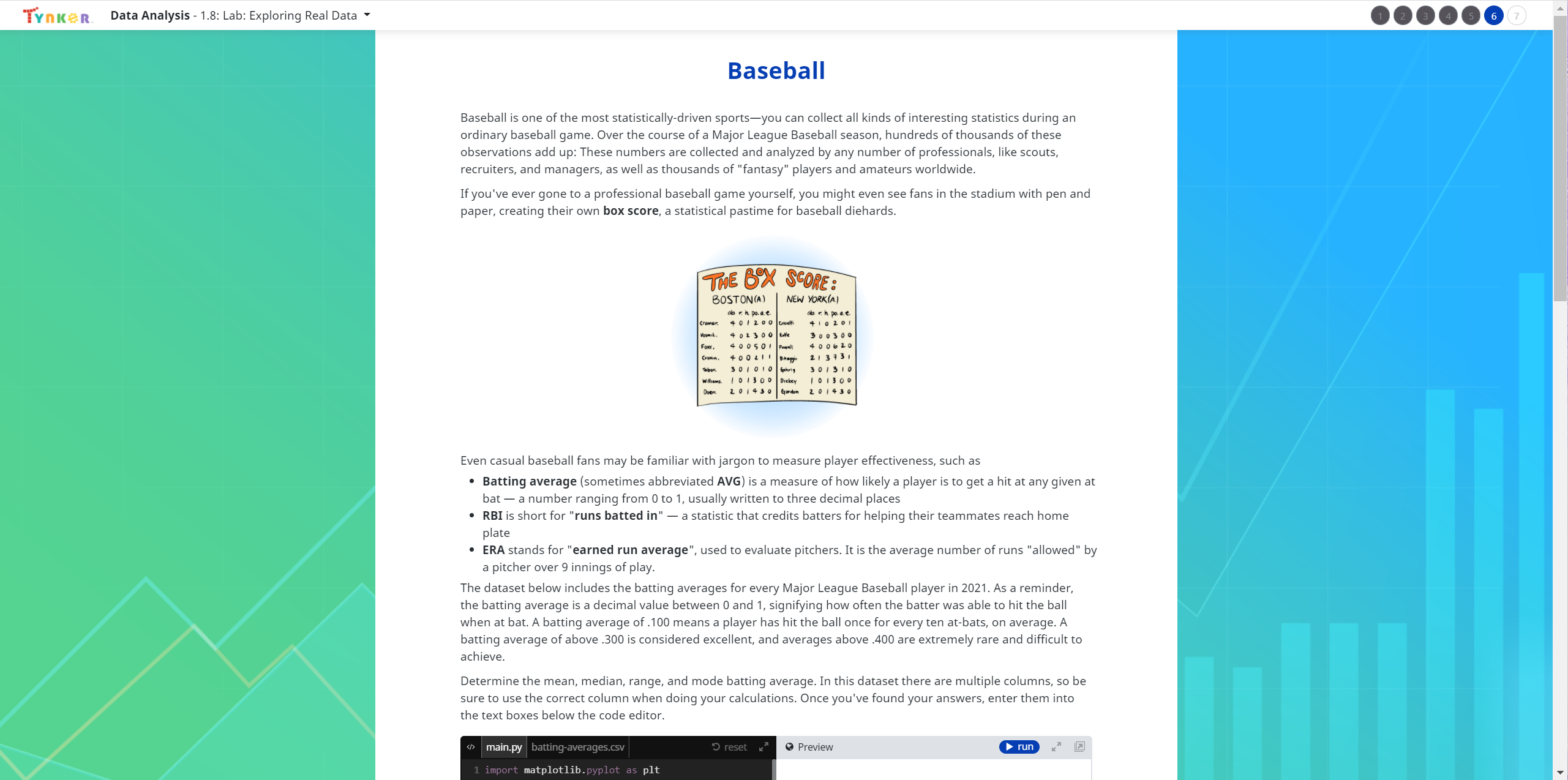
- Baseball
- After the Exercise: Baseball
2.1: Bar Graphs and Histograms
Introduce bar graphs and histograms.
1 Activity:
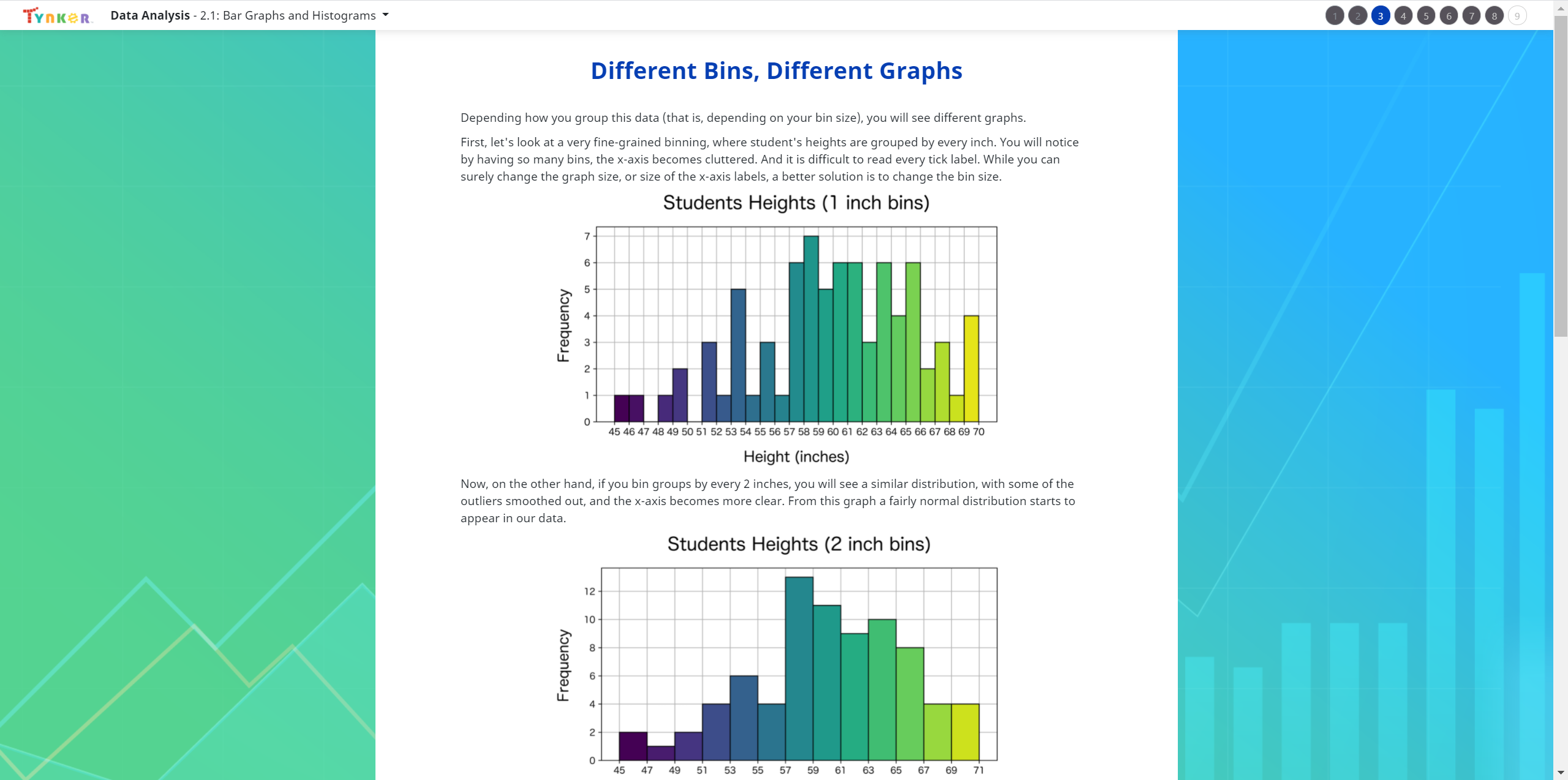
- 2.1: Bar Graphs and Histograms
2.2: Line Graphs
Introduce line graphs.
5 Activities:
- Introduction
- Line Graphs Use Numerical Data
- How to Create a Line Graph
- Plot Temperature Highs and Lows
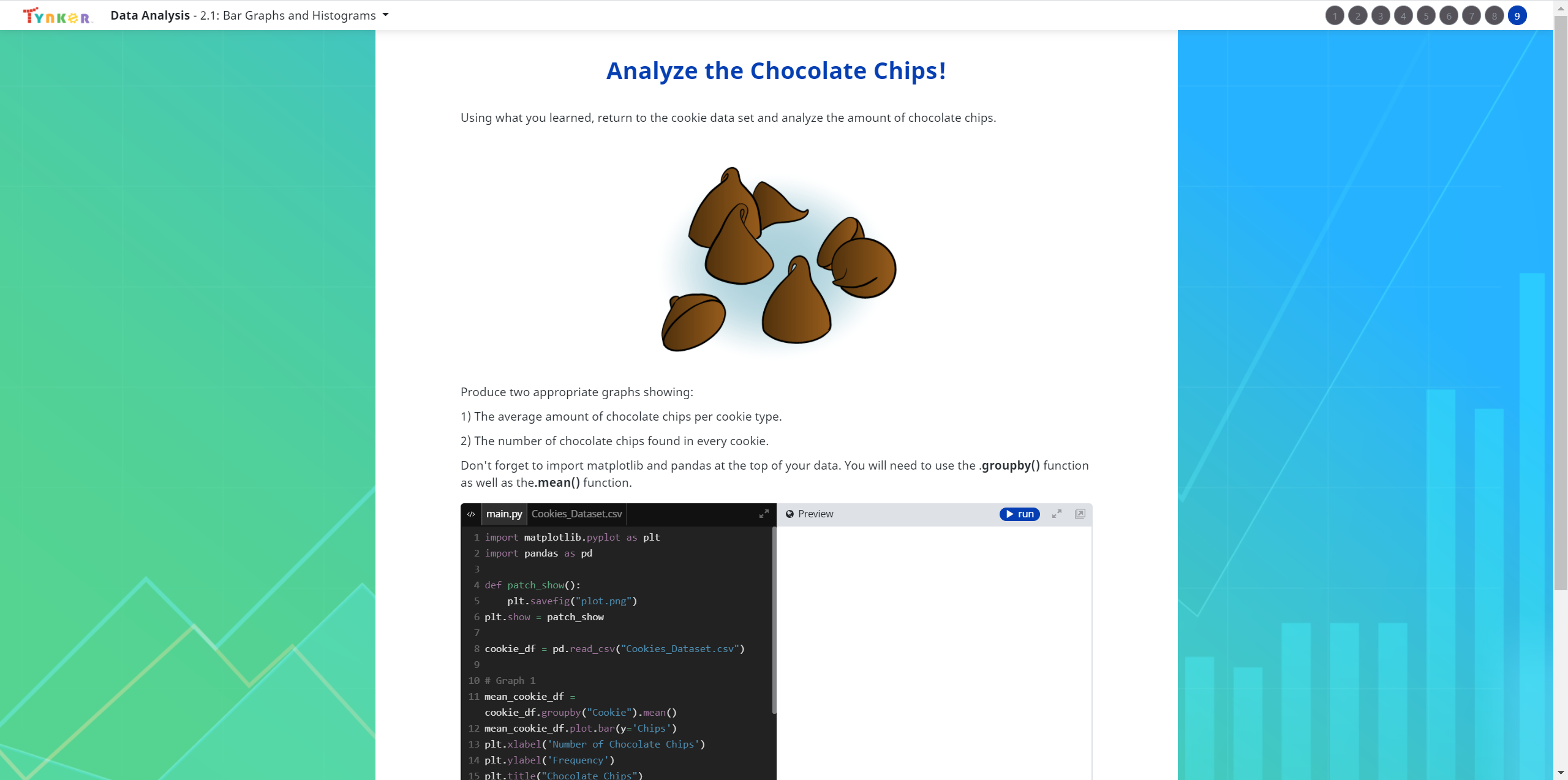
- Analyze the Pea Plants!
2.3: Scatter Plots
Introduce scatter plots.
5 Activities:
- Introduction
- How to Create a Scatter Plot
- Trend Lines
- Add a Trend Line
- Analyze Student Data!
2.4: Customizing Plots
Customize your plots.
9 Activities:
- Introduction
- Set Up the Graph
- Label Title and Axes
- Adjust Axes
- Change the Grid and Legend
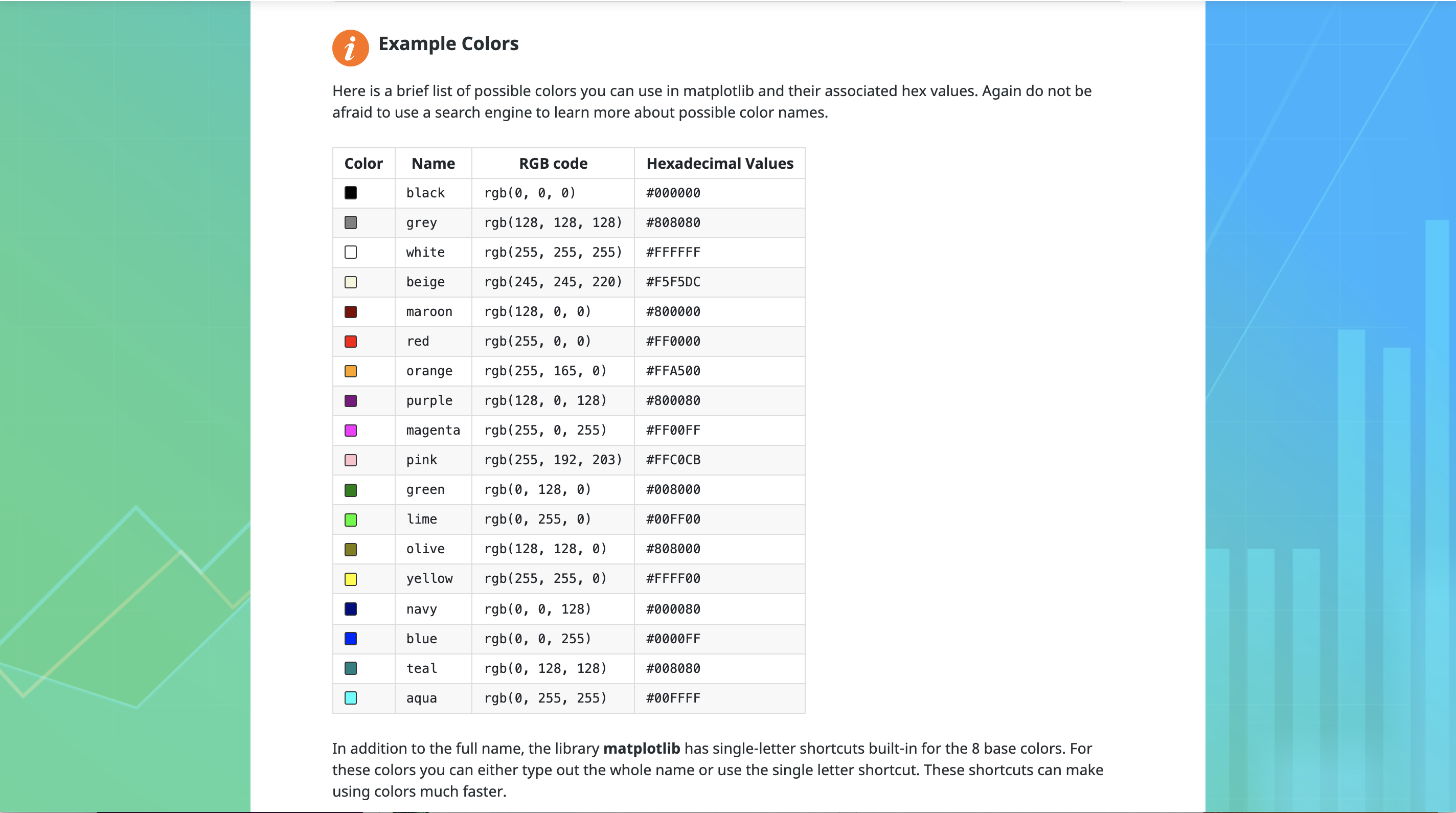
- Colorful Charts
- Change Background Colors
- Adjust Graph Colors
- Adjust Text Colors
2.5: Review
Review what you've learned in this unit.
1 Activity:
- Review
2.6: Quiz
Take a quiz on what you've learned in this unit.
1 Activity:
- Quiz
2.7: Lab: Rainfall
Lab it up.
5 Activities:
- Introduction
- Gather Your Data
- The Text Editor
- Lab: How Much Does It Rain?
- After the Exercise
3.1: Creating Dataframes
Customize your plots.
1 Activity:
- 3.1: Creating Dataframes
3.2: Creating Random Data
Customize your plots.
6 Activities:
- Introduction
- Generate Random Integer Data
- Normal Curve Data
- Generate Random Normal Data
- Combine Data into DataFrame
- Conclusion
3.3: Manipulating Data Sets
Customize your plots.
8 Activities:
- Introduction
- Import Without a Header
- Change Column Names
- Subset New Data By Columns
- Create a New Column
- Divide a Column into Multiple Columns
- Subset New Data By Row Values
- DIY: Summer Ice Cream Sales!
3.4: Variation of a Normal Curve
Learn about the normal curve.
6 Activities:
- Introduction
- Bimodal Curve
- Recreate Bimodal Curve
- Skewed Curve
- Add Reference Lines
- Key Points
3.5: Review
Customize your plots.
1 Activity:
- Review
3.6: Quiz
Customize your plots.
1 Activity:
- Quiz
3.7 Lab: Olympics Medals
Analyze data about medal-winners at the Olympics in this lab.
4 Activities:
- Introduction
- Lab: Summer Olympics Dataset
- Lab: Olympic Winners!
- After the Exercise
4.1: Box Plots
Customize your plots.
1 Activity:
- 4.1: Box Plots
4.2: Area Plots
Customize your plots.
5 Activities:
- Introduction
- Fill Under the Curve
- Flip the Fill
- Fill in Between x Values
- Fill Between Lines
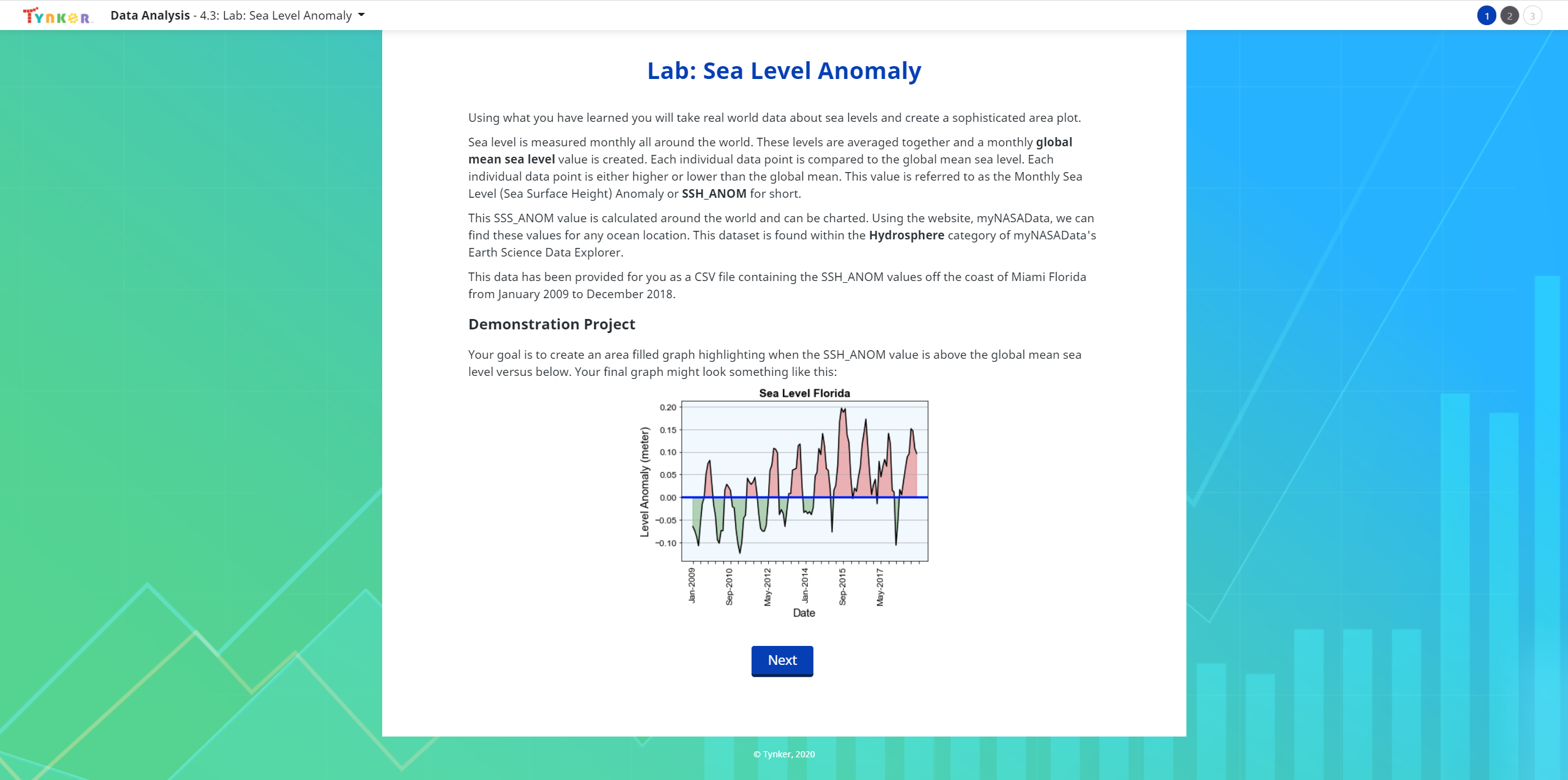
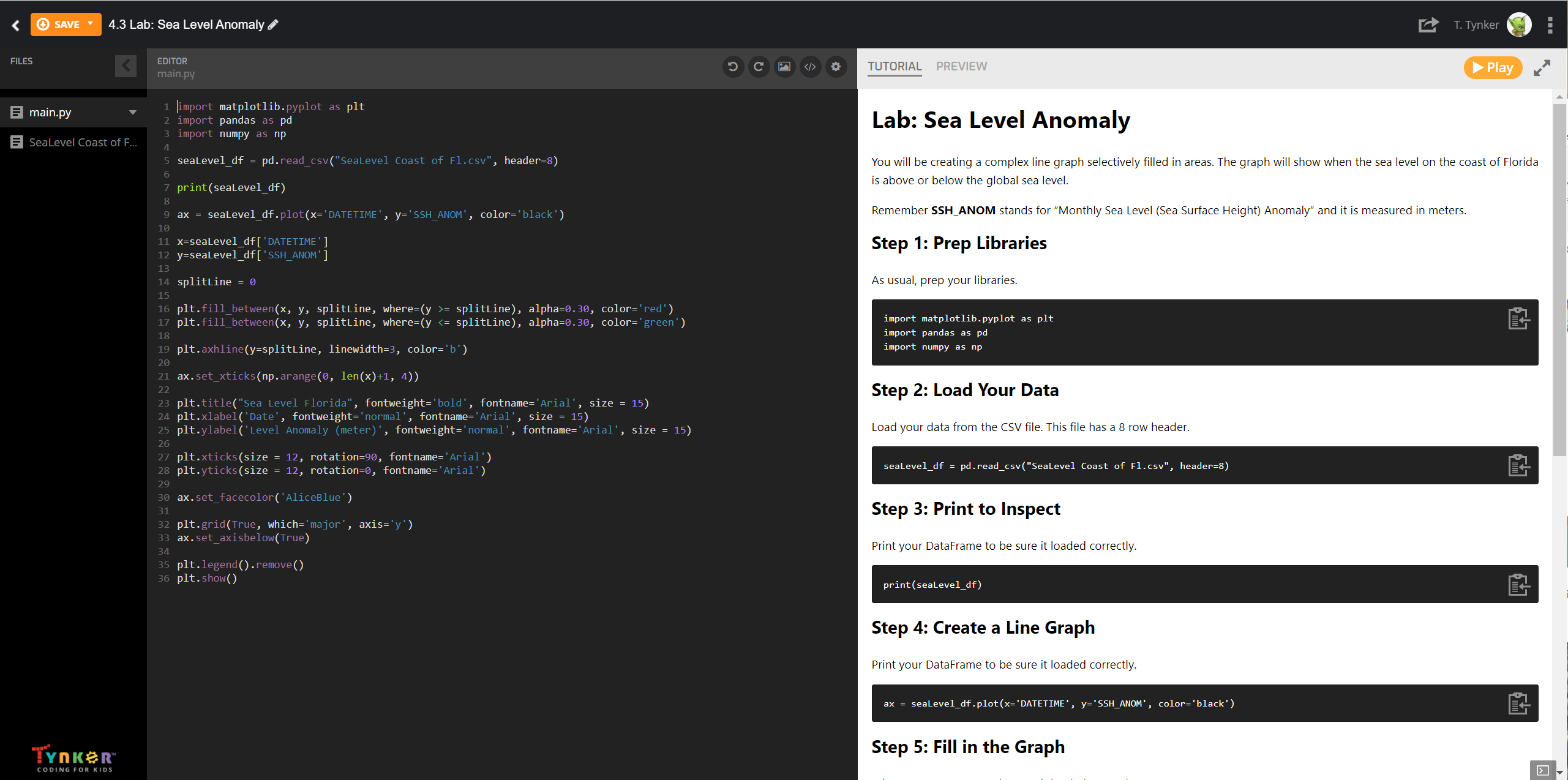
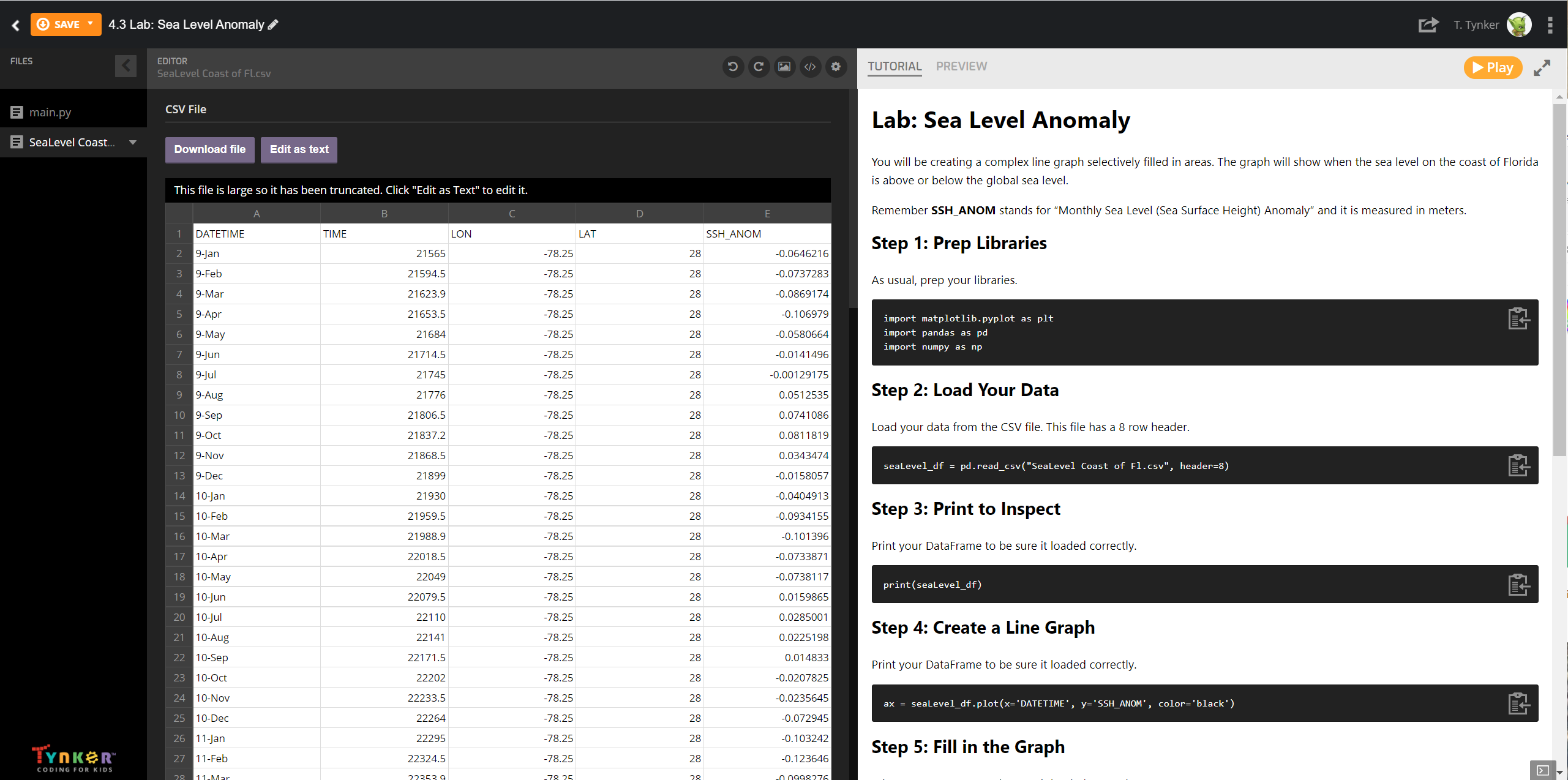
4.3: Lab: Sea Level Anomaly
Customize your plots.
3 Activities:
- Introduction
- Sea Level Anomaly
- Bonus Challenge: On Your Own
4.4: Creating Figures
Customize your plots.
5 Activities:
- Introduction
- Figure Design and Layout
- Plot Multiple Rows
- Align x and y Axes
- Practice Creating a Figure
4.5: Customizing Figures
No description
3 Activities:
- Introduction
- Assign DataFrame Based Graph to Subplot
- Summary of Figures
4.6: Complex Bar Graphs
No description
6 Activities:
- Introduction
- Grouped Bar Graphs
- Stacked Bar Graphs
- Pivot Tables
- Analyze Students' Pet Survey
- Analyze Team Records
4.7: Pie Charts
No description
4 Activities:
- Introduction
- Create Pie Chart
- Create Donut Graph
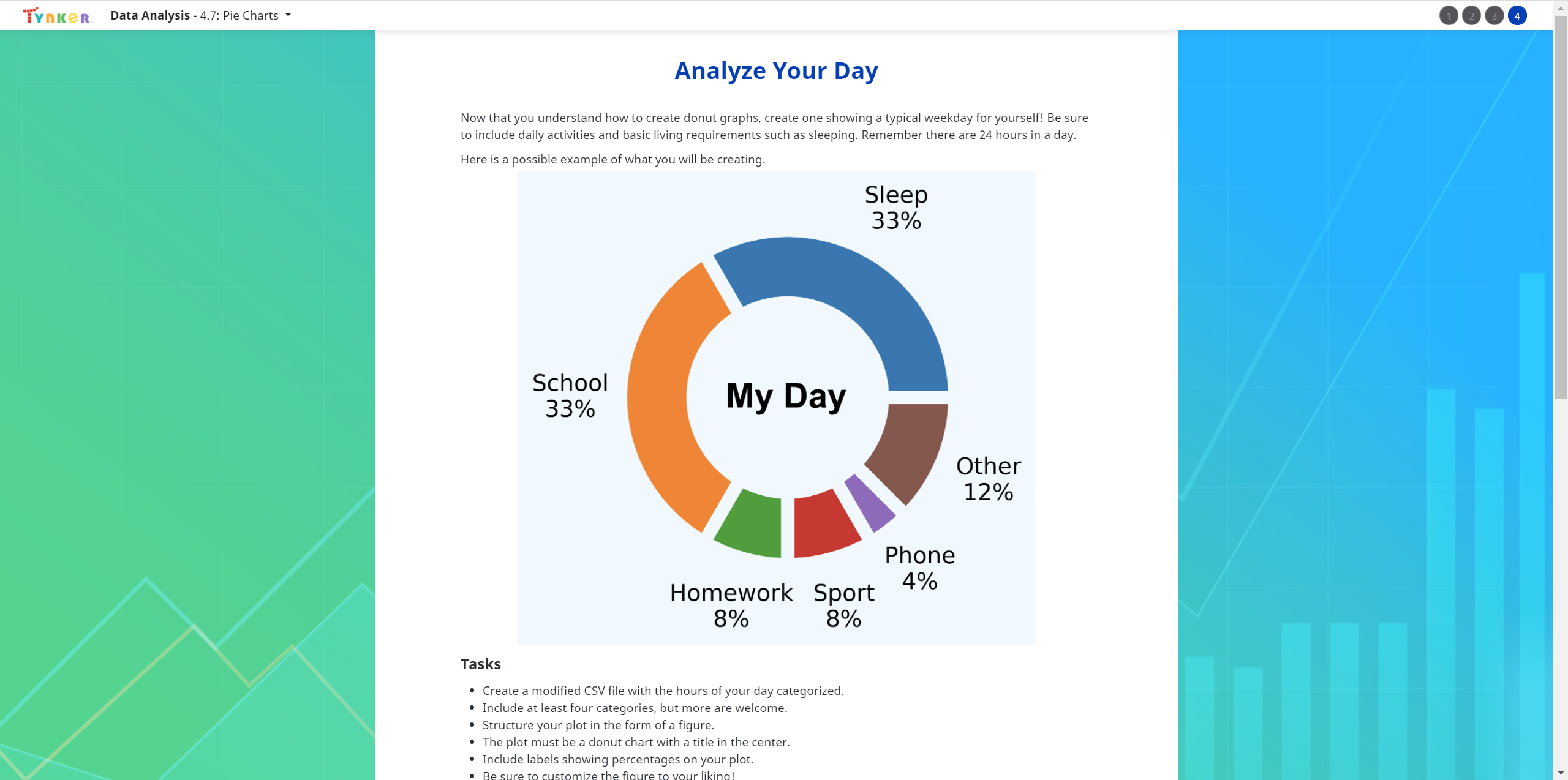
- Analyze Your Day
4.8: Review
No description
1 Activity:
- Review
4.9: Quiz
No description
1 Activity:
- Quiz
5.1 Day 1: Intro to Final Lab
No description
1 Activity:
- 5.1 Day 1: Intro to Final Lab
5.2 Day 2: Load Data, Initial Charts
No description
3 Activities:
- Introduction
- Reminder: How to Load Data
- Check Your Understanding
5.3 Day 3: Charts Complete
No description
3 Activities:
- Introduction
- The Minimum Requirements
- Check Your Understanding
5.4 Day 4: Polish, Customize, Document
No description
4 Activities:
- Introduction
- Document Your Code
- How to Customize Your Axes and Figures
- Check Your Understanding
5.5 Day 5: Final Report
No description
3 Activities:
- Introduction
- Report Time
- After the Exercise