
A Bright Future
Begins With You
More kids learn to code on Tynker than anywhere else.

100M+Students globally
150K+Schools use Tynker
160M+Apps created
5,000+Lessons
Why Tynker?


World’s largest library
Tynker offers the world’s largest library of fun, self-paced coding tutorials.


Easy and approachable
Kids as young as 7 can start coding with our unique story-based and visual code blocks.
Personalized coaching
Tynker grows with young coders, guiding them from novice to data science, AI, and beyond.
Interest-based lessons
Creative projects in Minecraft Modding, game design, art, and animation.Kids are natural born creators, so we give them thousands of hours of projects they love.
Tynker’s Award-Winning Coding Program
The Tynker coding curriculum is a carefully designed program to take your child from a novice to an expert coder.
The Tynker coding curriculum is presented in a carefully designed program of 300
lessons in six levels to take your child from a novice to an expert coder.
6
levelsof coding
300
lessonsper level
30
minutesper lesson


Build a Portfolio
Build a solid portfolio of 100+ original coding projects.
Develop Skills
Develop the understanding to solve a wide variety of real-world problems using programming.
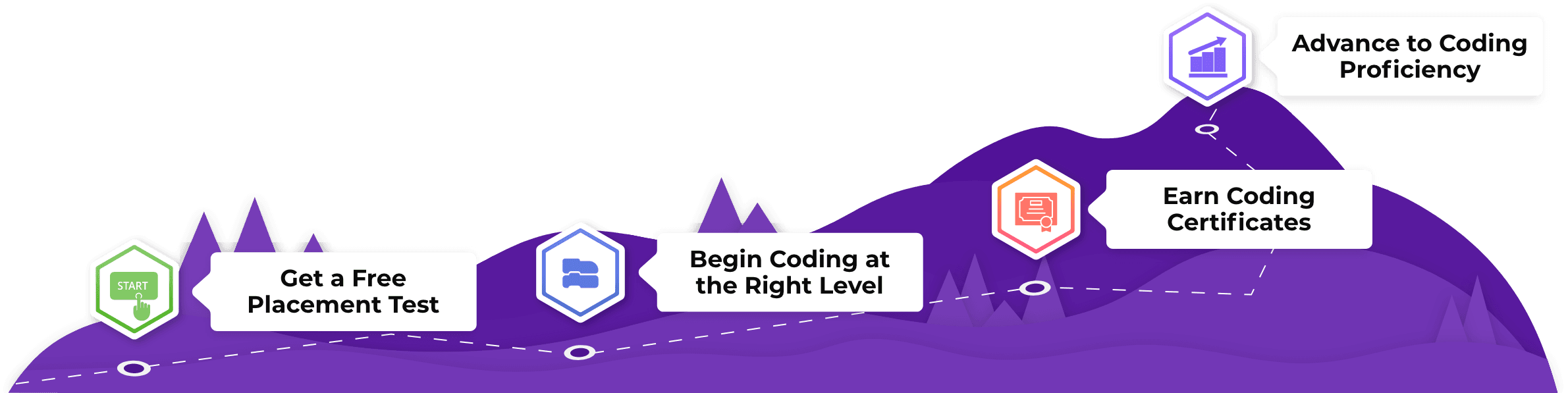
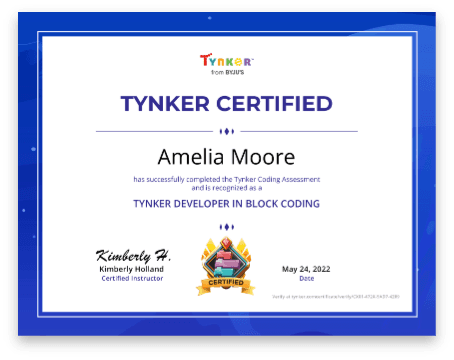
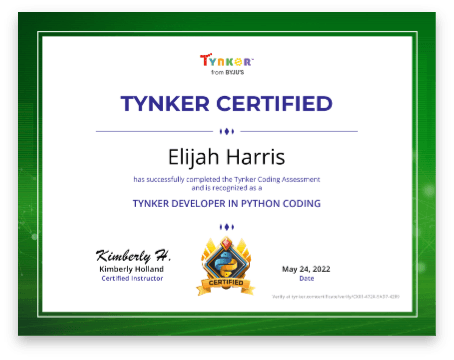
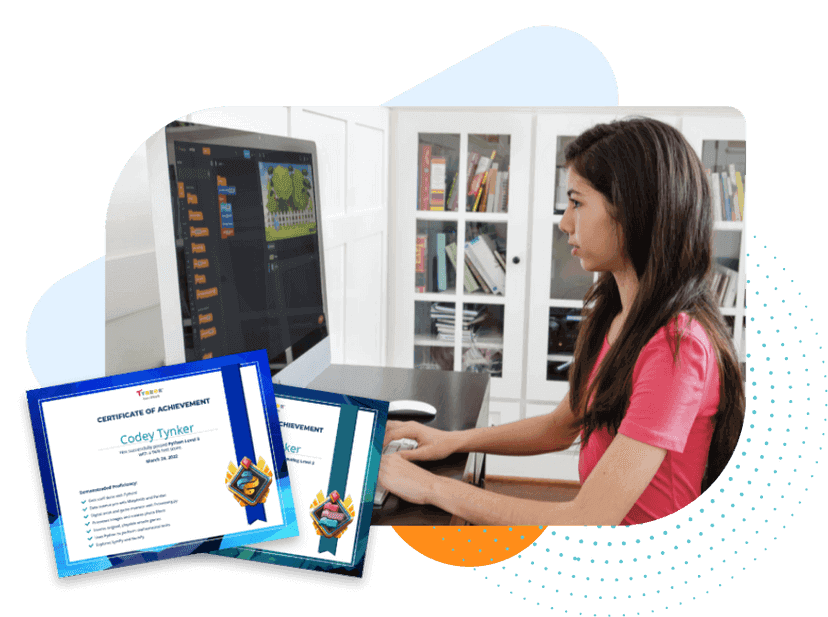
Earn Certificates
Certificates are awarded at each level completed, as well as specializations in App Development, Game Design, Web Apps, Python Programming, and Data Mining.

Build a Strong Coding Foundation

Programming Basics
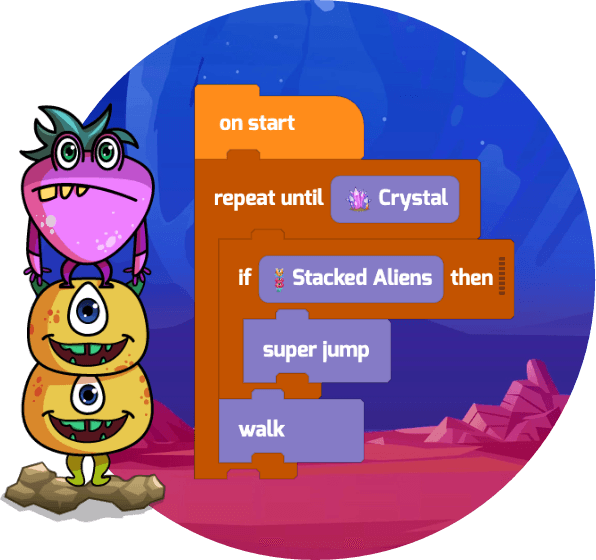
Coding puzzles and creative sandboxes to learn coding fundamentals in a fun and intuitive way.
Skills They'll Learn
- Ordering tasks
- Sequencing
- Flexible sequencing
- Building a program
- Critical thinking
- Computational thinking
- Problem solving
- Debugging
- Repeating with loops
- Using conditional logic
- Composition

Creating with Code
Coding Proficiency
Modding Minecraft, Game Design & more!
Advance to Real-World Coding
Python Fundamentals
Advanced Python Concepts
Real-World Python
Advanced Computer Science Paths
Certificates for all Ages and Levels


Certifications and Outcomes
Students will:
- Build a solid portfolio of 100+ original projects
- Develop the understanding to solve a wide variety of real-world problems using programming
- Earn certificates for each level completed, as well as specializations in App Development, Game Design, Web Apps, Python Programming, and Data Mining


Choose a Tynker PlanChoose a Plan to Accelerate Your Learning
All plans include access for up to 3 children
Access everything Tynker offers
- Thousands of creative project hoursThousands of hours of creative projects in Game Design, Minecraft, Python, and more
- Personalized assessments and certifications in real-world languages
- Access to our highly rated mobile apps: Tynker, Tynker Junior & Mod Creator
- Mastery certifications
- 5,000+ coding lessons5,000+ lessons built to improve problem solving skills and academic performance
- Parent dashboard with mastery stats - watch as they progress from novice to expert!
- 30 Day Money-Back Satisfaction Guarantee
The Tynker Approach™
Individualized learning with built-in tutorials and hands-on projects. Progress to Python coding & other languages like JavaScript.

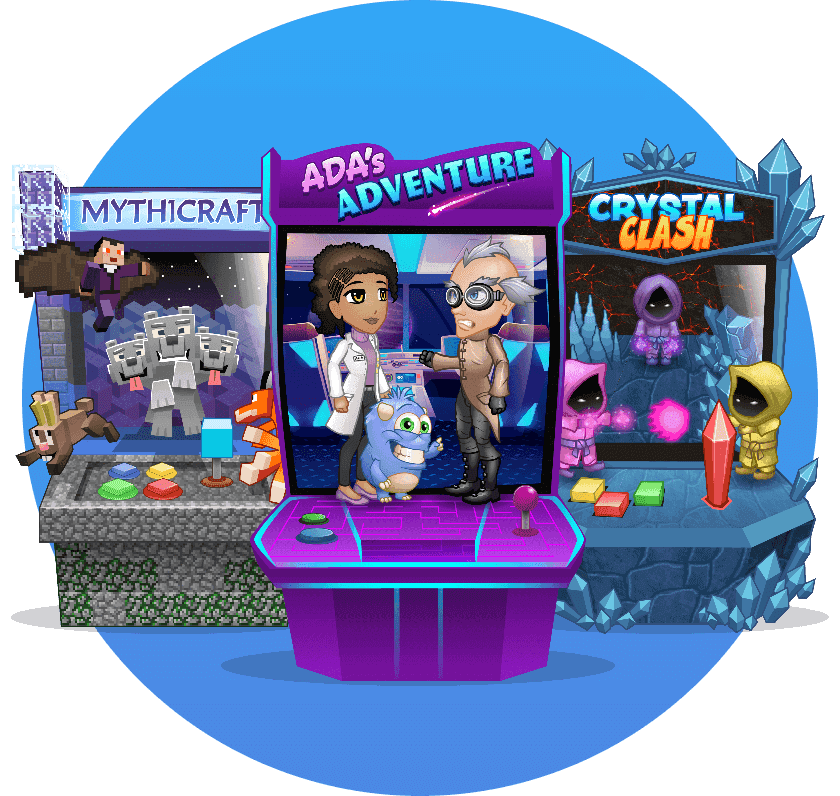
We make coding fun for kids
Engaging scenario-driven activities make learning to code a blast!
- Award-winning curriculum
- Interactive, game-like lessons
- Independent project-building
- Coding apps
- Something for everyone

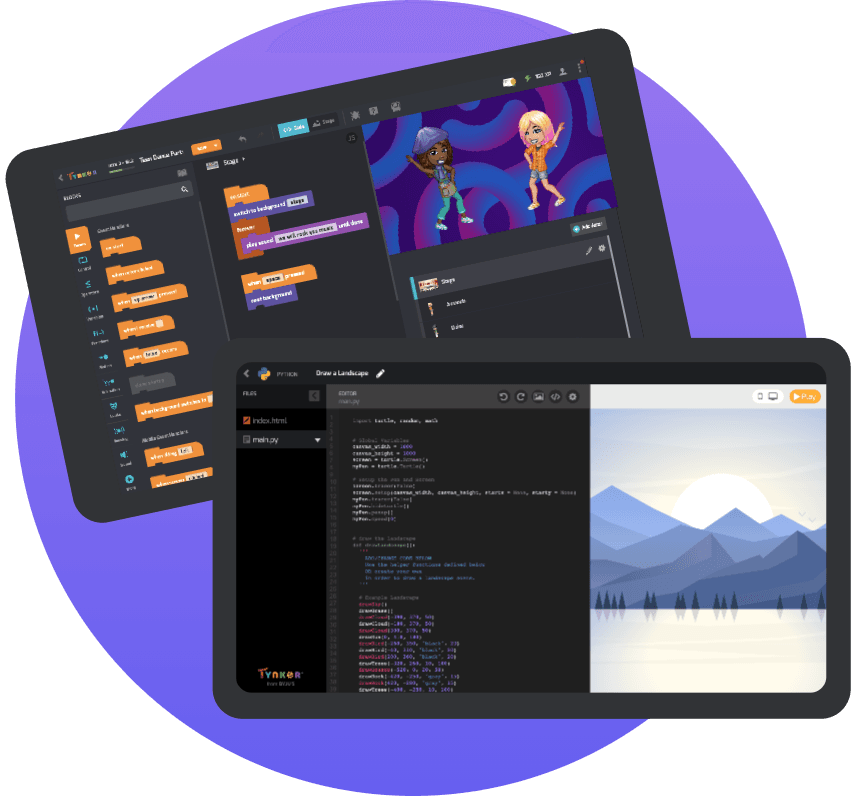
World class creative tools, built for creative minds
Easy-to-use tools let kids create anything they can imagine with code from Minecraft modding to creative coding art, music and more!.


Code Editors

Paint Editor

Animation Tool

Physics Engines

Game Builders

Character Creators

3d modeling Minecraft

Synthesizers

Turtle Pen Tools

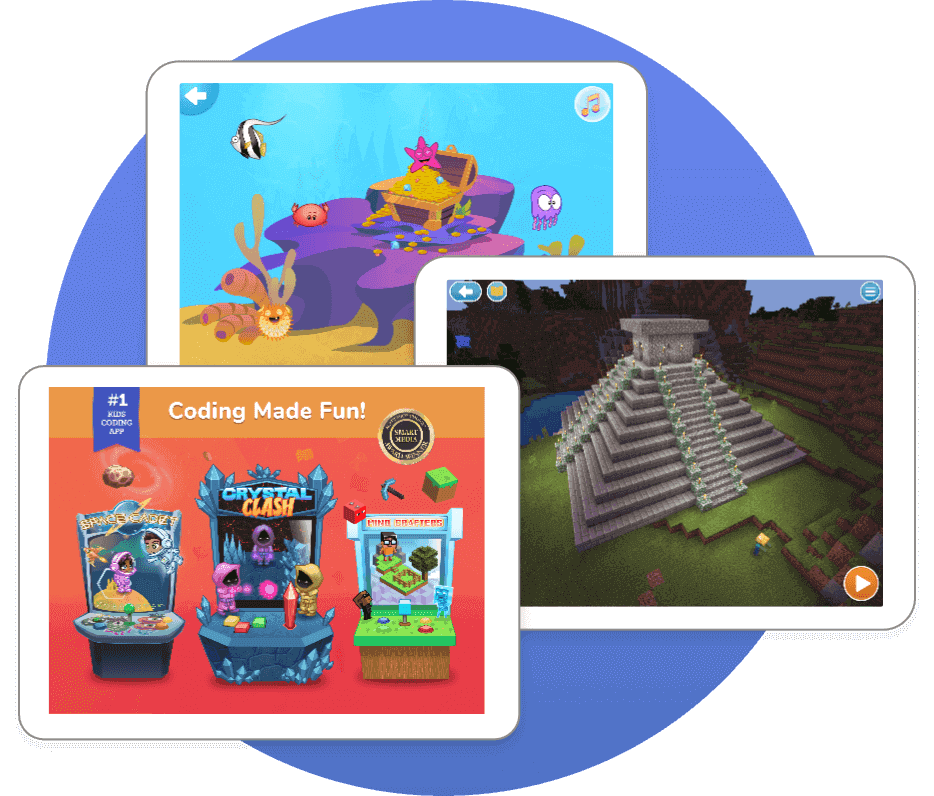
Tynker Junior
Tap-Tap picture coding with voice-overs. Pre-readers solve story-based puzzles and build their first programs in coding sandboxes. Ages 5-7
4.52,200+ reviewsTynker
Drag-and-drop block coding with a full-featured workshop. Build games and apps, compose music and art, control smart devices, and much, much more.Ages 7-12
4.710,400+ reviewsMod Creator
Drag-and-drop Minecraft modding. Design skins, blocks and items. Modify mob behaviors. Create mods and add ons. Explore worlds!Ages 7-12
4.03,000+ reviews






We build a solid computer science foundation for the real world
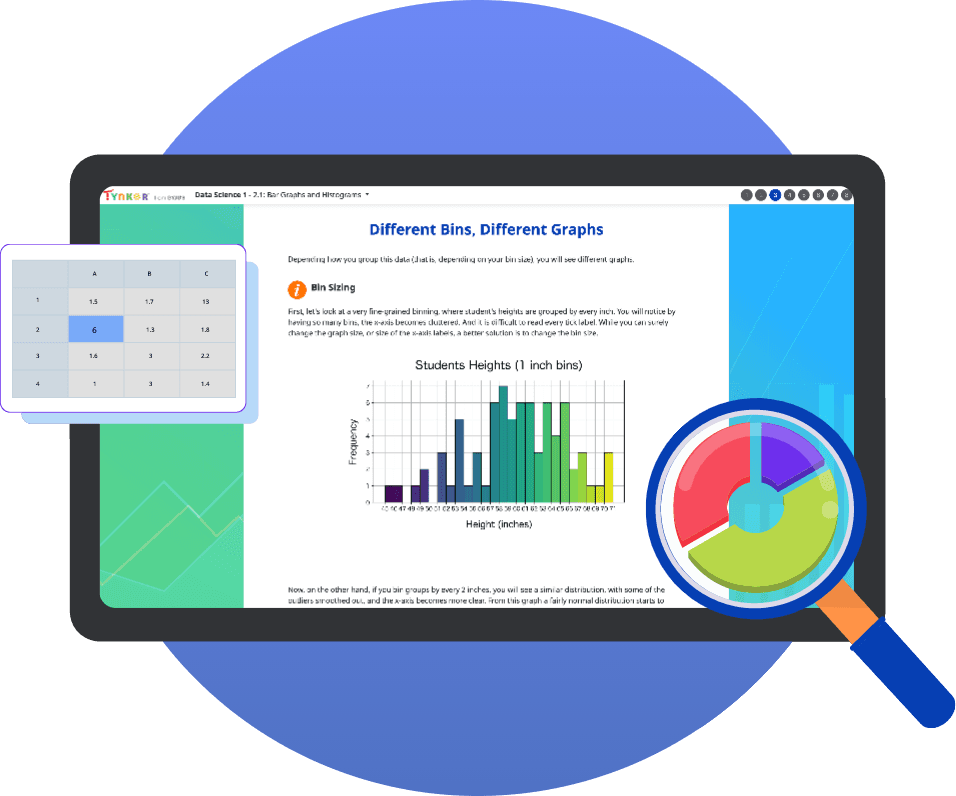
From block coding to Python coding, we teach the big ideas of CS like abstraction and computing systems.
- Learn real languages like JavaScript
- Program IOT hardware using MicroPython
- Code Data Science with Python
- Explore Art and Image Processing
- Prep for AP CS with Java
- Earn CS mastery certifications

Inspiring Global Community
Join over 100 million creators in Tynker's community, a secure place to learn and share coding projects.
- Explore coding in a moderated, safe environment
- Gain insights from a multitude of projects
- Celebrate and get inspired by featured makers
- Enhance skills through exciting challenges
Trusted by Leading Brands







Frequently asked questions
Is coding for kids good?
We're living during a high-tech revolution, witnessing life-changing advancements in medicine, environmental conservation, and much more. At the core of all these amazing projects and discoveries is CODE. There's a lot of exciting and imaginative work going into new technology from coders all around the world, transforming fields you wouldn't normally expect and creating huge opportunities for your child in the future.
As kids and teens learn to code, they also build essential skills like critical thinking, logic, and problem-solving. They learn to logically sequence events, create playable games, tell good stories, and model real situations. They also learn computational thinking by developing algorithmic and design thinking abilities. Learning to code has become an essential element of a child's education and an excellent way to express their creativity and imagination.
Why should we use Tynker coding for kids?
Tynker is the world’s number one coding platform for children ages 5 to 18 for a reason—it works! Tynker powers the creativity of over 100 million students and serves thousands of schools and educators worldwide.
Tynker’s award-winning, gamified courses and activities encourage kids to complete projects as they have fun, allowing them to progress from novices to experts using languages like Python. Tynker’s interactive lessons have built-in tutorials for all ages and skill levels. Our highly-rated mobile app (4.7 stars) lets students take Tynker on the go. Learning how to code with Tynker unlocks and empowers children’s creativity, teaching them life-long skills they can use today and into the future.
How does Tynker coding work?
Tynker’s program provides individualized learning with built-in tutorials and hands-on projects so kids and teens can learn to code easily at their own pace while having fun. Tynker provides story-based lessons that engage children of all ages and offers powerful creativity tools to let kids create anything they can imagine with code. Tynker places your child on the right path and motivates them to progress to more complex skills — advancing to real-world text languages like Python and JavaScript and building apps, games, art, and more with code.
Tynker also has an inspiring global community where millions of kids create and learn from each other in a safe, moderated environment.
At what age can my child start coding?
With Tynker, kids can learn to code at any age and as early as 5-6 years old. Tynker offers a range of solutions with icon-coding for pre-readers, block-based coding, and advanced courses in Python, JavaScript, data science, art, and image processing. Tynker will assess your child when they start and place them on the right path.
How do I pick the best coding plan for my child?
Tynker has several great time-based home plans — Quarterly, Yearly, and Lifetime. All premium home plans give you full access to Tynker self-paced on the web and to all Tynker apps: Tynker Jr, Tynker, Mod Creator. Tynker premium plans include all self-use courses and activities in block coding and advanced coding with Python, Java, JavaScript, and advanced CS. Suitable for ages 5 to 18 and any coding skill level. Tynker will assess your child when they start and place them on the right path.
Quarterly plans are good if you are checking Tynker out; yearly plans allow your child to progress and get to more advanced coding. The Lifetime plan is set up to assess your child yearly and advance them through real-world coding languages like Python.
Each of these plans is available for one child or a family of up to 3 children. All plans come with a 30-day money-back guarantee.
Can my children share a single account?
Multiple children cannot share the same account, because they will overwrite each other’s work. We offer discounts when you add additional children to our plans.
Do you offer discounts for multiple children?
Yes, we have family plans that allow up to 3 children in one account. With our family plans, everyone can enjoy coding together.
How do I know my child is learning how to code?
Tynker automatically tracks your child’s achievements as they work through lessons and activities. From your Parent Dashboard, you can view your children’s progress through the courses, the projects they’ve created, and the concepts they’ve learned. You can even share projects with your friends and family.
Will my subscription renew automatically?
Yes, your subscription will renew automatically by default. After purchasing, you can turn off recurring billing and edit any other payment information from your Tynker parent dashboard.
How do I turn off auto-renewal for my subscription?
If you purchased the subscription from our website, you can cancel a plan by turning off automatic renewal in settings via your Parent Dashboard. Click “Manage” next to each child and select “cancel.” This will remove auto-renewal.
If you purchased the subscription through our iPad app, you need to cancel through the iPad general settings. Open up the settings for the iPad and scroll down until you see iTunes & App Store. Then, select the Apple ID that you used to sign up for the subscription. When you get the pop up, select View Apple ID. Scroll down until you see Subscriptions and click on Subscriptions. Find Tynker and select Cancel.
What devices are Tynker courses supported on?
You can access Tynker courses from any computer with a modern browser and Internet connection. Some courses are also available on the Tynker iPad app. To access courses from the iPad app, sign in to your account.
What are the technical requirements for Minecraft modding?
We currently support Minecraft: Bedrock Edition (formerly known as Pocket Edition or Windows 10 Edition). To use mobs, skins, blocks, and Add-Ons for Minecraft, you must install Minecraft on either your computer or your mobile device, download the creation onto the device, and import it into Minecraft.
Can I give a subscription as a gift?
Yes, you can go here to gift Tynker All-Access individual one year plan or Tynker All-Access Family one year plan. You will be charged the entire amount up front and the subscription will not renew.
Do you have a satisfaction guarantee?
Of course! We want you to love Tynker (and we think you will), but if Tynker is not a good fit for your child for any reason, we have a 30-day money back guarantee. If you purchased the subscription through our website, just send us an email at support@tynker.com.
If you purchased the subscription through our iPad app, please contact the Apple App store to request cancellation and a refund.