
U.S. Standards
- NGSS-Science: 1-PS4
- CCSS-Math: MP.1
- CCSS-ELA: SL.6.1, SL.7.1, SL.8.1
- CSTA: 2-AP-13, 2-AP-16, 2-AP-17
- CS CA: 6-8.AP.11, 6-8.AP.13, 6-8.AP.16, 6-8.AP.17
- ISTE: 1.c, 1.d, 4.d, 5.c, 5.d, 6.b
U.K. Standards
Key stage 3
Pupils should be taught to:- design, use and evaluate computational abstractions that model the state and behaviour of real-world problems and physical systems
- create, reuse, revise and repurpose digital artefacts for a given audience, with attention to trustworthiness, design and usability
- understand a range of ways to use technology safely, respectfully, responsibly and securely, including protecting their online identity and privacy; recognise inappropriate content, contact and conduct, and know how to report concerns
Description
Once your students have completed at least five lessons of Programming 101 or equivalent coding experience, you can assign these NGSS-aligned projects to complement your teaching on topics in physics and chemistry. For example, if you’re teaching a lesson on Newton’s laws of motion, you can assign the Newton’s Third Law project. Your students will use coding and outside research to animate a scene that involves Newton’s third law, such as a collision, and show how Newton’s laws apply.
With this collection of physical science projects, you can easily integrate coding and project-based learning into your curriculum. Each STEM lesson walks students through how to make a project about something they’re learning in school with step-by-step instructions. At each step, it encourages them to make their project unique and interesting, emphasizing that coding is a creative medium much like writing or drawing.
We’re constantly updating our STEM courses with new projects, so if there’s something you’d like us to add, send us a message at support@tynker.com.

What Students Learn
- Use programming for science projects
- Build a slide show on a topic
- Build a quiz game
- Make an interactive charts and models
- Use animation to illustrate
- Narrate using your own voice
- Use the physics engine to model
- Troubleshoot and debug programs
Technical Requirements
* Online courses require a modern desktop computer, laptop computer, Chromebook, or Netbook with Internet access and a Chrome (29+), Firefox (30+), Safari (7+), or Edge (20+) browser. No downloads required.
* Tablet courses require an iPad (iOS 10+) with Tynker or Tynker Junior app installed and Internet access
Lesson
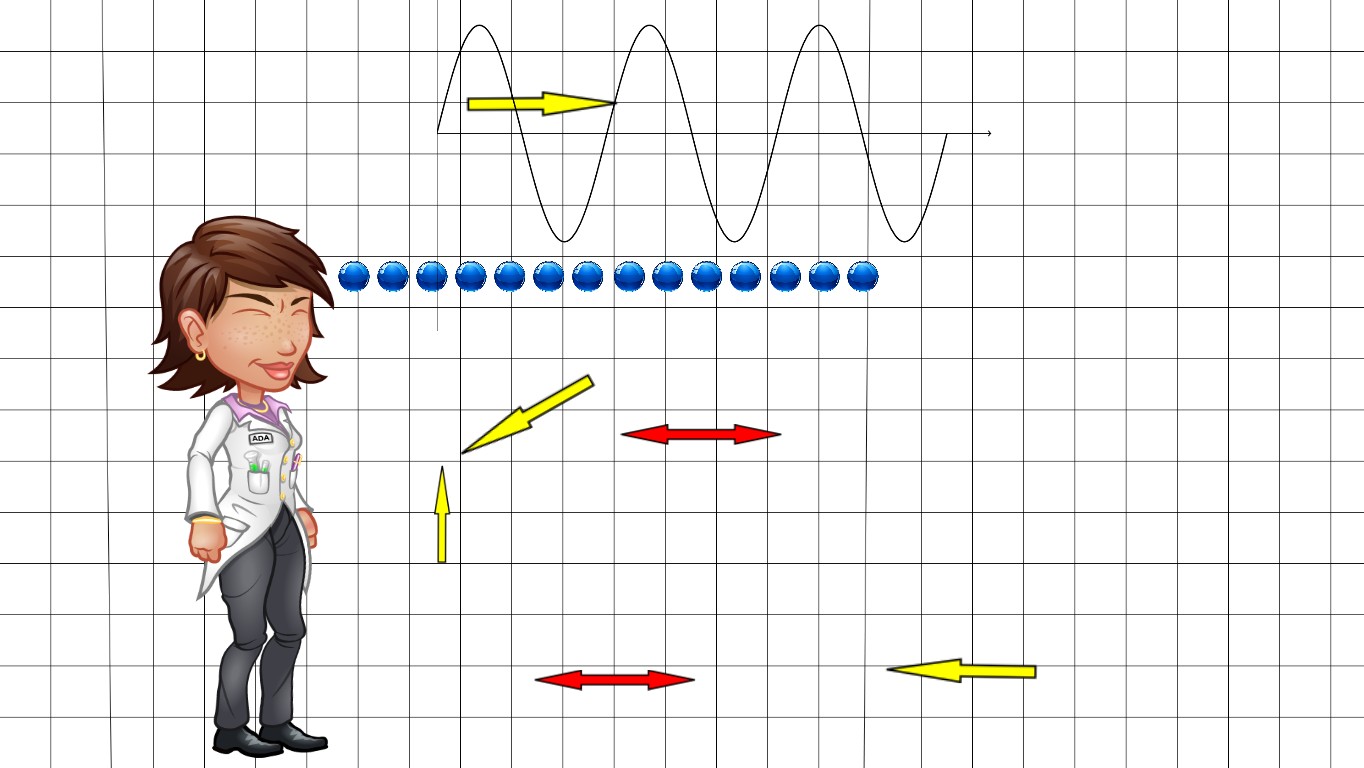
21 : Properties of Waves
Physical Science 201
Time: 45+ minutes
Introduction
Tynker Blocks Introduced
Vocabulary
Objectives
Materials
Warm-Up (15 minutes)
Activities (30 minutes)
Facilitate as students complete all Properties of Waves modules on their own:
1. Introduction (Introduction)2. Properties of Waves Example (Example)
3. Properties of Waves (DIY)
4. Quiz (Multiple-choice)
Extended Activities (10 minutes)
You can not access this material with your current plan.
Class Presentations, Student Experience View, & Answer Keys are all included in our teacher plans!
Upgrade now to get access to our award-winning Tynker Curriculum.