Special Savings: 40% Off

Programming 301

Introductory programming for 7th and 8th graders. Students build two arcade-inspired games from start to finish to learn the basics of coding.

Programming 301

Introductory programming for 7th and 8th graders. Students build two arcade-inspired games from start to finish to learn the basics of coding.

Course card image for Programming 301

Access this and 5,000 coding activities!

Get Started for Free

Course

Beginner Level
100% Online
17 lessons
111 Activities

Access this and 5,000 coding activities!

Get Started for Free

Give as Gift

Recommended for Ages +

Web

No Prerequisites

Tynker Code Blocks

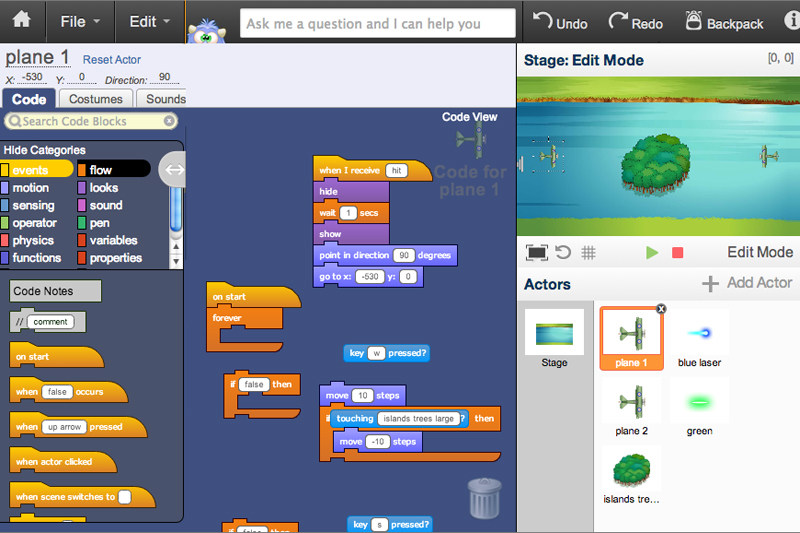
Tynker's visual code blocks are a great way for beginners to code, without needing to remember how to type syntax. By dragging and dropping code blocks together, young coders can produce vividly complex programs and games in our proprietary app, which includes support for graphics, sound, physics, and more.

How Kids Learn with Tynker

Kids learn on their own with a guided, hands-on approach that individualizes the learning experience. Tynker's online courses provide a complete learning system for your child to master the fundamentals of programming. Tynker's visual programming language makes it easy to learn, and once kids gain proficiency, they can seamlessly transition to Javascript coding within the Tynker learning system. Enroll in one of our plans for unlimited play across all courses.

Game-Based Learning

Tynker's self-guided lessons break down coding concepts while solving puzzles and making cool apps.

Interactive Assessments

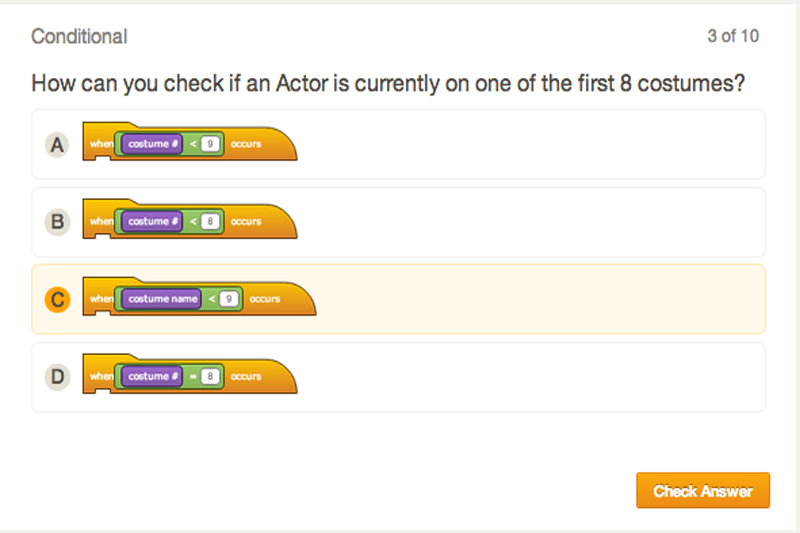
Quick practice quizzes and assessment tests evaluate a child's comprehension of subjects taught.

Captivating Topics

There's always something to learn with multiple subjects, projects, and coding languages available.

System Requirements

Online courses require a desktop computer, laptop computer, Chromebook, or Netbook with Internet connection and a Chrome (29+), Firefox (30+), Safari (7+), or Edge (20+) browser. No downloads required. Courses are not supported on tablets.

Minecraft courses and server access is available to verified accounts. Minecraft for Windows 10 is required for Training Day, Agent Recall, Gears of Time, Mythicraft, and Mind Crafters courses. Content and courses are subject to changes. NOT AN OFFICIAL MINECRAFT PRODUCT. NOT APPROVED BY OR ASSOCIATED WITH MOJANG.

Introduction

Get familiar with Tynker, start coding using guided tutorials, solve puzzles, and create your own "Troll Chase" game project.

11 Modules:

  • Introduction
  • Intro Video
  • Tutorial Intro
  • Move The Valkyrie
  • Pickups
  • Puzzle Intro
  • Cross the Desert
  • Collect the medal
  • Another medal
  • Quiz
  • Improve the Troll Chase Game
Lesson image for: Animated Motion

Animated Motion

Learn about Tynker basics, such as adding animation, movement, and sounds by building an adventure game.

8 Modules:

  • Introduction
  • Concepts
  • Forest Scene
  • Get to the Treasure
  • Train the Knight
  • Treasure Run
  • Monster Mash
  • Quiz
Lesson image for: Actor Positioning

Actor Positioning

Learn how to hide and show actors, as well as move them using X and Y coordinates.

6 Modules:

  • Concepts
  • Spooky Scene 1
  • Spooky Scene 2
  • Tear Down This Wall!
  • Hide and Seek
  • Quiz
Lesson image for: Motion and Tracking

Motion and Tracking

Learn how to navigate an Actor with the arrow keys.

6 Modules:

  • Concepts
  • The Knight Moves
  • The Knight Attacks
  • Castle Maze
  • Maze Level
  • Quiz
Lesson image for: Conditional Loops

Conditional Loops

Learn how to specify an Actors costume and use the Forever If loop.

6 Modules:

  • Concepts
  • Looping Knight Moves
  • Knight Attack Functions
  • Zombie Survival
  • Animation Control
  • Quiz
Lesson image for: Show and Hide

Show and Hide

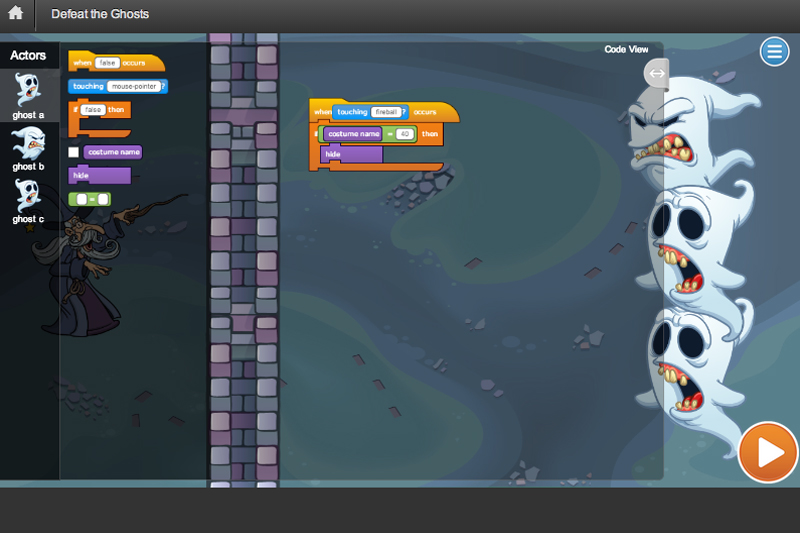
Learn to show and hide Actors using conditionals.

6 Modules:

  • Concepts
  • Hide the Ghost 1
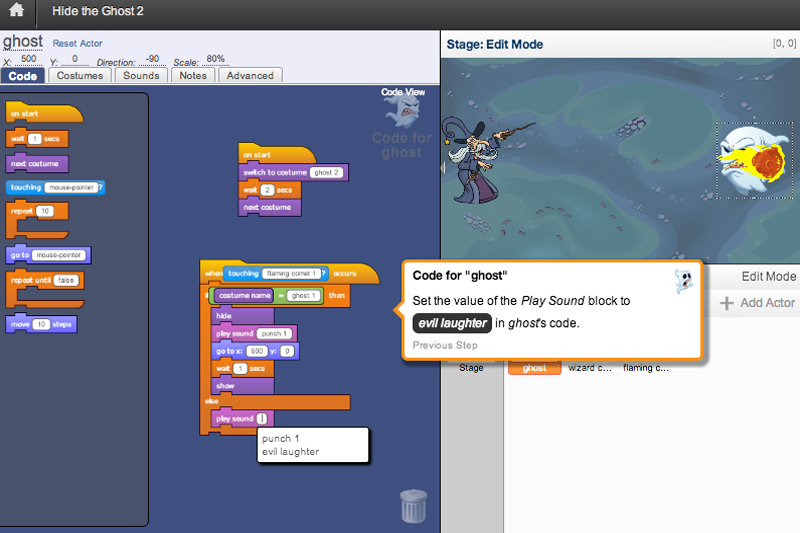
  • Hide The Ghost 2
  • Defeat the Ghosts
  • Wizard vs. Zombies Game
  • Quiz
Lesson image for: Actor Properties

Actor Properties

Learn how to turn actors, use operators and check the properties of other actors.

6 Modules:

  • Concepts
  • Deflect the Fireball 1
  • Deflect the Fireball 2
  • Defeat the Trolls
  • Fireball Tennis
  • Quiz
Lesson image for: Nested Loops

Nested Loops

Learn how to use nested loops to give the actors multiple lives.

6 Modules:

  • Concepts
  • Multiple Lives 1
  • Multiple Lives 2
  • Let There Be Lives
  • Boss Battle
  • Quiz
Lesson image for: Messaging

Messaging

Finish the game by using broadcast blocks to add a win screen.

6 Modules:

  • Concepts
  • Open the Gate
  • Win Screen
  • Add to the Adventure Game
  • Build Your Own Adventure Game
  • Quiz
Lesson image for: Start Screen and Controls

Start Screen and Controls

Start creating your very own top-down arcade game by making a start screen.

7 Modules:

  • Introduction
  • Concepts
  • Control the Dragon
  • Add a Start Button
  • Learn to Fly
  • Create a Game
  • Quiz
Lesson image for: Shoot Projectiles

Shoot Projectiles

Use repetition and screen edge detection to program projectiles and enemies.

6 Modules:

  • Concepts
  • Add Projectiles
  • Program the Enemy
  • Shoot the Planes
  • Make New Enemies
  • Quiz
Lesson image for: Parallax Scrolling

Parallax Scrolling

Learn how to create the scrolling background for your game using sophisticated layering techniques.

7 Modules:

  • Concepts
  • Scrolling Background
  • Layers
  • Layer City
  • Parallax Scrolling
  • Level Change
  • Quiz
Lesson image for: Cloning

Cloning

Learn how to make copies of enemy ships and lasers using clones.

7 Modules:

  • Concepts
  • Clone Projectiles
  • Clone Enemies
  • Helicopter Dogfight
  • Create an Attacker Game
  • 2-Player Battle
  • Quiz
Lesson image for: Variables

Variables

Begin learning about variables and how to use them to keep track of scores.

6 Modules:

  • Concepts
  • Local Variables
  • Global Variables
  • Super Helicopters
  • Snowball Fight
  • Quiz
Lesson image for: Powerups and Effects

Powerups and Effects

Learn how to create power-ups using variables and effects.

6 Modules:

  • Concepts
  • Creating Power-Ups
  • Invincibility Power-Up
  • Survive the Waves
  • Power Up
  • Quiz
Lesson image for: Boss Battle

Boss Battle

Combine your knowledge of cloning and variables to create a boss fight.

6 Modules:

  • Concepts
  • Boss Battle
  • Boss Strikes Back
  • You're the Boss
  • Boss Rush
  • Quiz
Lesson image for: Finishing Touch

Finishing Touch

Finish your game by using variables to create a character selection screen.

5 Modules:

  • Concepts
  • Choose Your Dragon
  • Add to the Top Down Arcade Game
  • Build Your Own Top Down Arcade Game
  • Quiz

Algorithms & Programming

Arrange commands in code to produce desired solutions.

Problem Solving

Evaluate task goals and identify steps to reach them.

Critical Thinking

Analyze and develop logical solutions to problems.

Decision Making

Determine options in the execution of a task with differing outcomes.

Testing & Debugging

Review code to locate and fix errors.

Creativity

Produce varied artistic output using coding and other digital skills.

Interactive Programs

Create a program with multiple moving, visual, interactive parts.

Animation

Make parts of a program change appearance over time with motion or image sequences.

Game Design

Design simple to complex game programs that require continuous interaction.

Math

Utilize arithmetic, algebra, or geometry in a coding project.

Choose a Plan to Accelerate Learning

All plans include access for up to 3 children

Choose Live Online Courses

Choose a Plan to Accelerate Learning

All plans include access for up to 3 children

Choose a 3-Year Self-Paced Plan

40% OFF

Yearly

$25 $15 /month Now $180 billed annually cancel any time
40% OFF

Lifetime*

$780 $468 one time payment Best Deal
40% OFF

Quarterly

$30 $18 /month Now $54 billed quarterly cancel any time
40% OFF

Quarterly

$30 $18 /month Now $54 billed quarterly cancel any time
40% OFF

Yearly

$25 $15 /month Now $180 billed annually cancel any time
40% OFF

Lifetime*

$780 $468 one time payment Best Deal

Access everything Tynker offers

  • Thousands of hours of creative projects in Game Design, Minecraft, Python concepts, and more
  • Personalized assessments and certifications in real-world languages
  • Access to our highly rated mobile apps: Tynker, Tynker Junior & Mod Creator
  • 5,000+ lessons built to improve problem solving skills and academic performance
  • Parent dashboard with mastery stats - watch as they progress from novice to expert
  • 30 Day Money-Back Satisfaction Guarantee

3-Year All-Access plans include:

  • 70+ courses
  • 5,000+ activities
  • Block Coding
  • Text Coding
  • 3 Mobile Apps
  • Minecraft Modding
  • Game Design
  • Robotics
  • Hardware
  • Web Development
  • Python
  • JavaScript
  • Processing (P5.JS)
  • Data Science
  • Advanced CS

Tynker is designed to progress with your child. A three year plan accelerates their coding mastery from block coding to advanced text languages.