Special Savings: 40% Off

Icon Coding 10-Course Pack

The Tynker Junior course collection comprising of 10 different courses, helps early readers develop foundational programming skills. To use these courses in your classroom, you must download the Tynker Junior app from the App Store. As they progress through the adventures, students learn about sequencing, parameters, events, loops, conditional logic, and nested loops that help to establish foundational coding skills. Then they apply their coding skills in free-form coding studios where they build their own projects with art, music and animation.

Tynker Junior is designed specifically for young children aged 5-7 — who have limited motor skills and are still developing hand-eye coordination — to learn to code using big blocks, pictures, voiceovers and tap-tap-tap interactions, without words or drag-and-drop or any other actions they may find too tedious or overwhelming.

Tynker Junior currently includes 5 adventure courses, 5 studio courses—with over 200 coding challenges:

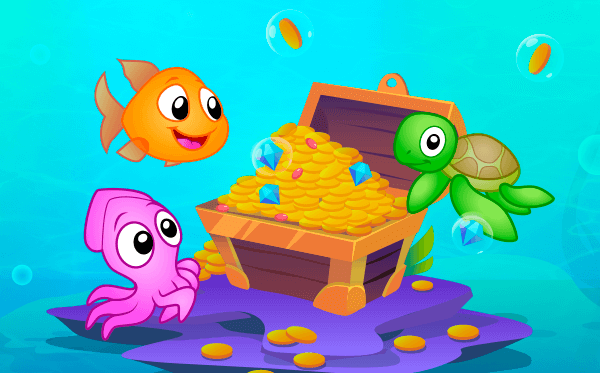
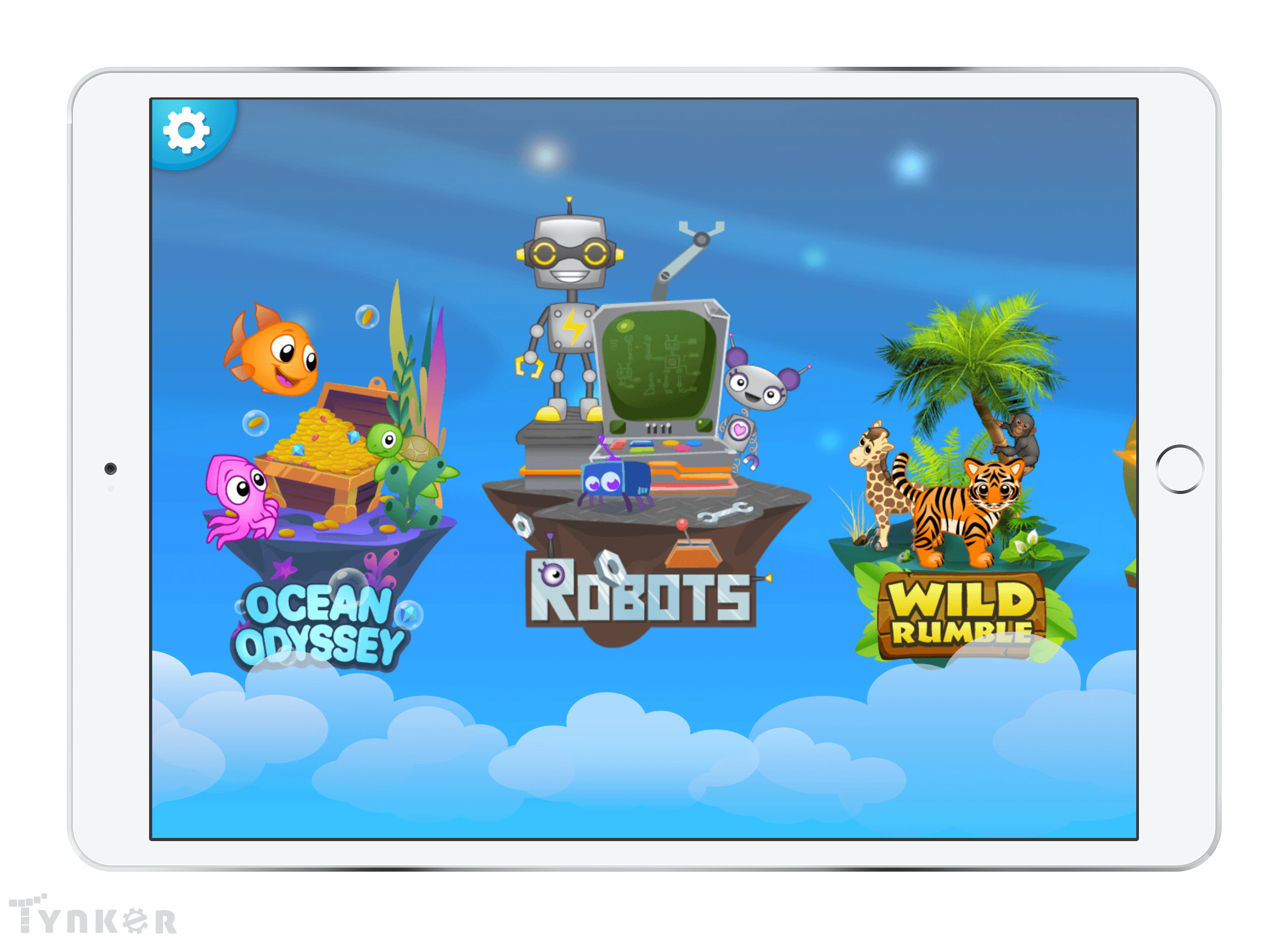
1. Ocean Odyssey
4 lessons, 41 activities
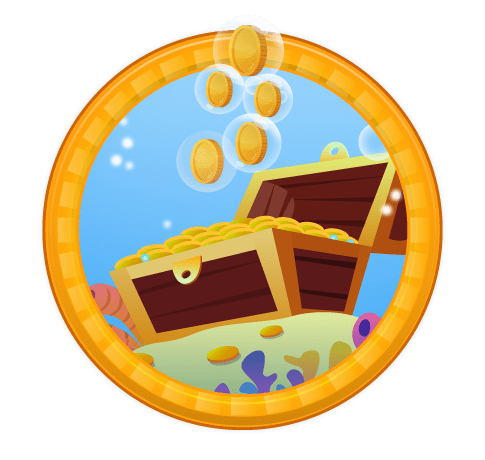
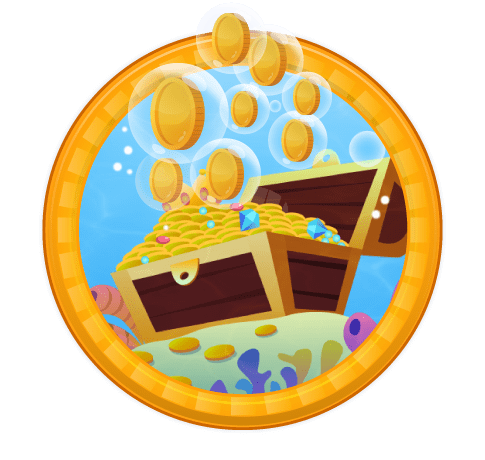
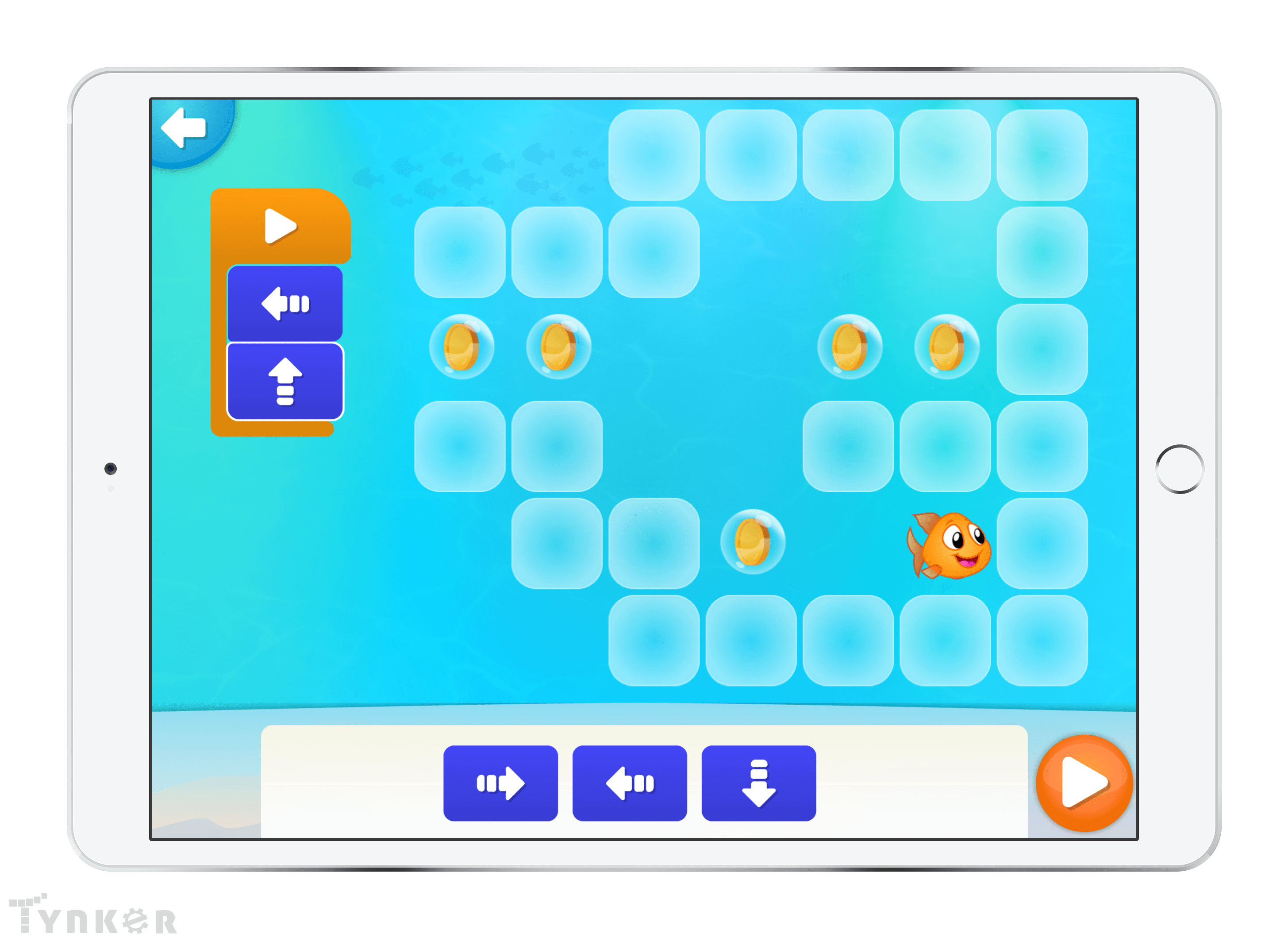
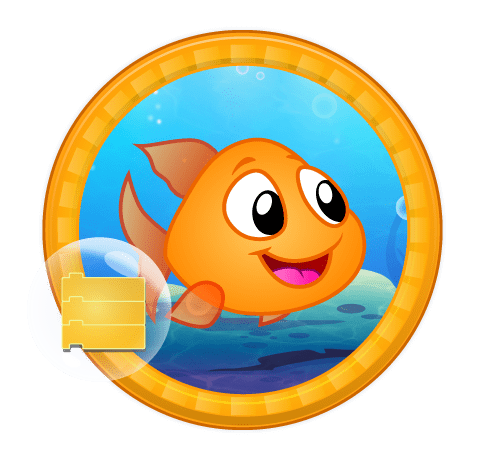
This fun underwater adventure introduces learn sequencing and coding concepts with as students help Gillie the goldfish collect coins!
Topics Covered: Cause and effect, Sequencing, Scene creation, Path finding

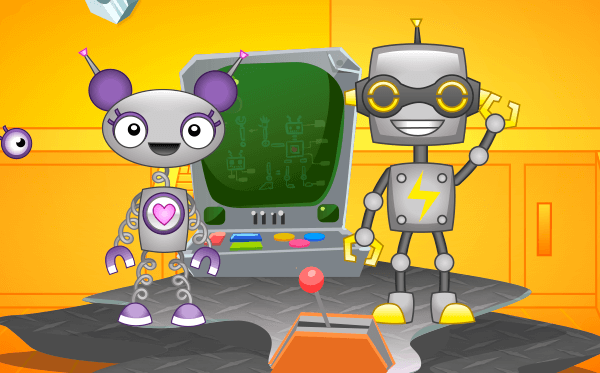
2. Robots
4 lessons, 40 activities
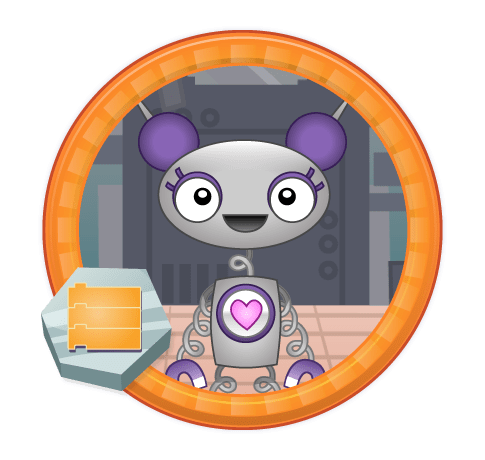
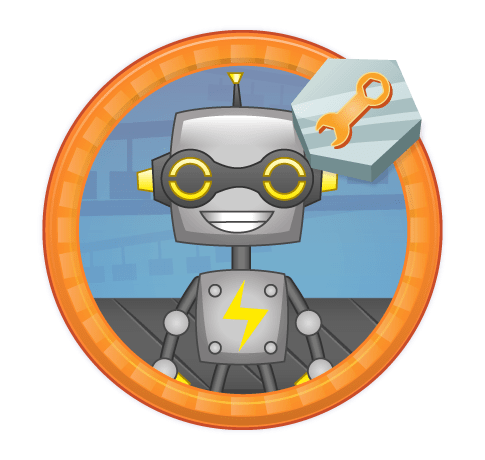
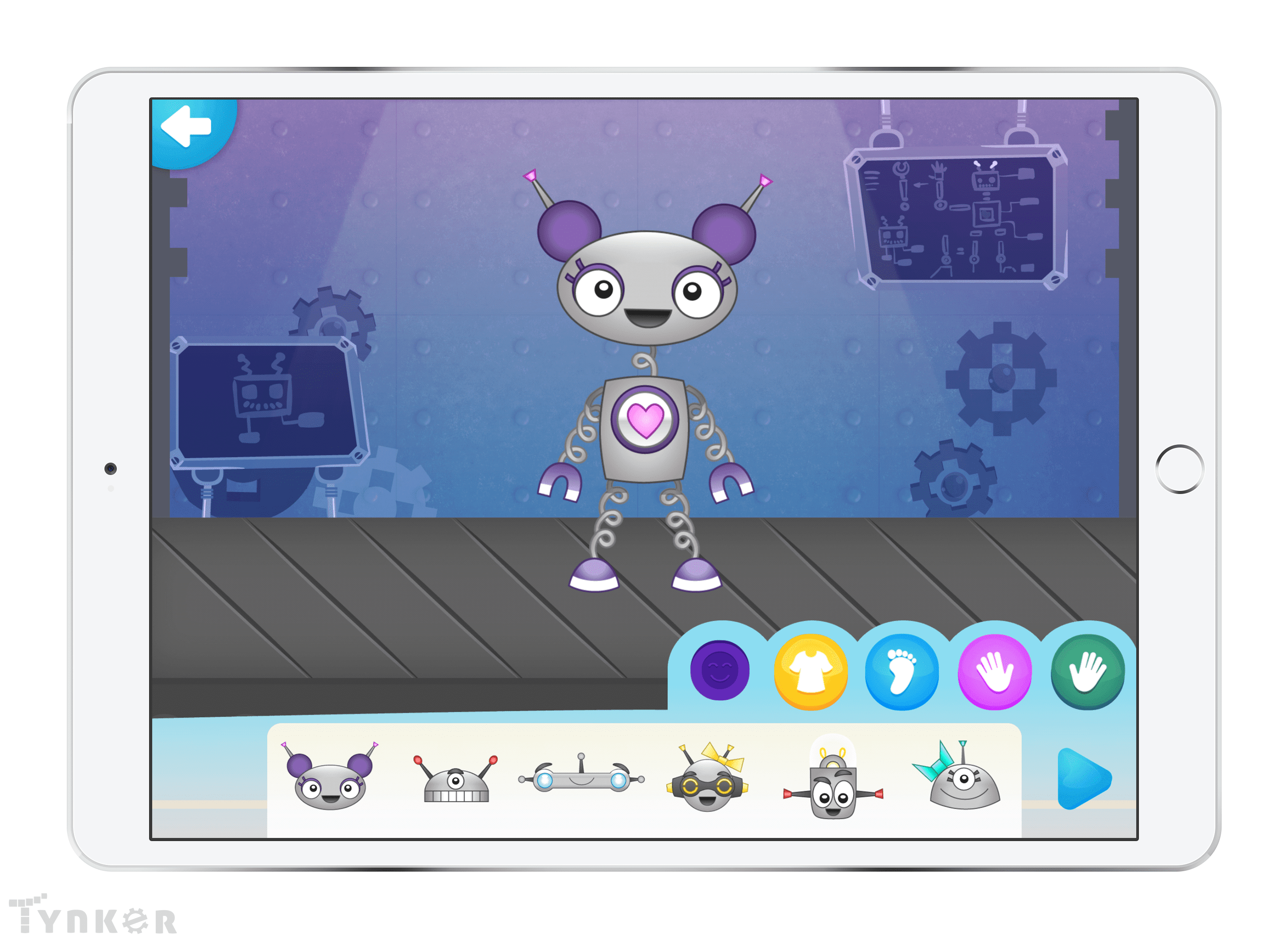
As they bring wacky robots to life and fix the programming in a robot factory, students learn about events and parameters.
Topics Covered: Parameter usage, Flexible sequencing, Tilt and tap events, Build a simple game

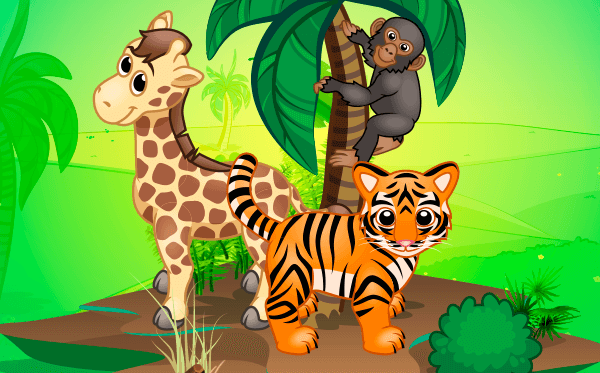
3. Wild Rumble
4 lessons, 40 activities
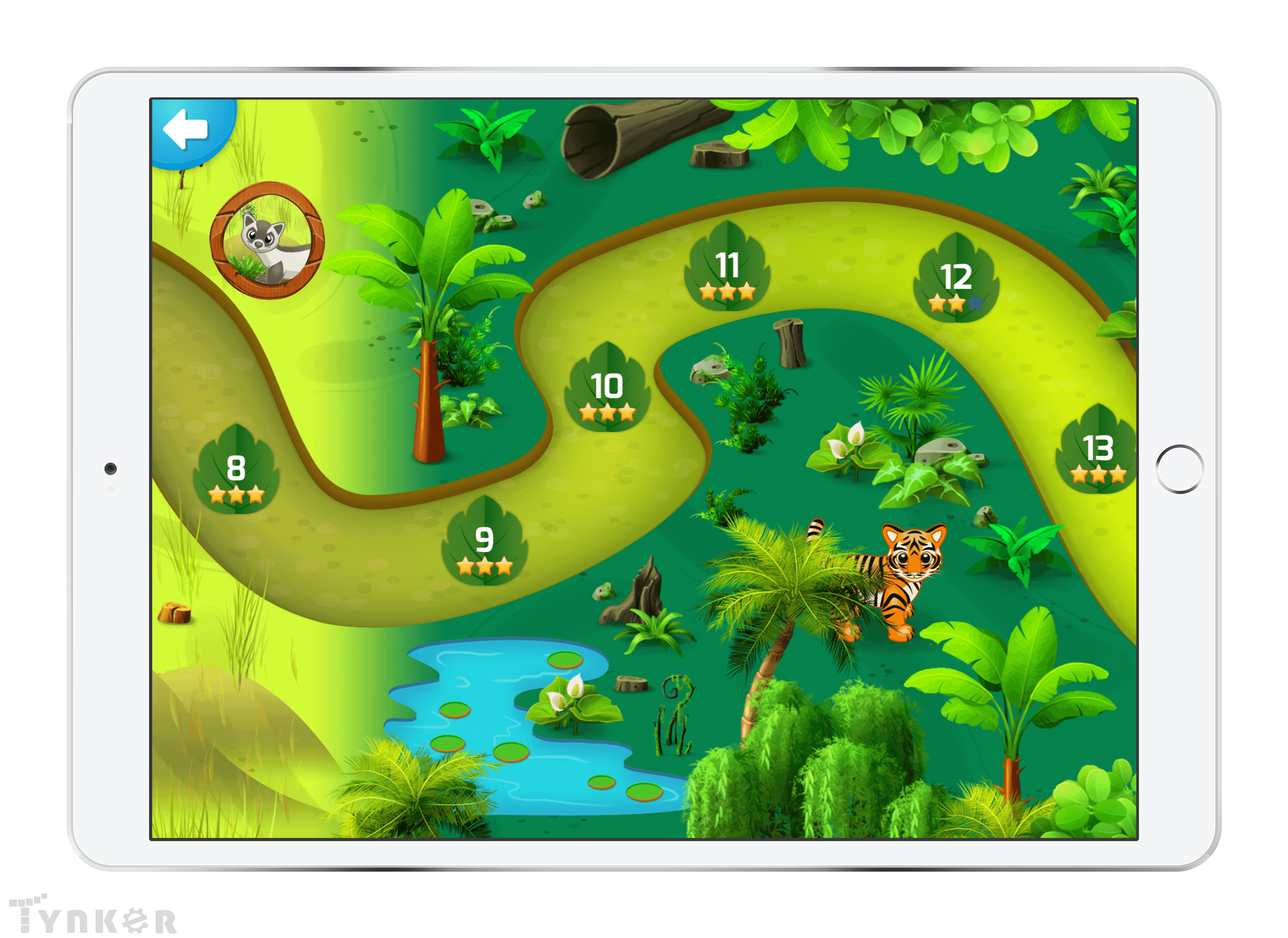
While helping eight endangered animals traverse a jungle path with dangers, students learn counting loops, delays, and parameters.
Topics Covered: Pattern recognition, Wait commands, Number parameters, Numerical loops

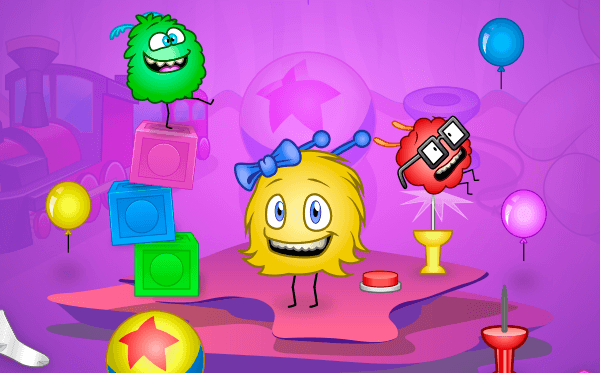
4. Puffball Panic
4 lessons, 39 activities
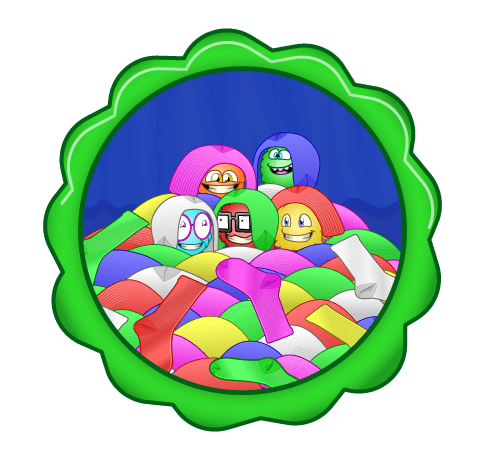
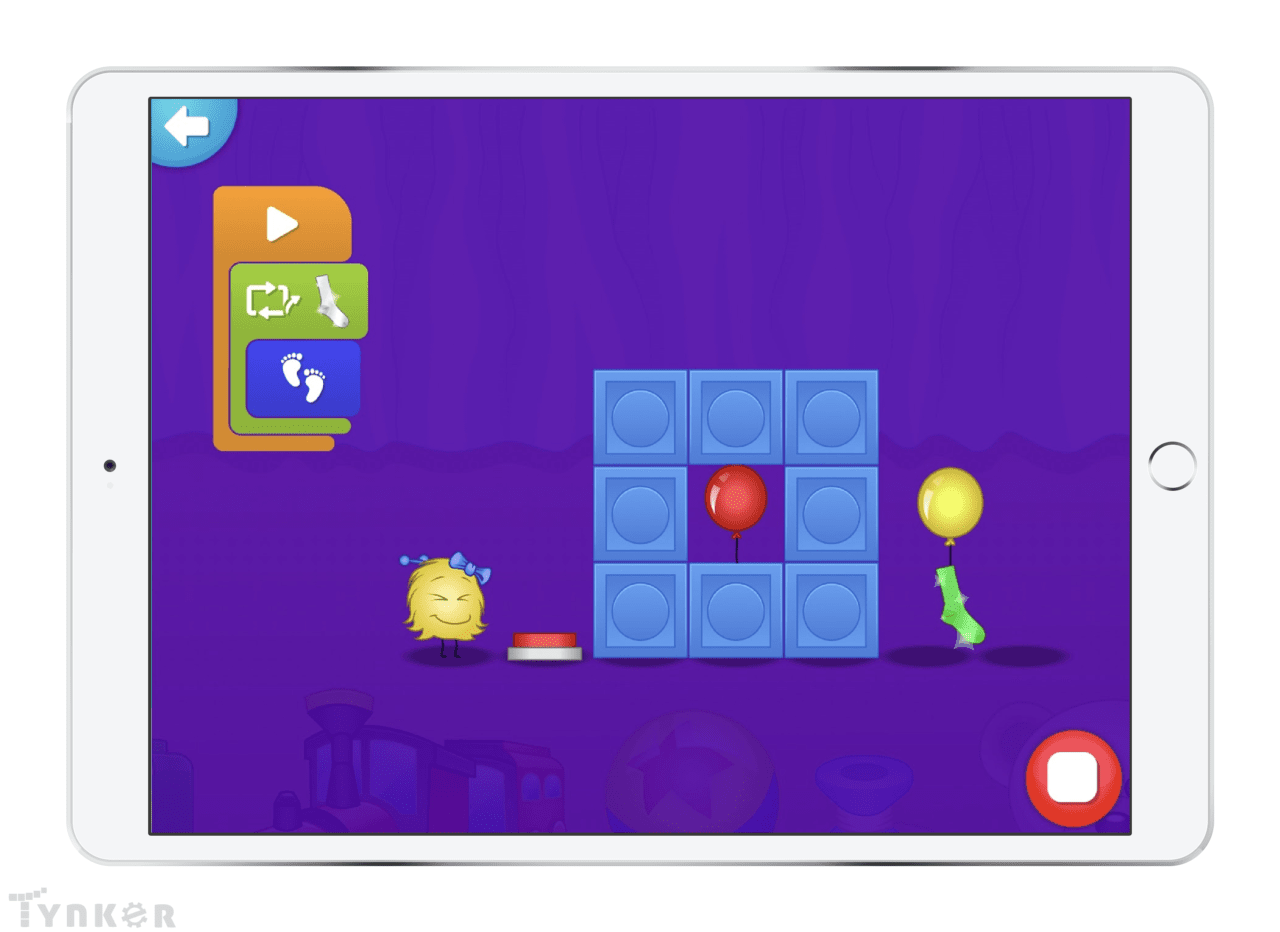
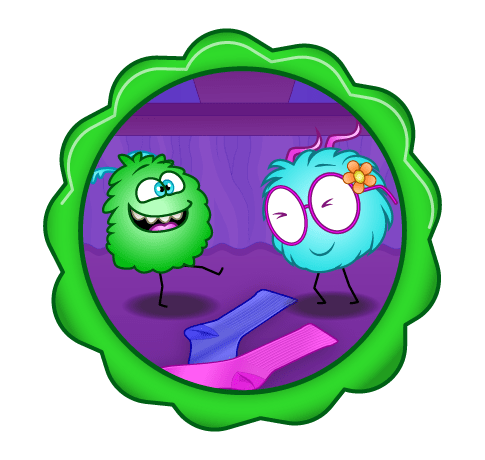
Guiding adorable dust bunnies, students learn to use conditional loops to navigate a dynamic environment while hunting for socks!
Topics Covered: Conditional loops, Loop nesting, Pattern recognition, Explore a physics sandbox, Debugging

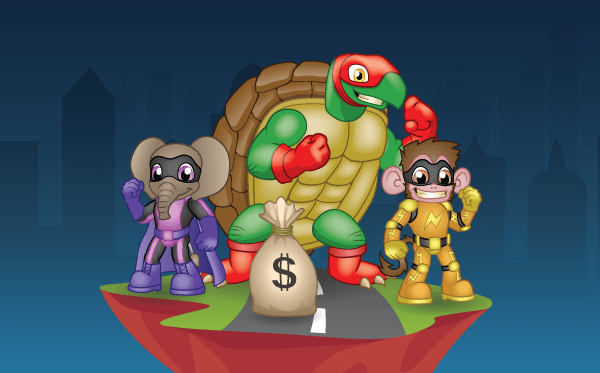
5. Super Squad
4 lessons, 45 activities
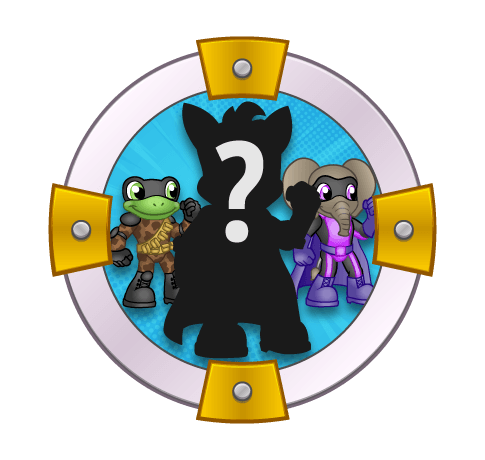
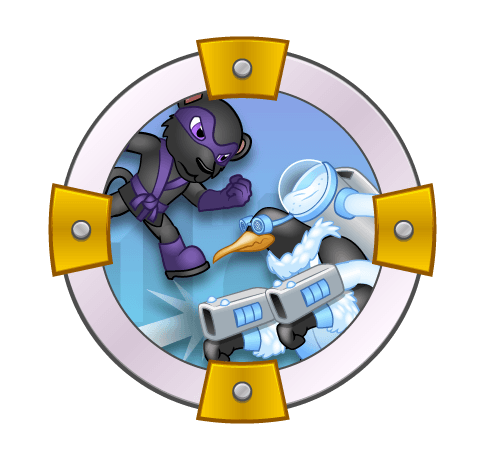
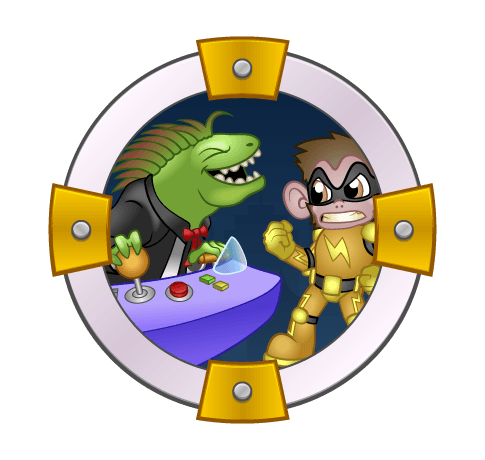
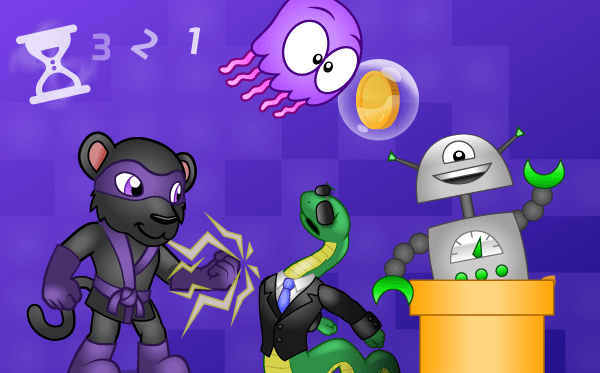
Partnering with the Super Squad, students retrieve stolen museum treasure from super villains using conditional logic to handle changing situations.
Topics Covered: Conditional statements, Conditional loops, Coding multiple actors, Advanced sequencing, Debugging

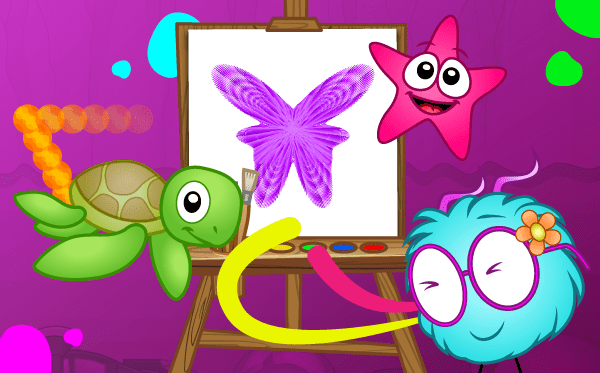
6. Art Studio
4 lessons, 4 activities
A collection of free-form sandbox coding environments where students write code to generate math-inspired art.
Activities: Wild Tracks, Seabed Scribbler, Starfish Spirals, Puff Paint

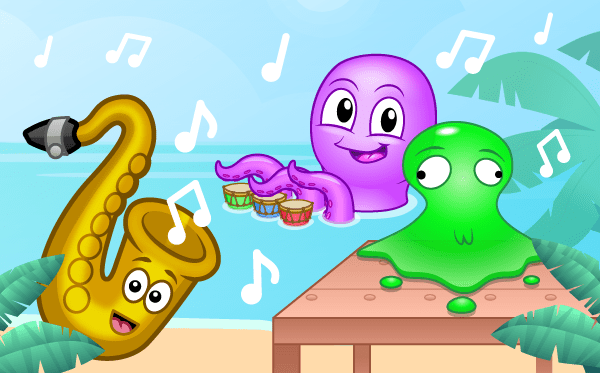
7. Music Studio
4 lessons, 4 activities
A collection of free-form sandbox coding environments where students write code to compose music.
Activities: Octodrum, Pocket Band, Jelly Bash, Barbershop Bayou

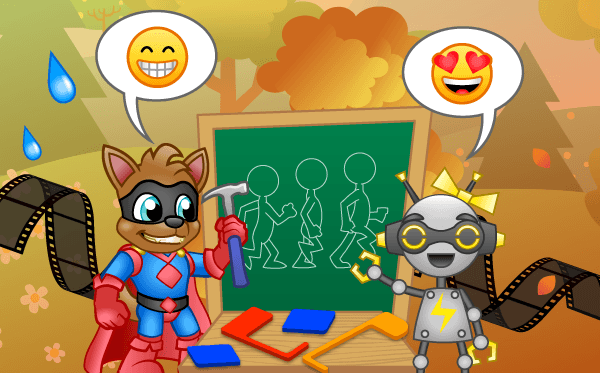
8. Animation Studio
4 lessons, 4 activities
A collection of free-form sandbox coding environments where students make interactive animations and tell stories using code.
Activities: Day in the Park, Squad Pose, RoboDance, Emoji Chat

9. Greeting Studio
3 lessons, 3 activities
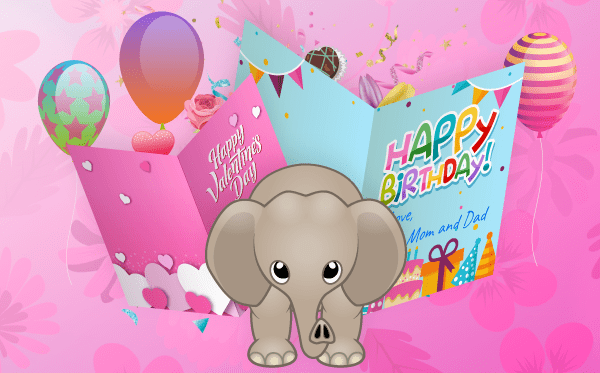
A collection of free-form sandbox coding environments where students design interactive greeting cards with code.
Activities: Birthday Card, Valentine's Day Card, Mother's Day Card

10. Game Studio
3 lessons, 3 activities
A collection of free-form sandbox environments where students design and hack minigames with code.
Activities: Deep Sea Salvage, Whack 'Em, Training Mode

Icon Coding 10-Course Pack

The Tynker Junior course collection comprising of 10 different courses, helps early readers develop foundational programming skills. To use these courses in your classroom, you must download the Tynker Junior app from the App Store. As they progress through the adventures, students learn about sequencing, parameters, events, loops, conditional logic, and nested loops that help to establish foundational coding skills. Then they apply their coding skills in free-form coding studios where they build their own projects with art, music and animation.

Tynker Junior is designed specifically for young children aged 5-7 — who have limited motor skills and are still developing hand-eye coordination — to learn to code using big blocks, pictures, voiceovers and tap-tap-tap interactions, without words or drag-and-drop or any other actions they may find too tedious or overwhelming.

Tynker Junior currently includes 5 adventure courses, 5 studio courses—with over 200 coding challenges:

1. Ocean Odyssey
4 lessons, 41 activities
This fun underwater adventure introduces learn sequencing and coding concepts with as students help Gillie the goldfish collect coins!
Topics Covered: Cause and effect, Sequencing, Scene creation, Path finding

2. Robots
4 lessons, 40 activities
As they bring wacky robots to life and fix the programming in a robot factory, students learn about events and parameters.
Topics Covered: Parameter usage, Flexible sequencing, Tilt and tap events, Build a simple game

3. Wild Rumble
4 lessons, 40 activities
While helping eight endangered animals traverse a jungle path with dangers, students learn counting loops, delays, and parameters.
Topics Covered: Pattern recognition, Wait commands, Number parameters, Numerical loops

4. Puffball Panic
4 lessons, 39 activities
Guiding adorable dust bunnies, students learn to use conditional loops to navigate a dynamic environment while hunting for socks!
Topics Covered: Conditional loops, Loop nesting, Pattern recognition, Explore a physics sandbox, Debugging

5. Super Squad
4 lessons, 45 activities
Partnering with the Super Squad, students retrieve stolen museum treasure from super villains using conditional logic to handle changing situations.
Topics Covered: Conditional statements, Conditional loops, Coding multiple actors, Advanced sequencing, Debugging

6. Art Studio
4 lessons, 4 activities
A collection of free-form sandbox coding environments where students write code to generate math-inspired art.
Activities: Wild Tracks, Seabed Scribbler, Starfish Spirals, Puff Paint

7. Music Studio
4 lessons, 4 activities
A collection of free-form sandbox coding environments where students write code to compose music.
Activities: Octodrum, Pocket Band, Jelly Bash, Barbershop Bayou

8. Animation Studio
4 lessons, 4 activities
A collection of free-form sandbox coding environments where students make interactive animations and tell stories using code.
Activities: Day in the Park, Squad Pose, RoboDance, Emoji Chat

9. Greeting Studio
3 lessons, 3 activities
A collection of free-form sandbox coding environments where students design interactive greeting cards with code.
Activities: Birthday Card, Valentine's Day Card, Mother's Day Card

10. Game Studio
3 lessons, 3 activities
A collection of free-form sandbox environments where students design and hack minigames with code.
Activities: Deep Sea Salvage, Whack 'Em, Training Mode

Course card image for Icon Coding 10-Course Pack

Access this and 5,000 coding activities!

Get Started for Free

Course

Beginner Level
100% Online
9 courses
223 Activities

Access this and 5,000 coding activities!

Get Started for Free

Give as Gift

Recommended for Ages +

iPad

No Prerequisites

Icon Coding

Tynker's icon coding is designed specifically for young children aged 5-7 who have limited motor skills and are still developing hand-eye coordination. Picture-based icon coding helps them learn to code using big blocks, pictures, voiceovers and tap-tap-tap interactions, without words or drag-and-drop or any other actions they may find too tedious or overwhelming.

How Kids Learn with Tynker

Kids learn on their own with a guided, hands-on approach that individualizes the learning experience. Tynker's online courses provide a complete learning system for your child to master the fundamentals of programming. Tynker's visual programming language makes it easy to learn, and once kids gain proficiency, they can seamlessly transition to Javascript coding within the Tynker learning system. Enroll in one of our plans for unlimited play across all courses.

Game-Based Learning

Tynker's self-guided lessons break down coding concepts while solving puzzles and making cool apps.

Interactive Assessments

Quick practice quizzes and assessment tests evaluate a child's comprehension of subjects taught.

Captivating Topics

There's always something to learn with multiple subjects, projects, and coding languages available.

System Requirements

Online courses require a desktop computer, laptop computer, Chromebook, or Netbook with Internet connection and a Chrome (29+), Firefox (30+), Safari (7+), or Edge (20+) browser. No downloads required. Courses are not supported on tablets.

Minecraft courses and server access is available to verified accounts. Minecraft for Windows 10 is required for Training Day, Agent Recall, Gears of Time, Mythicraft, and Mind Crafters courses. Content and courses are subject to changes. NOT AN OFFICIAL MINECRAFT PRODUCT. NOT APPROVED BY OR ASSOCIATED WITH MOJANG.

Lesson image for: Underwater Coding

Underwater Coding

Dive right in and learn the basics of icon-based coding. Order the blocks correctly to solve the puzzles!

11 Modules:

  • Welcome to Treasure Cove
  • Jigsaw Coding - Puzzle 1 (Gillie the Goldfish)
  • Jigsaw Coding - Puzzle 2 (Jules the Jellyfish)
  • Jigsaw Coding - Puzzle 3 (Clarence the Crab)
  • Jigsaw Coding - Puzzle 4 (Suzie the Squid)
  • Jigsaw Coding - Puzzle 5 (Bert the Butterflyfish)
  • Jigsaw Coding - Puzzle 6 (Tara the Turtle)
  • Jigsaw Coding - Puzzle 7 (Percy the Pufferfish)
  • Jigsaw Coding - Puzzle 8 (Stella the Starfish)
  • Jigsaw Coding - Puzzle 9 (Seymour the Seahorse)
  • Jigsaw Coding - Puzzle 10 (Sergio the Surgeonfish)
Lesson image for: Aquarium Architech

Aquarium Architech

Design your own aquarium with your underwater friends!

2 Modules:

  • All of the Friends
  • My Aquarium
Lesson image for: Deep Sea Sequencing

Deep Sea Sequencing

Input a sequence of moves to collect the coins!

16 Modules:

  • The Treasure's Fall
  • Character Chooser
  • Deep Sea Sequencing - Puzzle 1
  • Deep Sea Sequencing - Puzzle 2
  • Deep Sea Sequencing - Puzzle 3
  • Deep Sea Sequencing - Puzzle 4
  • Deep Sea Sequencing - Puzzle 5
  • Deep Sea Sequencing - Puzzle 6
  • Deep Sea Sequencing - Puzzle 7
  • Deep Sea Sequencing - Puzzle 8
  • Deep Sea Sequencing - Puzzle 9
  • Deep Sea Sequencing - Puzzle 10
  • Deep Sea Sequencing - Puzzle 11
  • Deep Sea Sequencing - Puzzle 12
  • Deep Sea Sequencing - Puzzle 13
  • Halfway There
Lesson image for: Deep Sea Sequencing 2

Deep Sea Sequencing 2

Search for more treasure with these advanced sequencing puzzles!

12 Modules:

  • Deep Sea Sequencing - Puzzle 14
  • Deep Sea Sequencing - Puzzle 15
  • Deep Sea Sequencing - Puzzle 16
  • Deep Sea Sequencing - Puzzle 17
  • Deep Sea Sequencing - Puzzle 18
  • Deep Sea Sequencing - Puzzle 19
  • Deep Sea Sequencing - Puzzle 20
  • Deep Sea Sequencing - Puzzle 21
  • Deep Sea Sequencing - Puzzle 22
  • Deep Sea Sequencing - Puzzle 23
  • Deep Sea Sequencing - Puzzle 24
  • The Treasure Restored
Lesson image for: Assembly Line

Assembly Line

Match the blueprints to build the correct robot!

13 Modules:

  • The Mysterious Factory
  • Assembly Line - Puzzle 1
  • Assembly Line - Puzzle 2
  • Assembly Line - Puzzle 3
  • Assembly Line - Puzzle 4
  • Assembly Line - Puzzle 5
  • Assembly Line - Puzzle 6
  • Assembly Line - Puzzle 7
  • Assembly Line - Puzzle 8
  • Assembly Line - Puzzle 9
  • Assembly Line - Puzzle 10
  • Assembly Line - Puzzle 11
  • Assembly Line - Puzzle 12
Lesson image for: Robot Builder

Robot Builder

Design your own robot!

2 Modules:

  • Intro
  • My Robot
Lesson image for: Electric Events

Electric Events

Code your robot to react to taps and tilts on your device!

7 Modules:

  • Electric Events - Puzzle 1 (Tap)
  • Electric Events - Puzzle 2 (Tap)
  • Electric Events - Puzzle 3 (Tap)
  • The Quest for Power
  • Character Chooser
  • Electric Events - Puzzle 4 (Tilt)
  • Electric Events - Puzzle 5 (Tilt)
Lesson image for: Battery Sequencing

Battery Sequencing

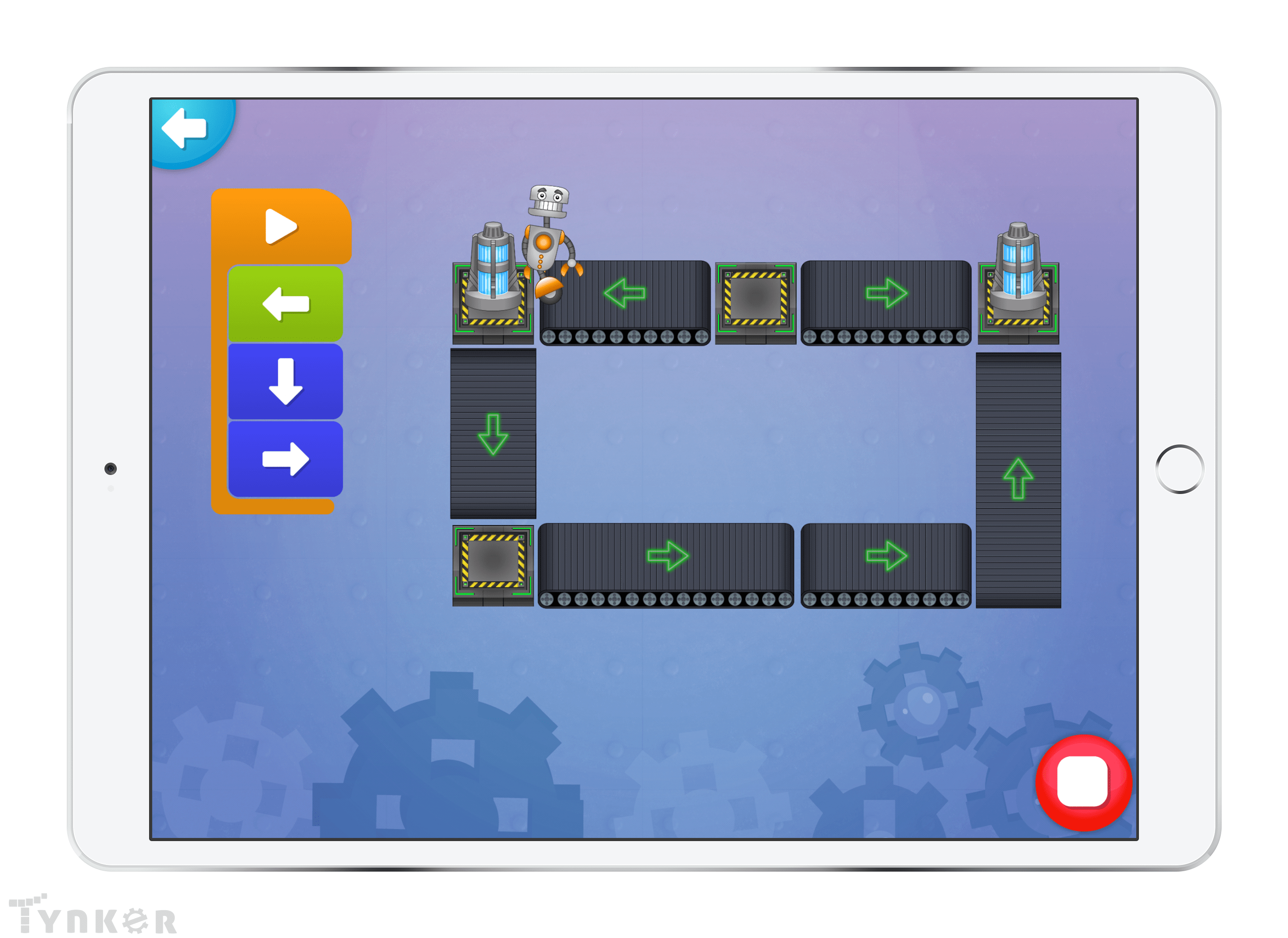
Ride conveyor belts and collect batteries to bring power back to the factory!

18 Modules:

  • Battery Sequencing - Puzzle 1
  • Battery Sequencing - Puzzle 2
  • Battery Sequencing - Puzzle 3
  • Battery Sequencing - Puzzle 4
  • Battery Sequencing - Puzzle 5
  • Battery Sequencing - Puzzle 6
  • Battery Sequencing - Puzzle 7
  • Battery Sequencing - Puzzle 8
  • Battery Sequencing - Puzzle 9
  • Battery Sequencing - Puzzle 10
  • Battery Sequencing - Puzzle 11
  • Battery Sequencing - Puzzle 12
  • Battery Sequencing - Puzzle 13
  • Battery Sequencing - Puzzle 14
  • Battery Sequencing - Puzzle 15
  • Battery Sequencing - Puzzle 16
  • Battery Sequencing - Puzzle 17
  • Factory Restored
Lesson image for: The North American Grasslands

The North American Grasslands

Use sequencing to help these prairie animals reach their mothers!

10 Modules:

  • Welcome to the North American Grasslands
  • Wolf 1
  • Wolf 2
  • Wolf 3
  • Wolf 4
  • Ferret 1
  • Ferret 2
  • Ferret 3
  • Ferret 4
  • Thanks for Visiting the North American Grasslands
Lesson image for: The Southeast Asian Rainforest

The Southeast Asian Rainforest

Climb down cliffs and ride on logs to navigate a jungle maze!

10 Modules:

  • Welcome to the Southeast Asian Rainforest
  • Elephant 1
  • Elephant 2
  • Elephant 3
  • Elephant 4
  • Tiger 1
  • Tiger 2
  • Tiger 3
  • Tiger 4
  • Thanks for Visiting the Southeast Asian Rainforest
Lesson image for: The African Savanna

The African Savanna

Look for patterns in the grass and use loops to traverse the wilds of the Savanna!

10 Modules:

  • Welcome to the African Savanna
  • Giraffe 1
  • Giraffe 2
  • Giraffe 3
  • Giraffe 4
  • Rhino 1
  • Rhino 2
  • Rhino 3
  • Rhino 4
  • Thanks for Visiting the African Savanna
Lesson image for: The African Jungle

The African Jungle

Plan carefully and avoid snakes to journey across this dangerous terrain!

10 Modules:

  • Welcome to the African Jungle
  • Gorilla 1
  • Gorilla 2
  • Gorilla 3
  • Gorilla 4
  • Chimp 1
  • Chimp 2
  • Chimp 3
  • Chimp 4
  • Thanks for Visiting the African Jungle
Lesson image for: Meet the Dust Bunnies

Meet the Dust Bunnies

Use loops to help these puffballs jump, climb, and push their way to the socks!

16 Modules:

  • Intro
  • Choose a Puffball
  • Meet the Dust Bunnies - Puzzle 1
  • Meet the Dust Bunnies - Puzzle 2
  • Meet the Dust Bunnies - Puzzle 3
  • Meet the Dust Bunnies - Puzzle 4
  • Meet the Dust Bunnies - Puzzle 5
  • Meet the Dust Bunnies - Puzzle 6
  • Meet the Dust Bunnies - Puzzle 7
  • Meet the Dust Bunnies - Puzzle 8
  • Meet the Dust Bunnies - Puzzle 9
  • Meet the Dust Bunnies - Puzzle 10
  • Meet the Dust Bunnies - Puzzle 11
  • Meet the Dust Bunnies - Puzzle 12
  • Meet the Dust Bunnies - Puzzle 13
  • Meet the Dust Bunnies - Puzzle 14
Lesson image for: Home Sweet Home

Home Sweet Home

Visit the Dust Bunnies' home and play with physics!

2 Modules:

  • Intro
  • Maker
Lesson image for: Balloon Bonanza

Balloon Bonanza

Find keys, pop balloons, and chase flying socks while using conditional loops!

13 Modules:

  • Intro
  • Balloon Bonanza - Puzzle 1
  • Balloon Bonanza - Puzzle 2
  • Balloon Bonanza - Puzzle 3
  • Balloon Bonanza - Puzzle 4
  • Balloon Bonanza - Puzzle 5
  • Balloon Bonanza - Puzzle 6
  • Balloon Bonanza - Puzzle 7
  • Balloon Bonanza - Puzzle 8
  • Balloon Bonanza - Puzzle 9
  • Balloon Bonanza - Puzzle 10
  • Balloon Bonanza - Puzzle 11
  • Balloon Bonanza - Puzzle 12
Lesson image for: So Many Blocks

So Many Blocks

Learn about other conditional loops and kick boxes to clear a path to the socks!

8 Modules:

  • Intro
  • So Many Blocks - Puzzle 1
  • So Many Blocks - Puzzle 2
  • So Many Blocks - Puzzle 3
  • So Many Blocks - Puzzle 4
  • So Many Blocks - Puzzle 5
  • So Many Blocks - Puzzle 6
  • Outro
Lesson image for: Join the Squad

Join the Squad

Design your own superhero!

2 Modules:

  • Welcome to the Squad
  • Hero Maker
Lesson image for: Missing Money

Missing Money

Trek through the city to locate the bank's stolen money.

15 Modules:

  • Your First Mission
  • Missing Money - Puzzle 1
  • Missing Money - Puzzle 2
  • Missing Money - Puzzle 3
  • Missing Money - Puzzle 4
  • Missing Money - Puzzle 5
  • Missing Money - Puzzle 6
  • Missing Money - Puzzle 7
  • Missing Money - Puzzle 8
  • Missing Money - Puzzle 9
  • Missing Money - Puzzle 10
  • Missing Money - Puzzle 11
  • Missing Money - Puzzle 12
  • Missing Money - Puzzle 13
  • Missing Money - Puzzle 14
Lesson image for: The Museum Heist

The Museum Heist

Team up with your allies to find the museum's stolen treasures.

14 Modules:

  • Master Thief Nitrochill
  • The Museum Heist - Puzzle 1
  • The Museum Heist - Puzzle 2
  • The Museum Heist - Puzzle 3
  • The Museum Heist - Puzzle 4
  • The Museum Heist - Puzzle 5
  • The Museum Heist - Puzzle 6
  • The Museum Heist - Puzzle 7
  • The Museum Heist - Puzzle 8
  • The Museum Heist - Puzzle 9
  • The Museum Heist - Puzzle 10
  • The Museum Heist - Puzzle 11
  • The Museum Heist - Puzzle 12
  • Nitrochill Cornered
Lesson image for: Iguana Industries

Iguana Industries

Work together to stop Doctor Iguana's schemes!

14 Modules:

  • Into the Lair
  • Iguana Industries - Puzzle 1
  • Iguana Industries - Puzzle 2
  • Iguana Industries - Puzzle 3
  • Iguana Industries - Puzzle 4
  • Iguana Industries - Puzzle 5
  • Iguana Industries - Puzzle 6
  • Iguana Industries - Puzzle 7
  • Iguana Industries - Puzzle 8
  • Iguana Industries - Puzzle 9
  • Iguana Industries - Puzzle 10
  • Iguana Industries - Puzzle 11
  • Iguana Industries - Puzzle 12
  • Doctor Iguana's Machine

Wild Tracks

Make patterns with tiger tracks using code.

1 Module:

  • Wild Tracks

Seabed Scribbler

Use code blocks to help Tracey draw while she moves and turns.

1 Module:

  • Seabed Scribbler

Starfish Spirals

Code Stella to create different art.

1 Module:

  • Starfish Spirals

Puff Paint

Program puffballs to roll around and paint on the screen.

1 Module:

  • Puff Paint

Octodrum

Use code to create a song with Ollie and his drums.

1 Module:

  • Octodrum

Pocket Band

Code the band members to create music together.

1 Module:

  • Pocket Band

Jelly Bash

Code jelly blobs into a custom drum kit.

1 Module:

  • Jelly Bash

Barbershop Bayou

Code animals to sing a song together.

1 Module:

  • Barbershop Bayou
Lesson image for: Day in the Park

Day in the Park

Use code to create a perfect day at the park for the Super Squad.

1 Module:

  • Day in the Park
Lesson image for: Squad Pose

Squad Pose

Code the Super Squad to pose for the camera!

1 Module:

  • Squad Pose
Lesson image for: RoboDance

RoboDance

The robots are having a party! Use code to make them dance.

1 Module:

  • RoboDance
Lesson image for: Emoji Chat

Emoji Chat

Have the dust bunnies chat with each other using code.

1 Module:

  • Emoji Chat

Birthday Card

Use code to create a Birthday Card.

1 Module:

  • Birthday Card

Valentine's Day Card

Code a Valentine's Day Card.

1 Module:

  • Valentine's Day Card

Mother's Day Card

Use code blocks to code a Mother's Day Card.

1 Module:

  • Mother's Day Card

Deep Sea Salvage

Program a coin collecting mini-game.

1 Module:

  • Deep Sea Salvage

Whack 'em

Code a classic arcade game.

1 Module:

  • Whack 'em

Training Mode

Use events and conditionals to create a two-player game.

1 Module:

  • Training Mode

Algorithms & Programming

Arrange commands in code to produce desired solutions.

Problem Solving

Evaluate task goals and identify steps to reach them.

Critical Thinking

Analyze and develop logical solutions to problems.

Decision Making

Determine options in the execution of a task with differing outcomes.

Testing & Debugging

Review code to locate and fix errors.

Creativity

Produce varied artistic output using coding and other digital skills.

Interactive Programs

Create a program with multiple moving, visual, interactive parts.

Animation

Make parts of a program change appearance over time with motion or image sequences.

Storytelling

Combine text handling and delays to coordinate a virtual narrative or conversation.

Game Design

Design simple to complex game programs that require continuous interaction.

Pen Drawing

Produce artwork by controlling a virtual pen with code.

Music

Utilize musical notes, sound effects, or synthesizers in programs.

Physics

Apply or discuss physical science in interactive coding projects.

Choose a Plan to Accelerate Learning

All plans include access for up to 3 children

Choose Live Online Courses

Choose a Plan to Accelerate Learning

All plans include access for up to 3 children

Choose a 3-Year Self-Paced Plan

40% OFF

Yearly

$25 $15 /month Now $180 billed annually cancel any time
40% OFF

Lifetime*

$780 $468 one time payment Best Deal
40% OFF

Quarterly

$30 $18 /month Now $54 billed quarterly cancel any time
40% OFF

Quarterly

$30 $18 /month Now $54 billed quarterly cancel any time
40% OFF

Yearly

$25 $15 /month Now $180 billed annually cancel any time
40% OFF

Lifetime*

$780 $468 one time payment Best Deal

Access everything Tynker offers

  • Thousands of hours of creative projects in Game Design, Minecraft, Python concepts, and more
  • Personalized assessments and certifications in real-world languages
  • Access to our highly rated mobile apps: Tynker, Tynker Junior & Mod Creator
  • 5,000+ lessons built to improve problem solving skills and academic performance
  • Parent dashboard with mastery stats - watch as they progress from novice to expert
  • 30 Day Money-Back Satisfaction Guarantee

3-Year All-Access plans include:

  • 70+ courses
  • 5,000+ activities
  • Block Coding
  • Text Coding
  • 3 Mobile Apps
  • Minecraft Modding
  • Game Design
  • Robotics
  • Hardware
  • Web Development
  • Python
  • JavaScript
  • Processing (P5.JS)
  • Data Science
  • Advanced CS

Tynker is designed to progress with your child. A three year plan accelerates their coding mastery from block coding to advanced text languages.