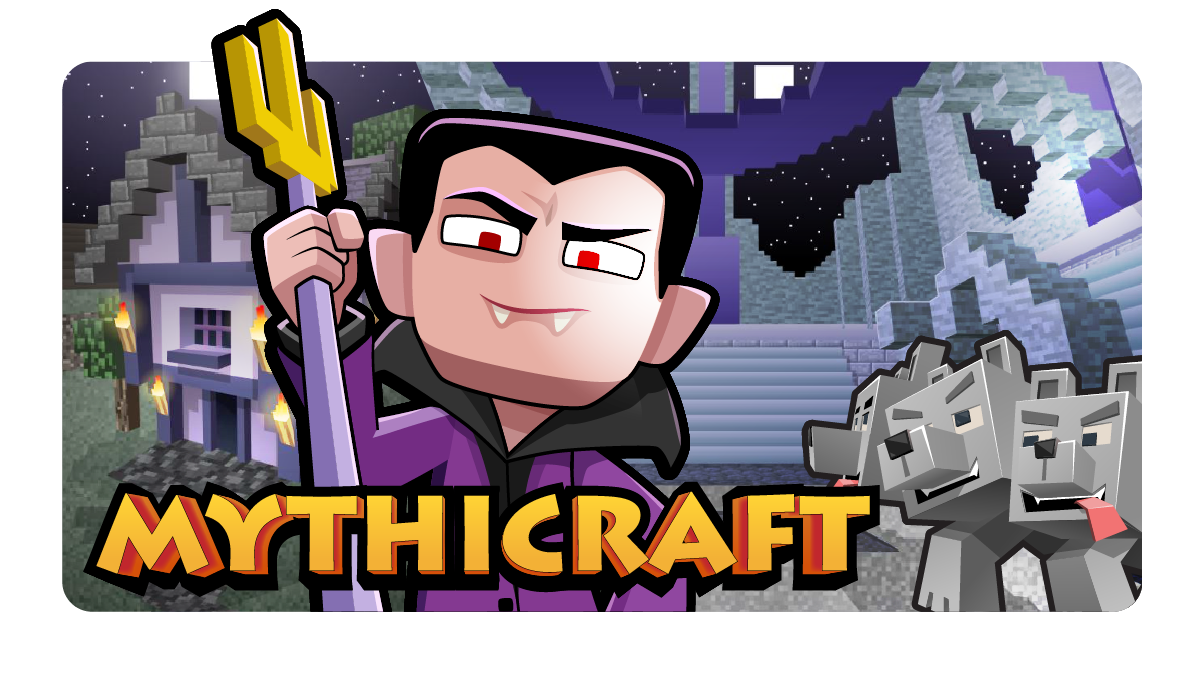
The Basics
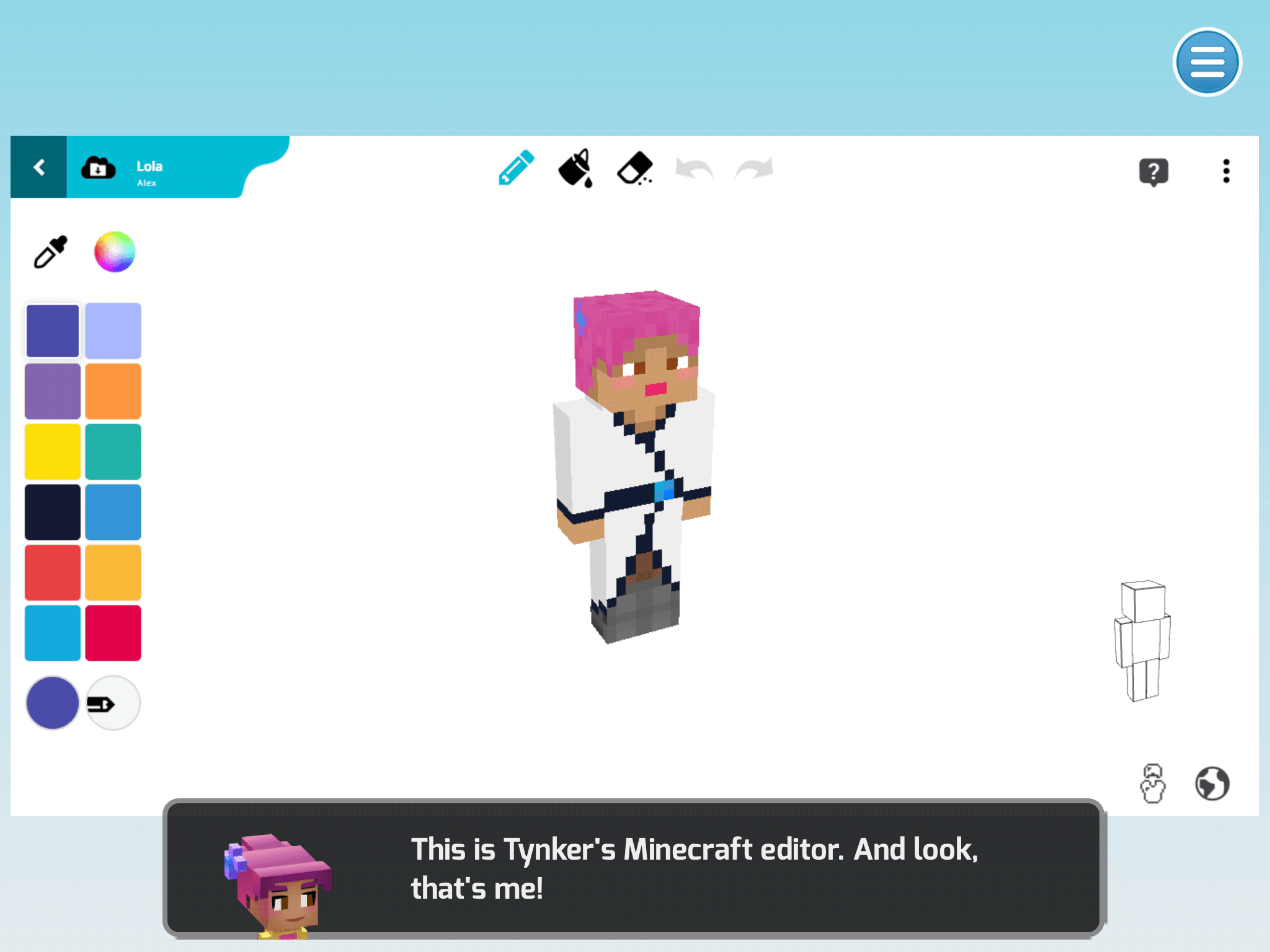
Learn how to make and apply skins and resource packs.
8 Modules:
- Introduction and Skins
- Lola
- Items
- Rainbow Sword
- Blocks
- Magic Bookshelf
- Mobs
- Jackalope
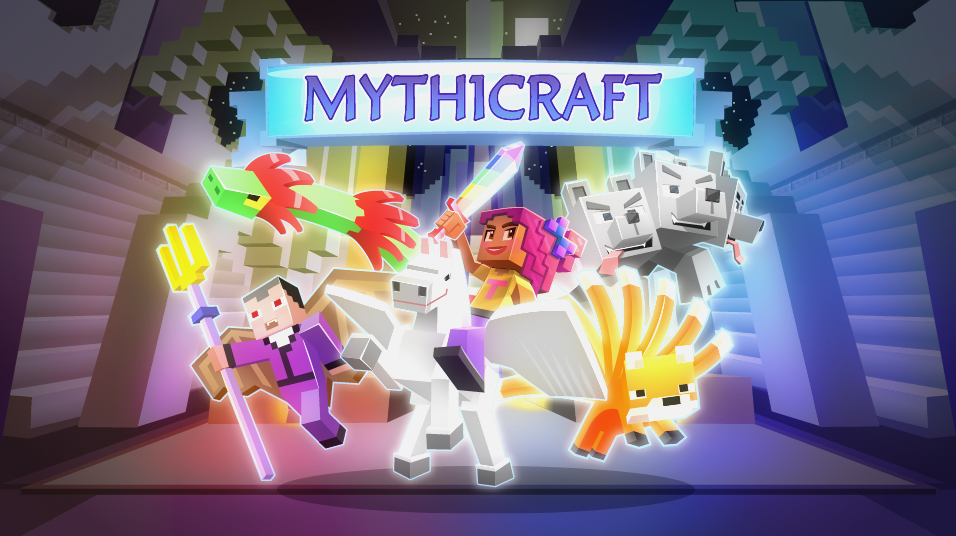
Learn to create Minecraft Add-Ons with code! Bring fun creatures to life.
Access this and 5,000 coding activities!
 Beginner Level
 100% Online
 1 lesson
 8 Activities
Kids learn on their own with a guided, hands-on approach that individualizes the learning experience. Tynker's online courses provide a complete learning system for your child to master the fundamentals of programming. Tynker's visual programming language makes it easy to learn, and once kids gain proficiency, they can seamlessly transition to Javascript coding within the Tynker learning system. Enroll in one of our plans for unlimited play across all courses.
Tynker's self-guided lessons break down coding concepts while solving puzzles and making cool apps.
Quick practice quizzes and assessment tests evaluate a child's comprehension of subjects taught.
There's always something to learn with multiple subjects, projects, and coding languages available.
Online courses require a desktop computer, laptop computer, Chromebook, or Netbook with Internet connection and a Chrome (29+), Firefox (30+), Safari (7+), or Edge (20+) browser. No downloads required. Courses are not supported on tablets.
Minecraft courses and server access is available to verified accounts. Minecraft for Windows 10 is required for Training Day, Agent Recall, Gears of Time, Mythicraft, and Mind Crafters courses. Content and courses are subject to changes. NOT AN OFFICIAL MINECRAFT PRODUCT. NOT APPROVED BY OR ASSOCIATED WITH MOJANG.
Learn how to make and apply skins and resource packs.
8 Modules:
Produce varied artistic output using coding and other digital skills.