



Introduction
Set up your tynker account, customize your character's skin and find out how to start talking to your private server.
10 Modules:
- Getting Started
- Minecraft Skins
- Concepts: Start Modding
- Start Modding
- Concepts: Twinkle Toes
- Twinkle Toes
- Concepts: Smoke Trails
- Smoke Trails
- Concepts: Block Reporter
- Block Reporter

Decisions and Resource Packs
Smash blocks with explosive punches, turn creatures to gold with a touch, and customize the creatures, blocks, and items in your server.
9 Modules:
- Concepts: Smashy Hands
- Smashy Hands
- Concepts: Midas Touch
- Midas Touch
- Concepts: Wacky Wand
- Wacky Wand
- Custom Blocks, Mobs, and Items
- Concepts: Mob Arrows
- Mob Arrows

Repetition, Delays, Variables, and Randomness
Add randomness to your mods, use variables to help guide decisions and discover how loops can multiply your coding powers.
10 Modules:
- Loops
- Concepts: Lightning Arrows
- Lightning Arrows
- Variables
- Concepts: Rainbow Sheep
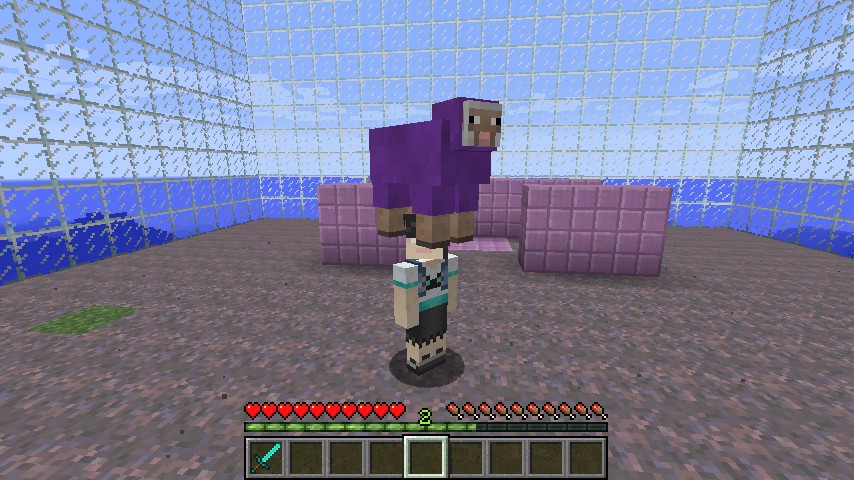
- Rainbow Sheep
- Concepts: Master Hunter
- Master Hunter
- Concepts: Pigstorm
- Pigstorm

Intervals, Breaks, and the Command Block
Discover a powerful loop with a built-in time-delay and how to break a loop. Start activating code at will with the command block.
5 Modules:
- Concepts: Smoke Bomb and Firework Machine
- Smoke Bomb
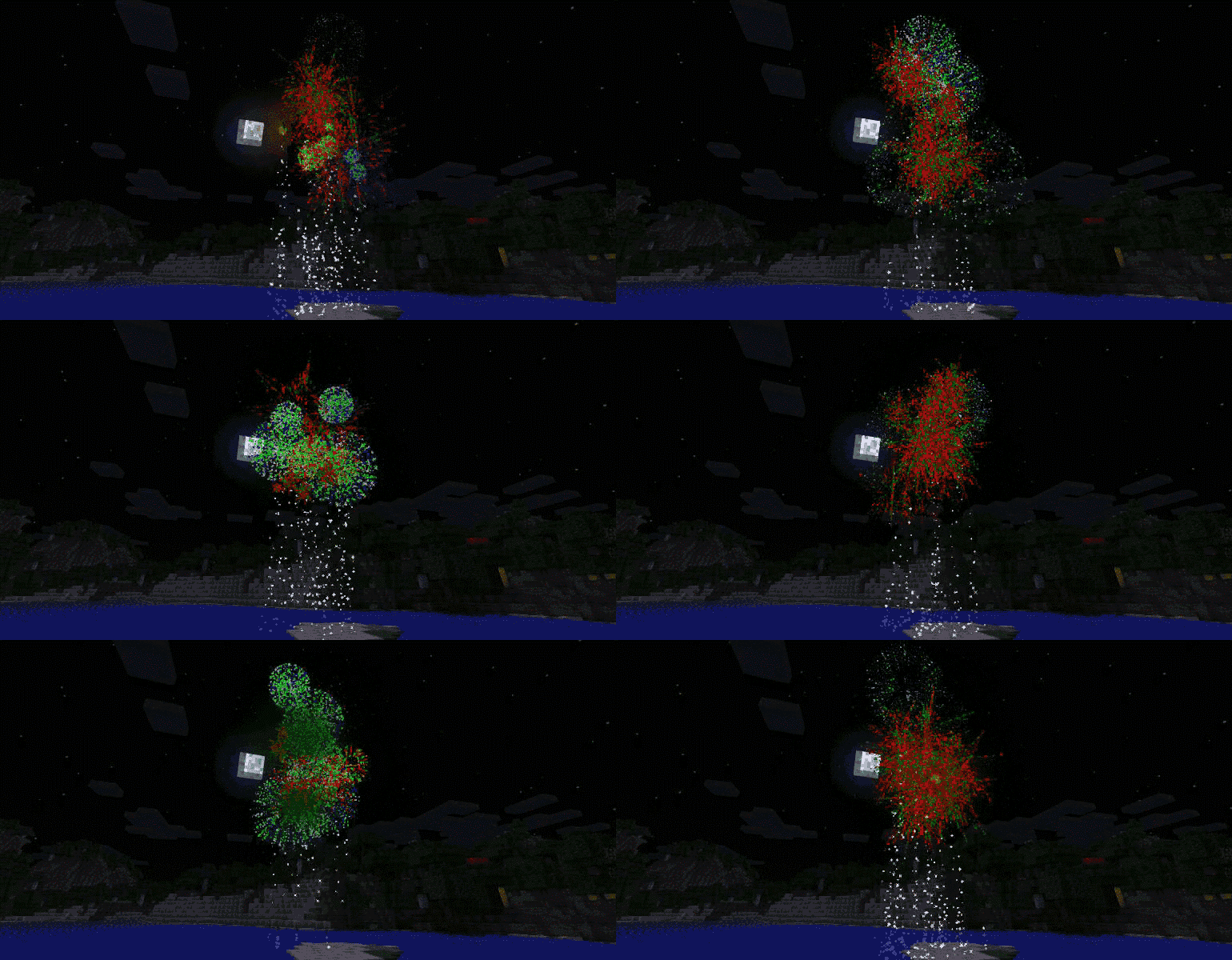
- Firework Machine
- Concepts: Crazy Bats
- Crazy Bats

Building with the Drone Tool
Discover the incredible power of the drone tool as you build massive or complex structures with ease.
6 Modules:
- Drone Building
- Beacon Pyramid
- Brick House
- Tree Home
- Concepts: Magic Pickaxe
- Magic Pickaxe

Functions
Combine building with the drone tool with the power of functions. Use parameters to make functions do many different things.
7 Modules:
- Concepts: Functions
- Parkour Forevermore
- Random Tree
- Concepts: Function Parameters
- Three Little Pigs
- Blast Off Rocket Ship
- Instant Castle

Fowl Play - Setup
Use your skills to build an arena for a Duck Hunt like game.
2 Modules:
- Concept: Get Name Of
- Fowl Play: Setup

Fowl Play - Game Rules
The stage has been set. Now add game logic to complete the "Fowl Play" minigame.
3 Modules:
- Lists and For-each Loops
- Concepts: Data Structures
- Fowl Play: Game Rules

Capture the Flag - Setup
Use your skills to build an arena for a "Capture the Flag" game.
2 Modules:
- Concepts: Capture the Flag
- Capture the Flag: Setup

Capture the Flag - Game Rules
The stage has been set. Now add game logic to complete a "Capture the Flag" minigame.
2 Modules:
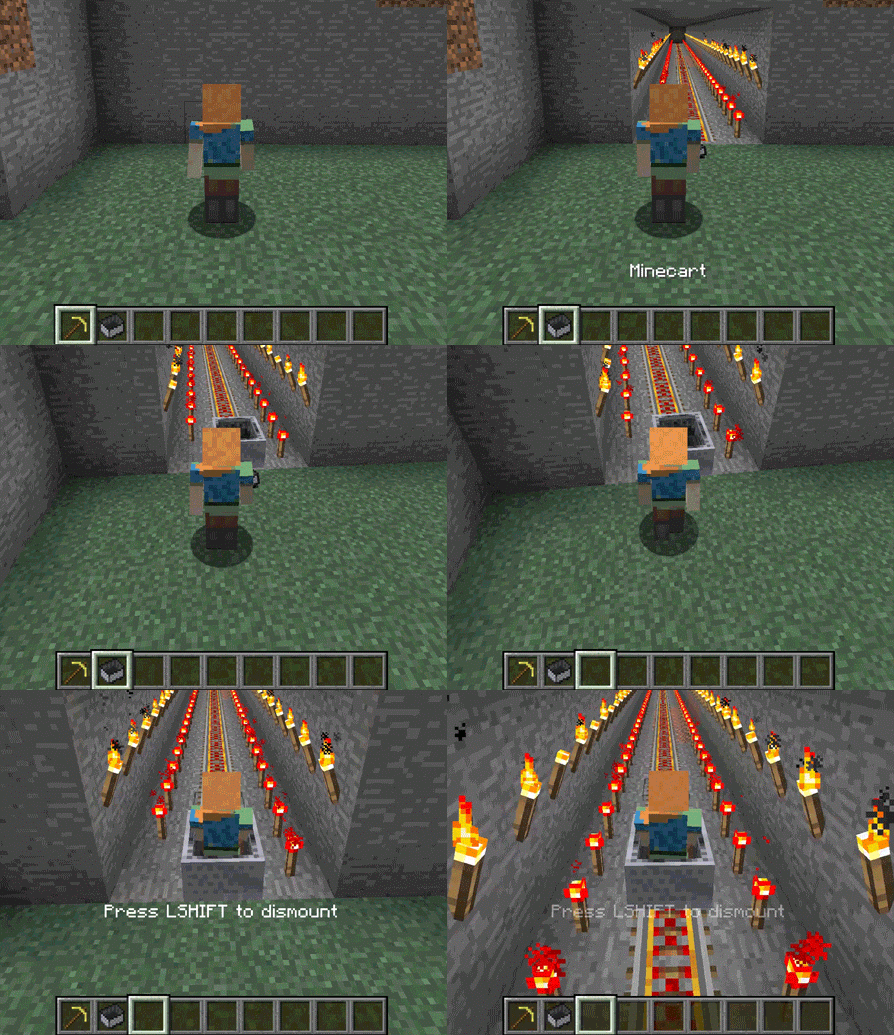
- Concepts: Entities Riding Entities
- Capture the Flag: Game Rules

Bonus: Lucky Block
Create a custom block called a lucky block. Every time the lucky block breaks something different will happen.
1 Module:
- Lucky Block

Bonus: Memory
Create a memory game that you play inside of Minecraft.
1 Module:
- Memory

Bonus: Disco Floor
Create new functions that work with the drone tool; then build with them.
1 Module:
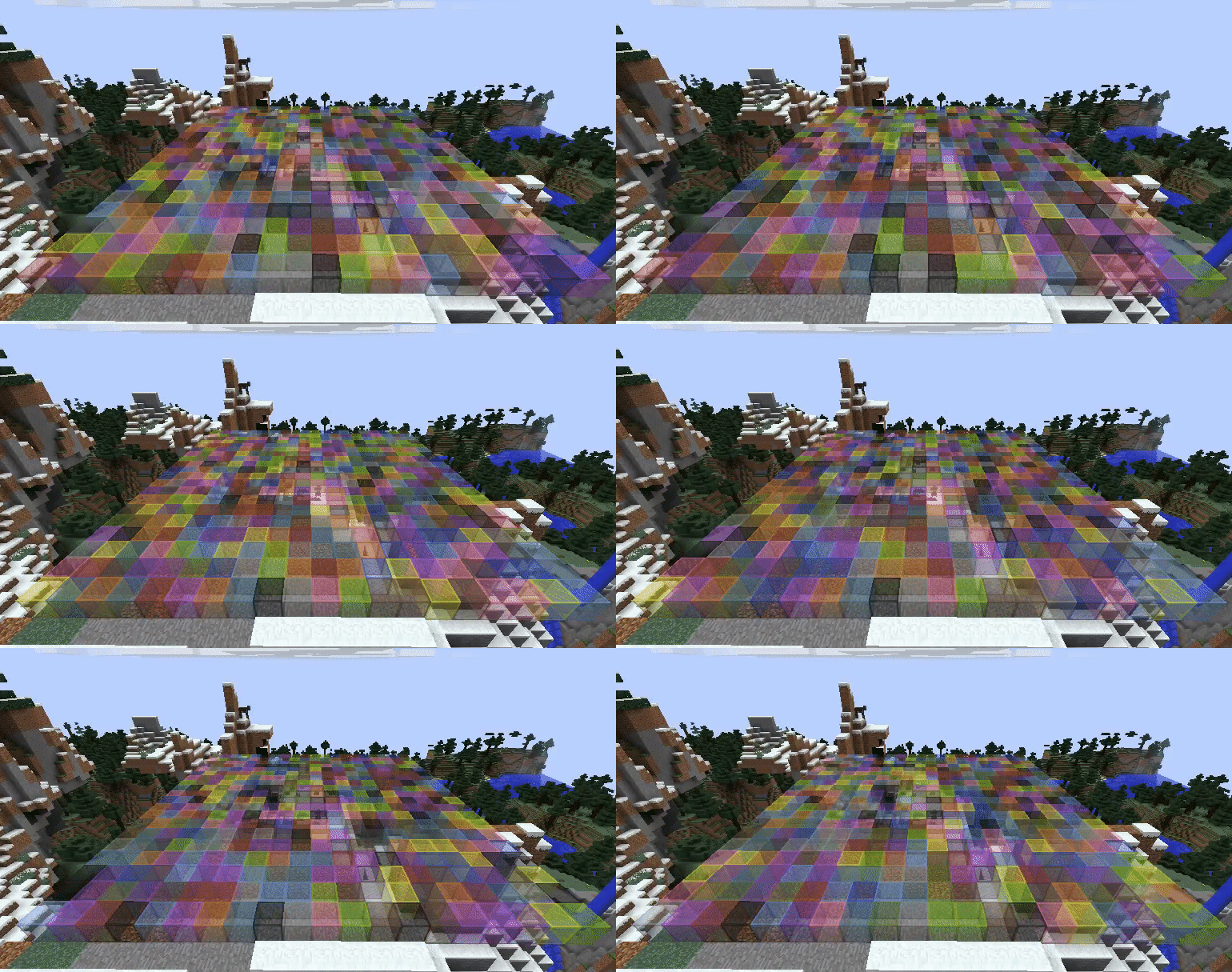
- Disco Floor

Bonus: Monster Totem
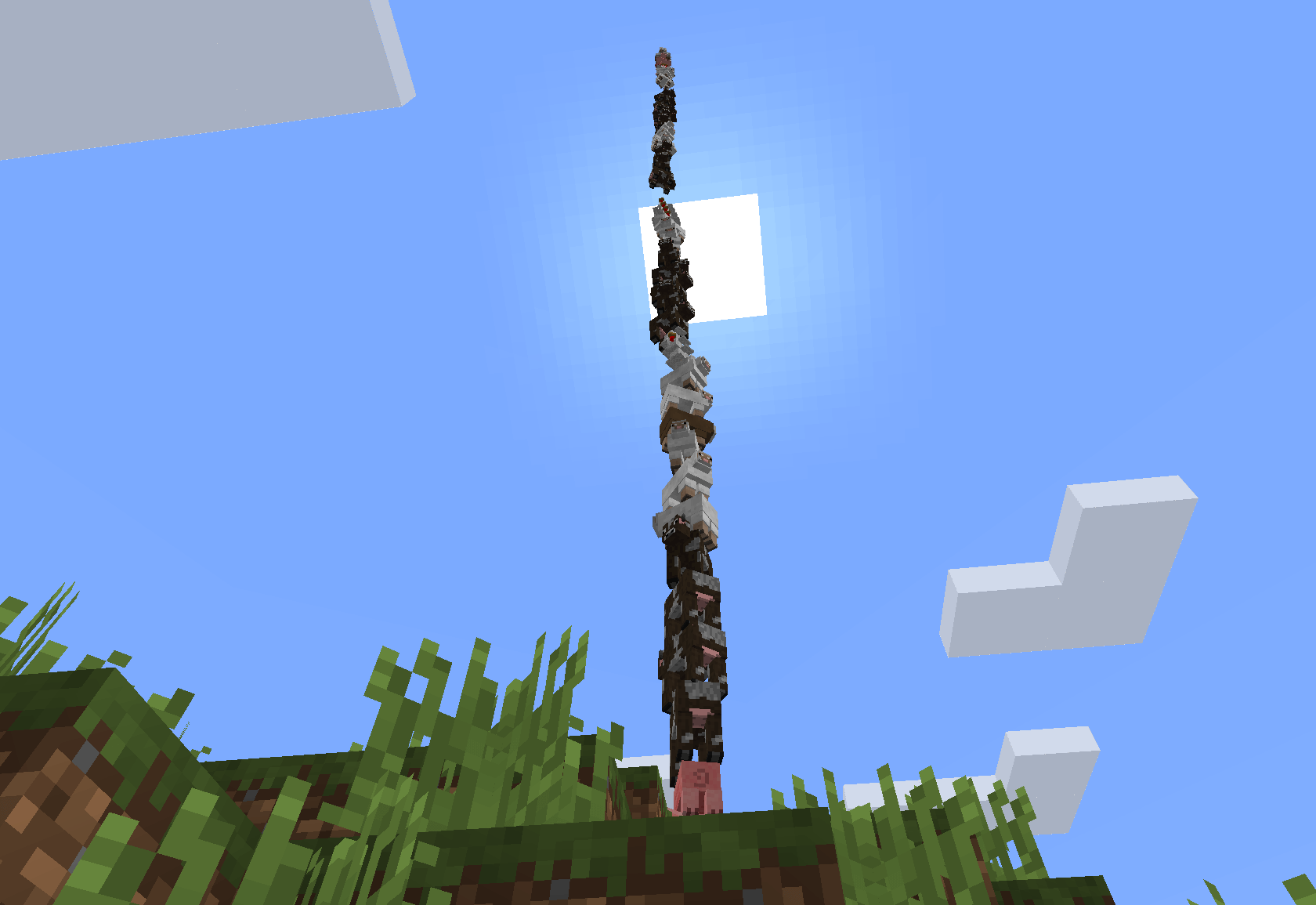
Use loops, variables, functions and the "start riding" code block to make all the creatures in your server into a totem pole.
1 Module:
- Monster Totem

Bonus: Monster Smash
Use functions, random numbers, and the "set target" code block to make two random creatures fight to the death.
1 Module:
- Monster Smash

CTF: Part 1
Set up your Tynker account, customize your skin, and start using your private server.
10 Modules:
- Getting Started
- Concepts
- Rise and Shine
- Drone Tool
- Concepts
- Build a Spawn Location
- Deactivating Minecraft Mods
- Concepts
- Basic Setup
- Minecraft Skins

CTF: Part 2
Program game logic to control the flag and players, then program the win condition.
5 Modules:
- Concepts
- Death and Rebirth
- Capturing the Flag
- Concepts
- Keep it Fair

CTF: Part 3
Finish the CTF game by getting all players on the server and assigning them to a team.
8 Modules:
- Lists and For Each Loops
- Concepts
- Team Player
- Class Warfare
- Concepts
- Bonus: Semaphores
- Concepts
- Bonus: Cleanup

Bonus - Castle
Use the drone tool and custom functions to build a sturdy stronghold.
1 Module:
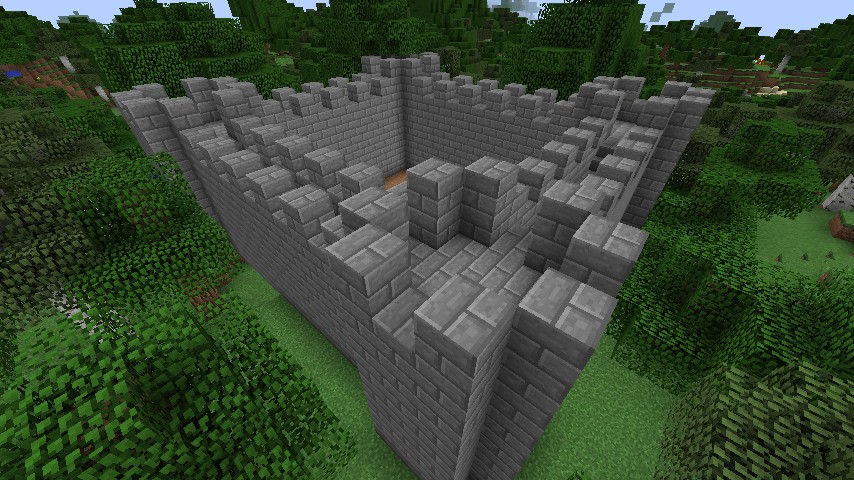
- Castle

Soccer: Lay the Field
Use the drone tool and build the soccer arena.
3 Modules:
- Drone Tool
- Building the Field
- Team Theme

Soccer: Slimeball
Modify the Slime entity to become a ball that can be used in all kinds of games! Make it, skin it, change it!
4 Modules:
- Custom Blocks, Mobs, and Items
- Ball Spawn
- Concepts
- Behavior Modification

Soccer: Player Setup
Create objects to represent each team, then add team lists to your objects to know who’s on each team.
6 Modules:
- Objects
- Concepts
- Spawn Points
- Set Up Teams
- Goal!
- Winning Score

Bonus - Scoreboard
Use functions, variables, and world manipulation to create a custom LED scoreboard.
1 Module:
- Scoreboard

Tower Defense: Level Setup
Build a basic level for a Tower Defense game, spawn enemies, and create an objective to protect.
4 Modules:
- Concepts
- The Nexus
- Defense Team
- Danger Lane

Tower Defense: Defensive Towers
Build towers for the tower defense game and modify their artificial intelligence (AI) to do your bidding.
4 Modules:
- Concepts
- Enemy Attackers
- Concepts
- Defensive Towers

Tower Defense: Enemy Waves
Modify the game logic to allow for multiple waves of enemies.
3 Modules:
- Concepts
- Win/Loss Condition
- Enemy Waves

Tower Defense: Finale
Add a final boss and a victory fireworks show.
3 Modules:
- Concepts
- Final Boss
- Victory Fireworks