
Special Savings: 40% Off

Drone Coding Studio

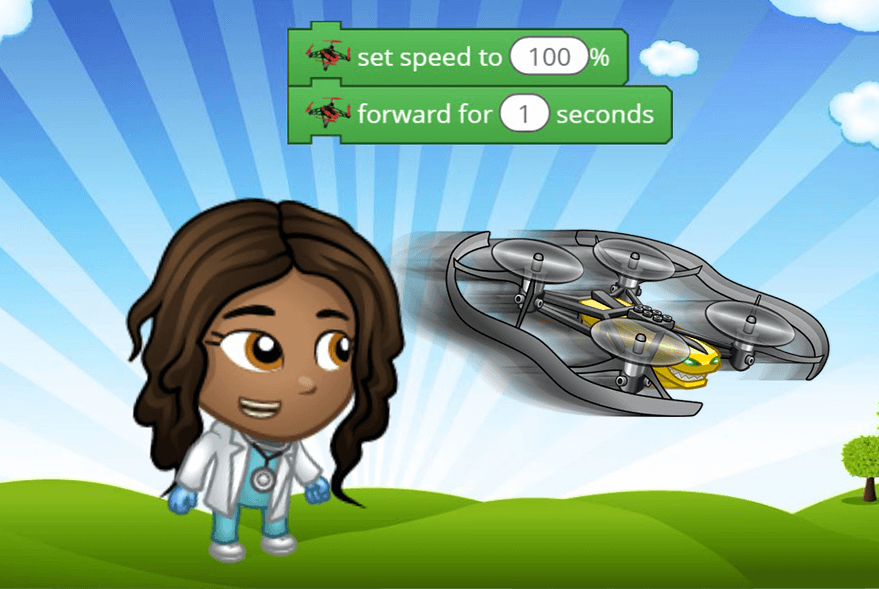
Experience the thrill of flight and accomplishment as you learn to program Parrot drones using Tynker's intuitive visual coding. Pilot drones through extreme maneuvers, grasping objects and flying aerial combat missions all with the power of code. Watch your child's confidence soar as they learn to write programs that bridge the gap from the digital to the physical world.

How this course works: Students sign in to their Tynker accounts from a Chromebook or desktop computer and complete a Tynker lesson online. Then, they sign-in to their account from the Tynker app on a shared iPad device. The DIY projects will be available under the "My Projects" section in their app. They will be able to modify and run the programs on the iPad to control the accessory via Bluetooth. You can share one or two tablets between all students in a classroom and they can take turns controlling the accessary.

Recommended Accessories: This course requires a physical drone and a tablet (each sold separately).

No experience with coding or flying drones is required.

Drone Coding Studio

Experience the thrill of flight and accomplishment as you learn to program Parrot drones using Tynker's intuitive visual coding. Pilot drones through extreme maneuvers, grasping objects and flying aerial combat missions all with the power of code. Watch your child's confidence soar as they learn to write programs that bridge the gap from the digital to the physical world.

How this course works: Students sign in to their Tynker accounts from a Chromebook or desktop computer and complete a Tynker lesson online. Then, they sign-in to their account from the Tynker app on a shared iPad device. The DIY projects will be available under the "My Projects" section in their app. They will be able to modify and run the programs on the iPad to control the accessory via Bluetooth. You can share one or two tablets between all students in a classroom and they can take turns controlling the accessary.

Recommended Accessories: This course requires a physical drone and a tablet (each sold separately).

No experience with coding or flying drones is required.

Course card image for Drone Coding Studio

Access this and 5,000 coding activities!

Get Started for Free

Course

Intermediate Level
100% Online
11 lessons
58 Activities

Access this and 5,000 coding activities!

Get Started for Free

Give as Gift

Recommended for Ages +

Web

No Prerequisites

How Kids Learn with Tynker

Kids learn on their own with a guided, hands-on approach that individualizes the learning experience. Tynker's online courses provide a complete learning system for your child to master the fundamentals of programming. Tynker's visual programming language makes it easy to learn, and once kids gain proficiency, they can seamlessly transition to Javascript coding within the Tynker learning system. Enroll in one of our plans for unlimited play across all courses.

Game-Based Learning

Tynker's self-guided lessons break down coding concepts while solving puzzles and making cool apps.

Interactive Assessments

Quick practice quizzes and assessment tests evaluate a child's comprehension of subjects taught.

Captivating Topics

There's always something to learn with multiple subjects, projects, and coding languages available.

System Requirements

Online courses require a desktop computer, laptop computer, Chromebook, or Netbook with Internet connection and a Chrome (29+), Firefox (30+), Safari (7+), or Edge (20+) browser. No downloads required. Courses are not supported on tablets.

Minecraft courses and server access is available to verified accounts. Minecraft for Windows 10 is required for Training Day, Agent Recall, Gears of Time, Mythicraft, and Mind Crafters courses. Content and courses are subject to changes. NOT AN OFFICIAL MINECRAFT PRODUCT. NOT APPROVED BY OR ASSOCIATED WITH MOJANG.

Lesson image for: Flight Training

Flight Training

Learn the fundamentals of becoming a drone pilot.

12 Modules:

  • Concepts
  • First Flight
  • Concepts
  • Flight Path
  • Long Flight
  • Race
  • Trap Escape
  • Concepts
  • Dodging Drone
  • Dodging Drone 2
  • Dodging Drone 3
  • Quiz
Lesson image for: Aerobatics

Aerobatics

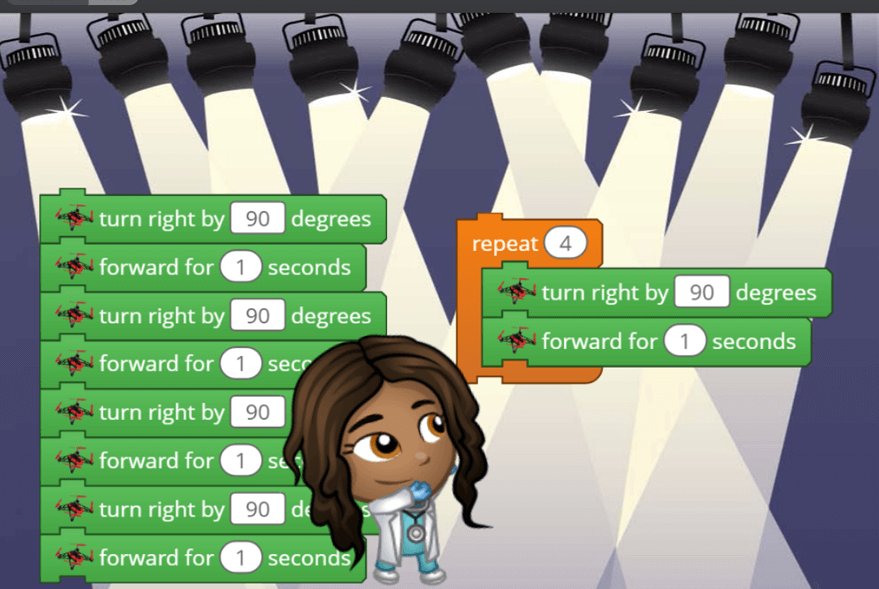
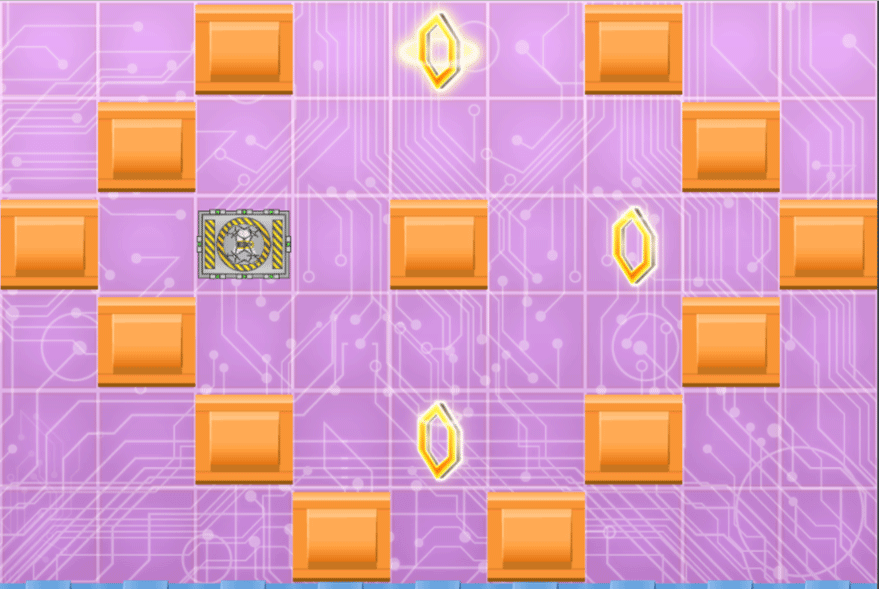
Learn advanced piloting maneuvers like turning and strafing.

11 Modules:

  • Concepts
  • U-Turn
  • Back and Forth
  • Diamond
  • Concepts
  • Moon Walk
  • Medusa
  • Medusa 2
  • Medusa 3
  • To The Sky
  • Quiz
Lesson image for: Pilot's Wings

Pilot's Wings

Use the Tynker mobile app to connect to a real drone and take to the sky!

4 Modules:

  • Free Flight
  • Obstacle Course
  • Teamwork
  • Quiz
Lesson image for: Dronie

Dronie

Let me take a dronie!

3 Modules:

  • Concepts
  • Dronie
  • Quiz
Lesson image for: Skywriting

Skywriting

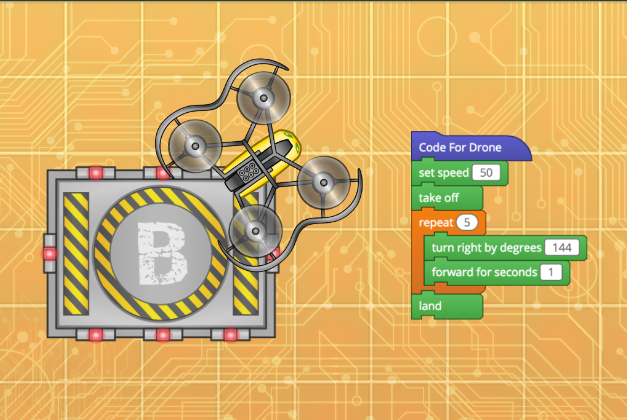
Draw shapes in the sky by maneuvering the drone.

7 Modules:

  • Concepts
  • Spin Move
  • Repetition Mission
  • Square
  • Shape Challenge
  • Cube
  • Quiz
Lesson image for: Remote Control

Remote Control

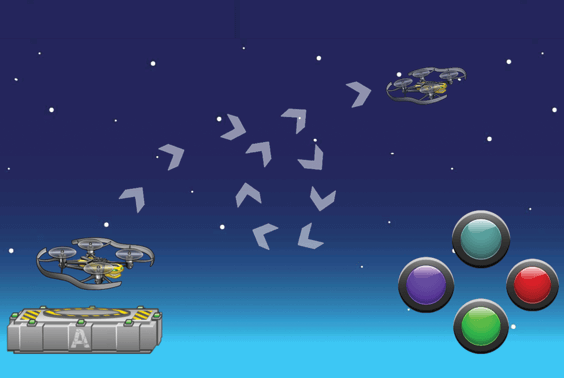
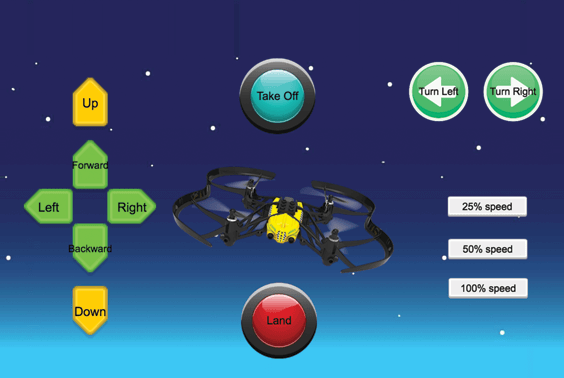
Make a custom controller for the drone.

5 Modules:

  • Concepts
  • Controller
  • Trick Panel
  • Basic Controller
  • Quiz
Lesson image for: Fly by Feel

Fly by Feel

Make a custom controller that uses input from a tablet's accelerometer to steer the drone.

5 Modules:

  • Concepts
  • Flipping Tablets
  • Tilt Controller
  • Tilt Controller Revisited
  • Quiz
Lesson image for: Advanced Movement

Advanced Movement

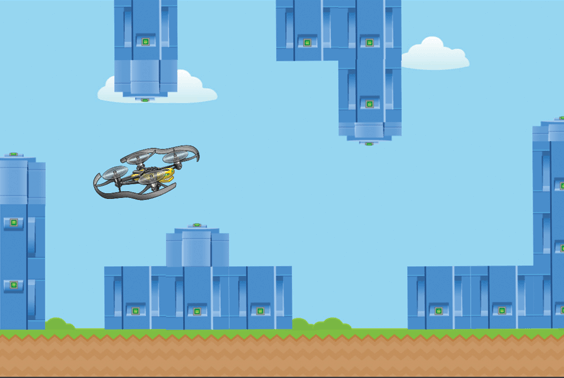
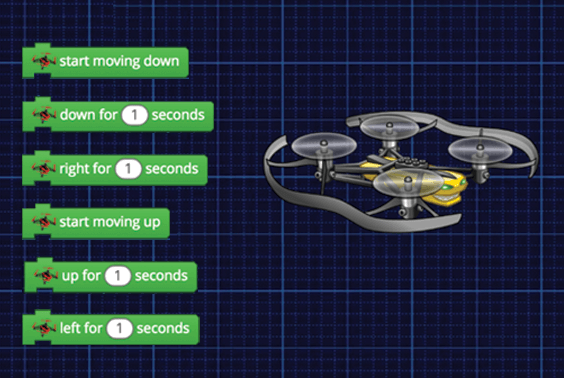
Fly in a curved path using the "start rotating" code blocks. Hack the real world and gamify the drone controller.

6 Modules:

  • Concepts
  • Flappy Drone
  • Orbit
  • Model S
  • Heart
  • Quiz
Lesson image for: Virtual Pilot

Virtual Pilot

Program a virtual drone to do tricks and stunts in side-view, then try it out on the real thing.

2 Modules:

  • Challenge Controller
  • Virtual Flight Plan
Lesson image for: Virtual Pilot 2

Virtual Pilot 2

Program a virtual drone to do tricks and stunts in a top-down view, then try it out on the real thing.

3 Modules:

  • Concepts
  • Enable Tilt Controls
  • Virtual Flight Plan 2
Lesson image for: Grabber and Cannon

Grabber and Cannon

Introducing the Grabber and Cannon attachment for the Mambo Drone.

7 Modules:

  • Concepts
  • Equipment Transporter
  • Drop Zone
  • Concepts
  • Three Pointer
  • Grabber/Cannon Controller
  • Quiz

Choose a Plan to Accelerate Learning

All plans include access for up to 3 children

Choose Live Online Courses

Choose a Plan to Accelerate Learning

All plans include access for up to 3 children

Choose a 3-Year Self-Paced Plan

40% OFF

Yearly

$25 $15 /month Now $180 billed annually cancel any time
40% OFF

Lifetime*

$780 $468 one time payment Best Deal
40% OFF

Quarterly

$30 $18 /month Now $54 billed quarterly cancel any time
40% OFF

Quarterly

$30 $18 /month Now $54 billed quarterly cancel any time
40% OFF

Yearly

$25 $15 /month Now $180 billed annually cancel any time
40% OFF

Lifetime*

$780 $468 one time payment Best Deal

Access everything Tynker offers

  • Thousands of hours of creative projects in Game Design, Minecraft, Python concepts, and more
  • Personalized assessments and certifications in real-world languages
  • Access to our highly rated mobile apps: Tynker, Tynker Junior & Mod Creator
  • 5,000+ lessons built to improve problem solving skills and academic performance
  • Parent dashboard with mastery stats - watch as they progress from novice to expert
  • 30 Day Money-Back Satisfaction Guarantee

3-Year All-Access plans include:

  • 70+ courses
  • 5,000+ activities
  • Block Coding
  • Text Coding
  • 3 Mobile Apps
  • Minecraft Modding
  • Game Design
  • Robotics
  • Hardware
  • Web Development
  • Python
  • JavaScript
  • Processing (P5.JS)
  • Data Science
  • Advanced CS

Tynker is designed to progress with your child. A three year plan accelerates their coding mastery from block coding to advanced text languages.