Special Savings: 40% Off

AP Computer Science Principles

A year-long high school curriculum designed to introduce students to the central ideas of computer science and prepare them for the AP CS Principles Exam.

AP Computer Science Principles

A year-long high school curriculum designed to introduce students to the central ideas of computer science and prepare them for the AP CS Principles Exam.

Course card image for AP Computer Science Principles

Access this and 5,000 coding activities!

Get Started for Free

AP CS Principles Course

Advanced Level
100% Online
12 units, 110 lessons
499 Activities

Access this and 5,000 coding activities!

Get Started for Free

Give as Gift

Recommended for Ages +

Web

No Prerequisites

How Kids Learn with Tynker

Kids learn on their own with a guided, hands-on approach that individualizes the learning experience. Tynker's online courses provide a complete learning system for your child to master the fundamentals of programming. Tynker's visual programming language makes it easy to learn, and once kids gain proficiency, they can seamlessly transition to Javascript coding within the Tynker learning system. Enroll in one of our plans for unlimited play across all courses.

Game-Based Learning

Tynker's self-guided lessons break down coding concepts while solving puzzles and making cool apps.

Interactive Assessments

Quick practice quizzes and assessment tests evaluate a child's comprehension of subjects taught.

Captivating Topics

There's always something to learn with multiple subjects, projects, and coding languages available.

System Requirements

Online courses require a desktop computer, laptop computer, Chromebook, or Netbook with Internet connection and a Chrome (29+), Firefox (30+), Safari (7+), or Edge (20+) browser. No downloads required. Courses are not supported on tablets.

Minecraft courses and server access is available to verified accounts. Minecraft for Windows 10 is required for Training Day, Agent Recall, Gears of Time, Mythicraft, and Mind Crafters courses. Content and courses are subject to changes. NOT AN OFFICIAL MINECRAFT PRODUCT. NOT APPROVED BY OR ASSOCIATED WITH MOJANG.

Lesson image for: Unit 1: Computing Innovations

Unit 1: Computing Innovations

Welcome to the course! Learn about computing inventions and start coding.

12 Modules:

  • 1.1 Welcome to AP CS Principles
  • 1.2 Computing Innovations
  • 1.3 Python Basics
  • 1.4 What is Data?
  • 1.5 Algorithms
  • 1.6 Python Loops
  • 1.7 Loops Part 2
  • 1.8 Computing Systems and Networks
  • 1.9 Impacts on Society
  • 1.10 Creative Development
  • 1.11 Review
  • 1.12 Quiz
Lesson image for: Unit 2: Conditional Algorithms

Unit 2: Conditional Algorithms

Explore the big ideas of selection, sequencing, and iteration.

13 Modules:

  • 2.1 Conditional Algorithms Unplugged
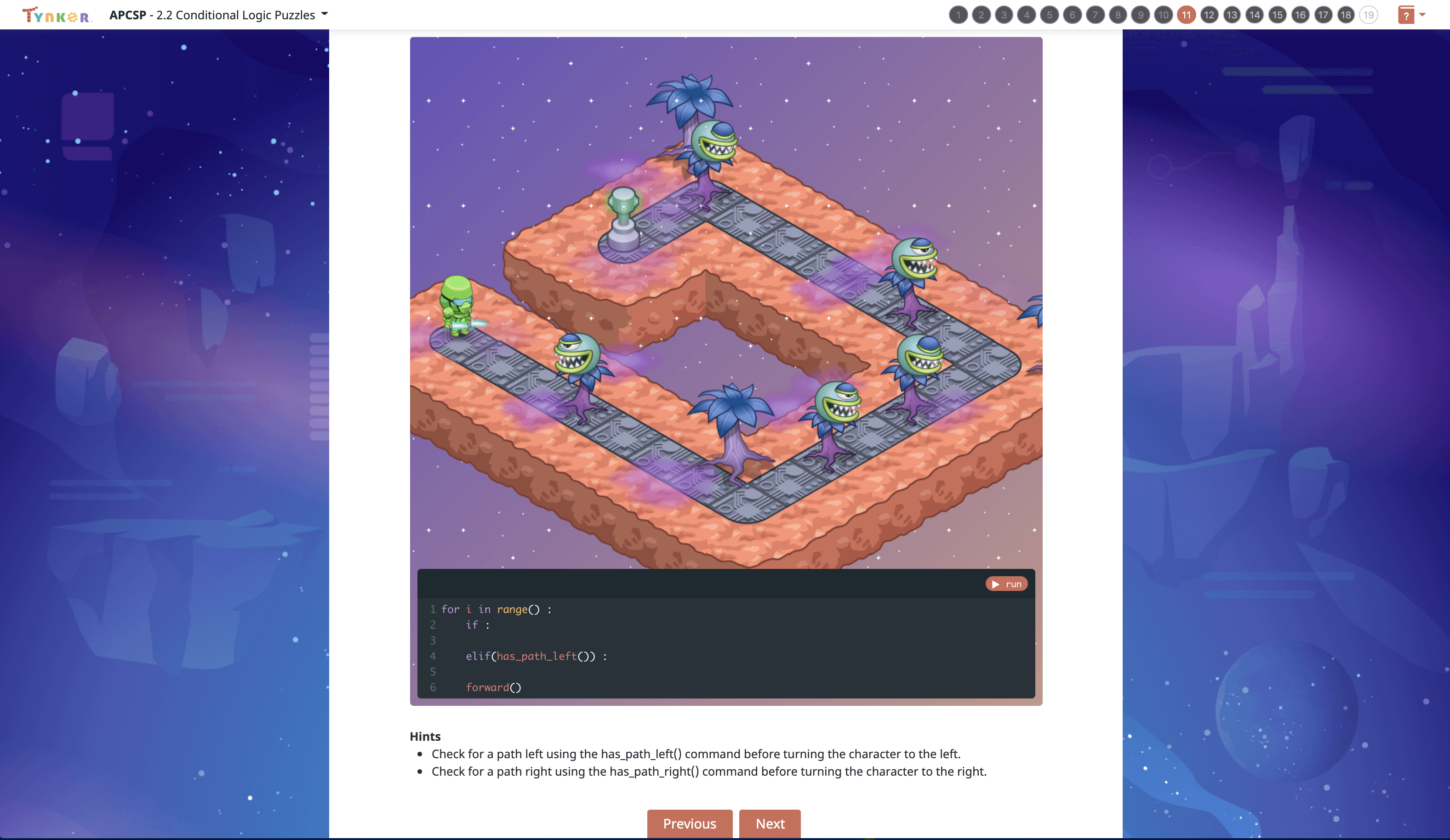
  • 2.2 Conditional Logic Puzzles
  • 2.3 Conditional Loops
  • 2.4 Variables in Python
  • 2.5 User Input
  • 2.6 Create Task: Trivia Game
  • 2.7 Random Integers in Python
  • 2.8 Rock Paper Scissors: Pair Programming
  • 2.9 Conditionals with the Robot Language
  • 2.10 Number Guessing Game
  • 2.11 Create Task: Math Facts Game
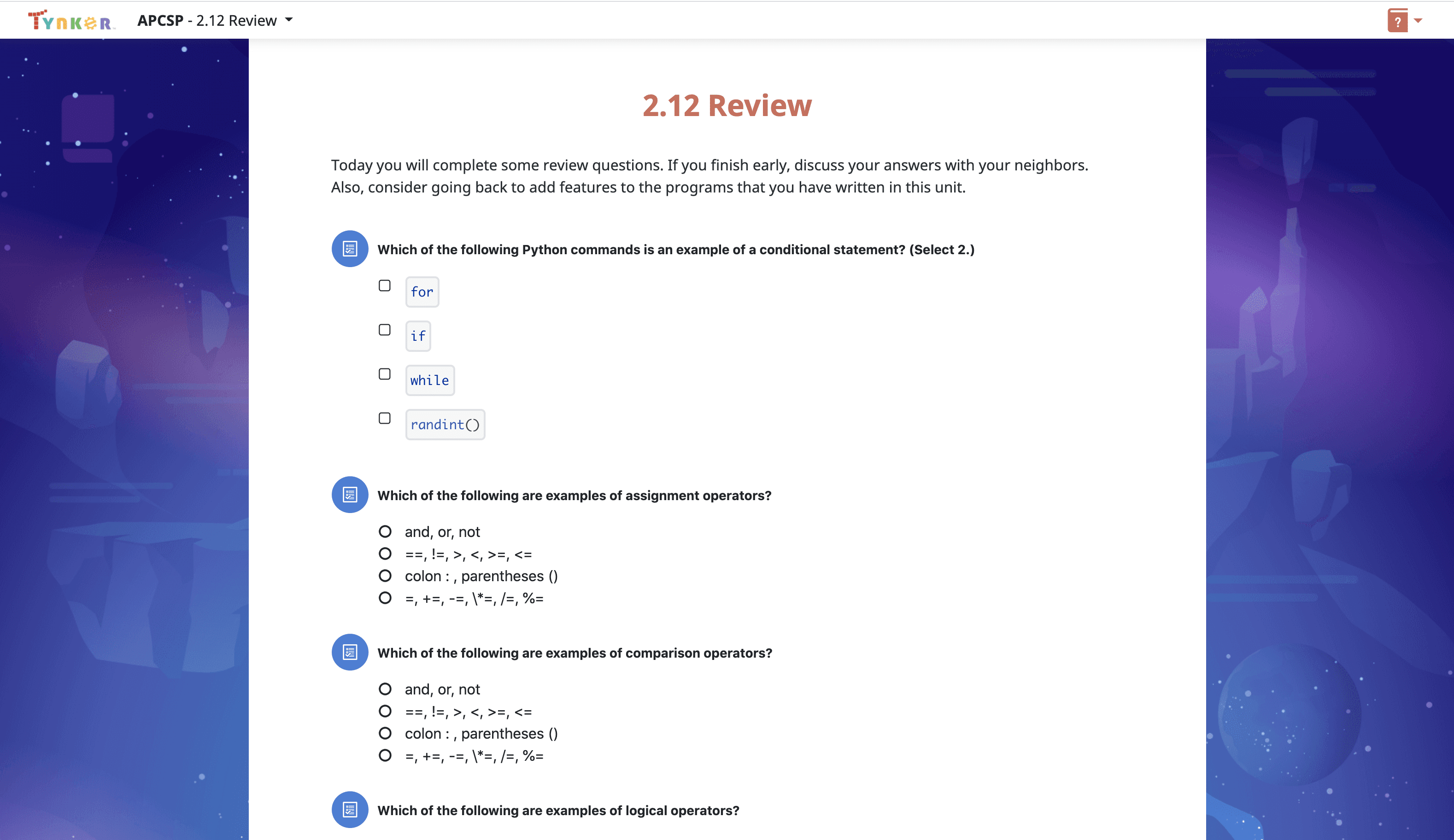
  • 2.12 Review
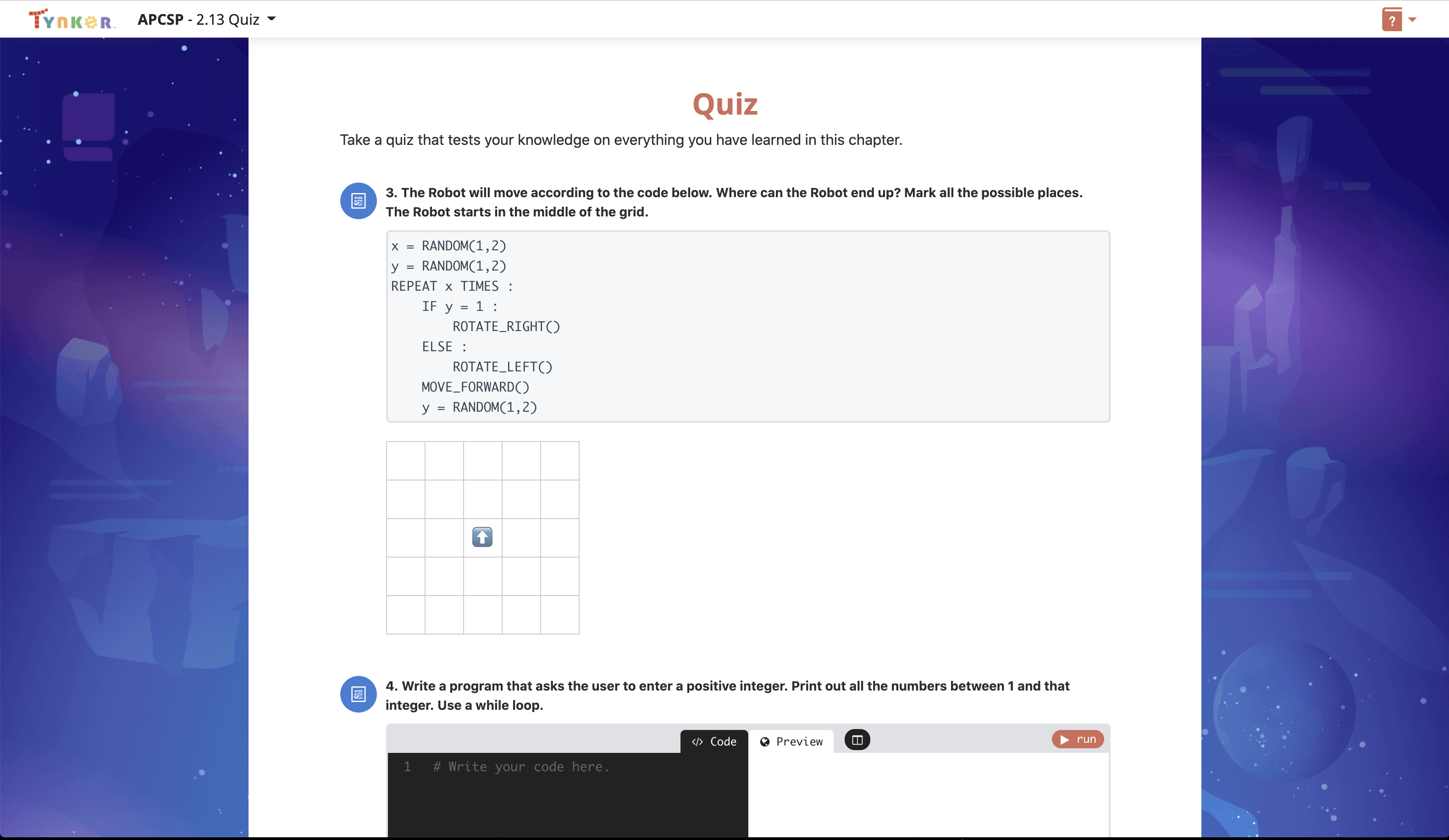
  • 2.13 Quiz
Lesson image for: Unit 3: Abstraction

Unit 3: Abstraction

Learn how to generalize your code with variables and functions.

9 Modules:

  • 3.1 What is Abstraction
  • 3.2 Variables and Expressions
  • 3.3 Lists
  • 3.4 The Turtle
  • 3.5 User Interaction
  • 3.6 Writing Functions with Parameters
  • 3.7 Review
  • 3.8 Quiz
  • 3.9 End of Quarter Create Task
Lesson image for: Unit 4: Computing Systems and Networks

Unit 4: Computing Systems and Networks

Learn about the Internet, computer networks, and more.

11 Modules:

  • 4.1 Computing Networks
  • 4.2 Dictionaries
  • 4.3 The Internet
  • 4.4 Packet Routing Simulation Program
  • 4.5 Parallel Computing
  • 4.6 Distributed Computing
  • 4.7 Game Design
  • 4.8 Practice with Update
  • 4.9 Pair Programming Challenges
  • 4.10 Review
  • 4.11 Quiz
Lesson image for: Unit 5: Python Games

Unit 5: Python Games

Build cool Python games in the style of Frogger, Tetris, Connect, and Snake.

11 Modules:

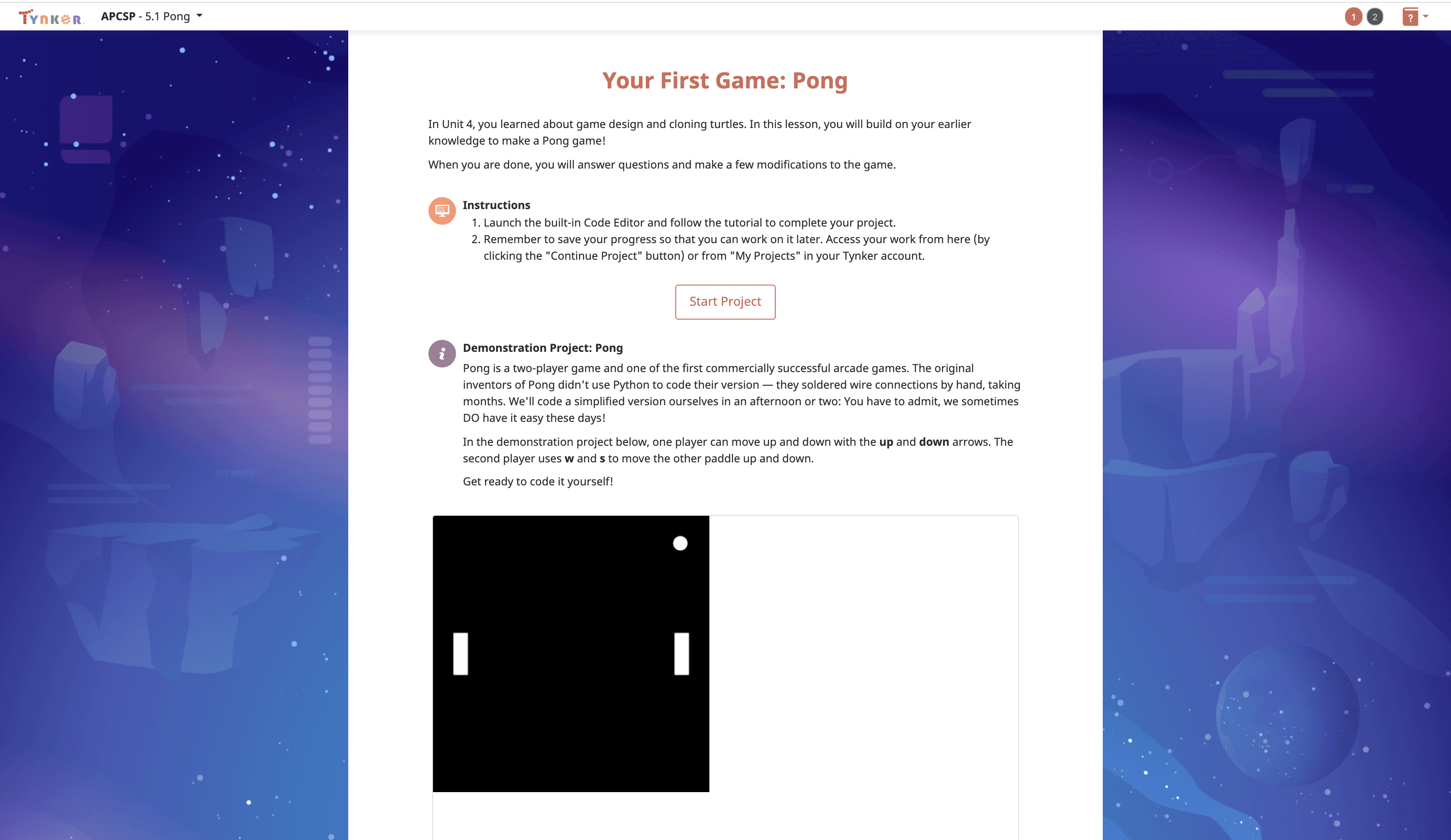
  • 5.1 Pong
  • 5.2 Snake
  • 5.3 Snake Follow-Up
  • 5.4 Connect 4
  • 5.5 Connect 4 Follow-Up
  • 5.6 Tetris
  • 5.7 Tetris Follow-Up
  • 5.8 Frogga
  • 5.9 Pair Programming Challenges
  • 5.10 Review
  • 5.11 Quiz
Lesson image for: Unit 6: Semester Performance Task

Unit 6: Semester Performance Task

Put your coding skills to the test in this open-ended challenge.

8 Modules:

  • 6.1 Introduction
  • 6.2 Starting and Testing
  • 6.3 Data Abstraction
  • 6.4 Choosing a Function
  • 6.5 Explaining How a Function Works
  • 6.6 Completing Your Program
  • 6.7 Writing About Your Program
  • 6.8 Reflection
Lesson image for: Unit 7: Lists

Unit 7: Lists

Learn how to work with data: manipulate lists, plot your data visually, and more.

9 Modules:

  • 7.1 Operations on Lists
  • 7.2 Functions that Return a List
  • 7.3 CSV Files
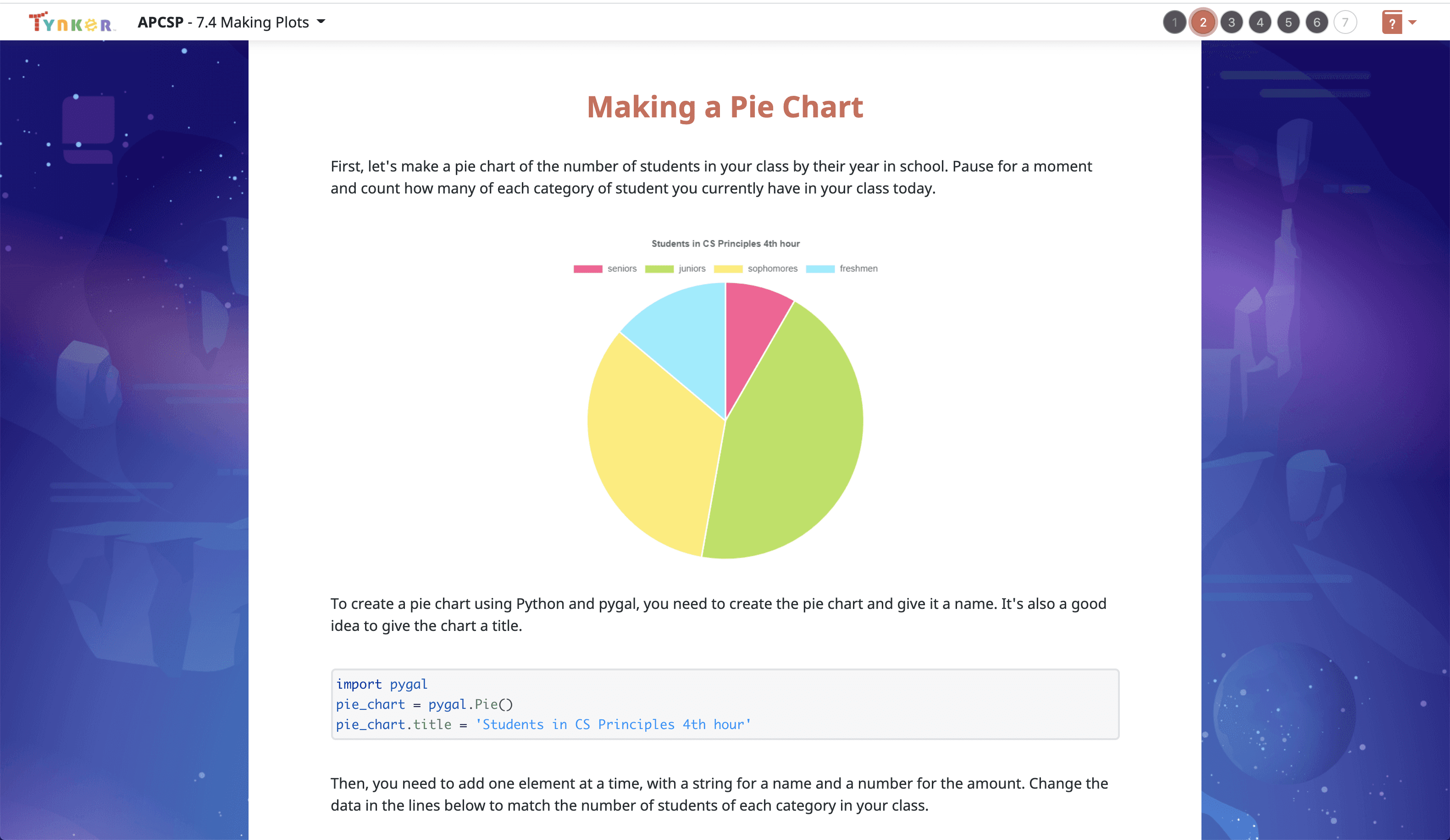
  • 7.4 Making Plots
  • 7.5 Thinking about Data Sets
  • 7.6 The Binary Search Algorithm
  • 7.7 Pair Programming Challenges
  • 7.8 Review
  • 7.9 Quiz
Lesson image for: Unit 8: Artificial Intelligence

Unit 8: Artificial Intelligence

Learn about AI. Create simulations, code a "betting bot", and more.

12 Modules:

  • 8.1 What is Artificial Intelligence?
  • 8.2 Game of Stones
  • 8.3 Rock Paper Scissors with Lists
  • 8.4 Rock Paper Scissors with Prediction
  • 8.5 Beneficial and Harmful Effects
  • 8.6 Pair Programming Challenge: Final Jeopardy
  • 8.7 Sentiment Analysis
  • 8.8 Sentiment Analysis Part 2
  • 8.9 Simulations
  • 8.10 Simulations Part 2
  • 8.11 Review
  • 8.12 Quiz
Lesson image for: Unit 9: Create Performance Task

Unit 9: Create Performance Task

Get ready! You'll have several weeks to write an original program.

5 Modules:

  • 9.1 Starting with the Directions
  • 9.2 Understanding the Scoring Guidelines
  • 9.3 Create Task Week 1
  • 9.4 Create Task Week 2
  • 9.5 Create Task Week 3
Lesson image for: Unit 10: Limits of Computing

Unit 10: Limits of Computing

Computers can do a lot but not everything. Learn about encryption, security, and more.

9 Modules:

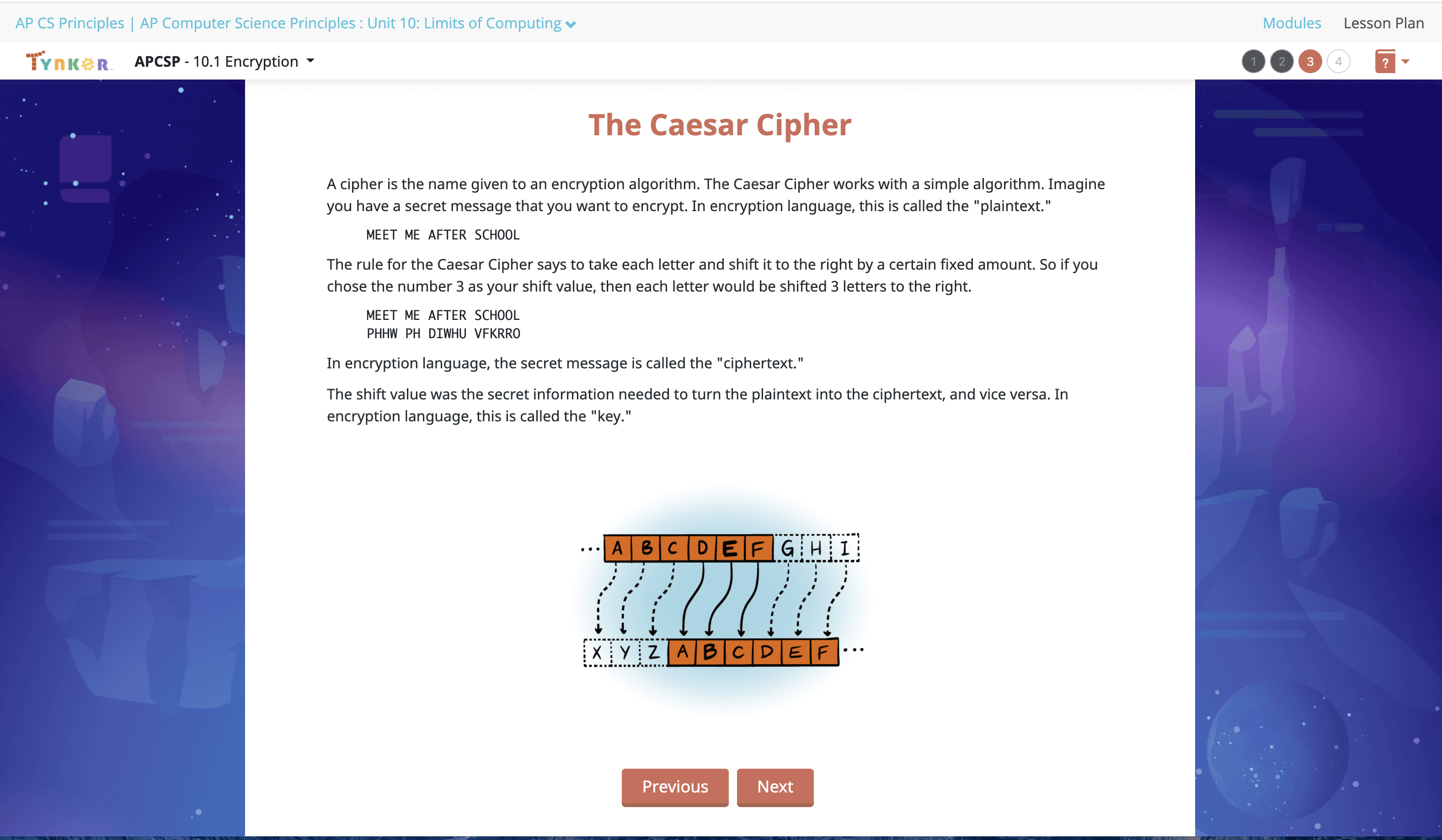
  • 10.1 Encryption
  • 10.2 Substitution Cipher
  • 10.3 Reasonable Time
  • 10.4 The Knapsack Problem
  • 10.5 Physical and Theoretical Limits
  • 10.6 Compression
  • 10.7 Computing Concerns
  • 10.8 Review
  • 10.9 Quiz
Lesson image for: Unit 11: Preparing for the Exam

Unit 11: Preparing for the Exam

Take a Practice Exam and prepare for the real-world AP Exam.

4 Modules:

  • 11.1 - Understanding the Exam Format
  • 11.2 - Taking a Practice Multiple Choice Exam
  • 11.3 - Reviewing Your Practice Multiple Choice Exam Answers
  • 11.4 - The Day Before the Exam
Lesson image for: Unit 12: Recursion

Unit 12: Recursion

Explore recursion and draw fractals!

7 Modules:

  • 12.1 Introduction to Recursion
  • 12.2: The Flood Fill Algorithm
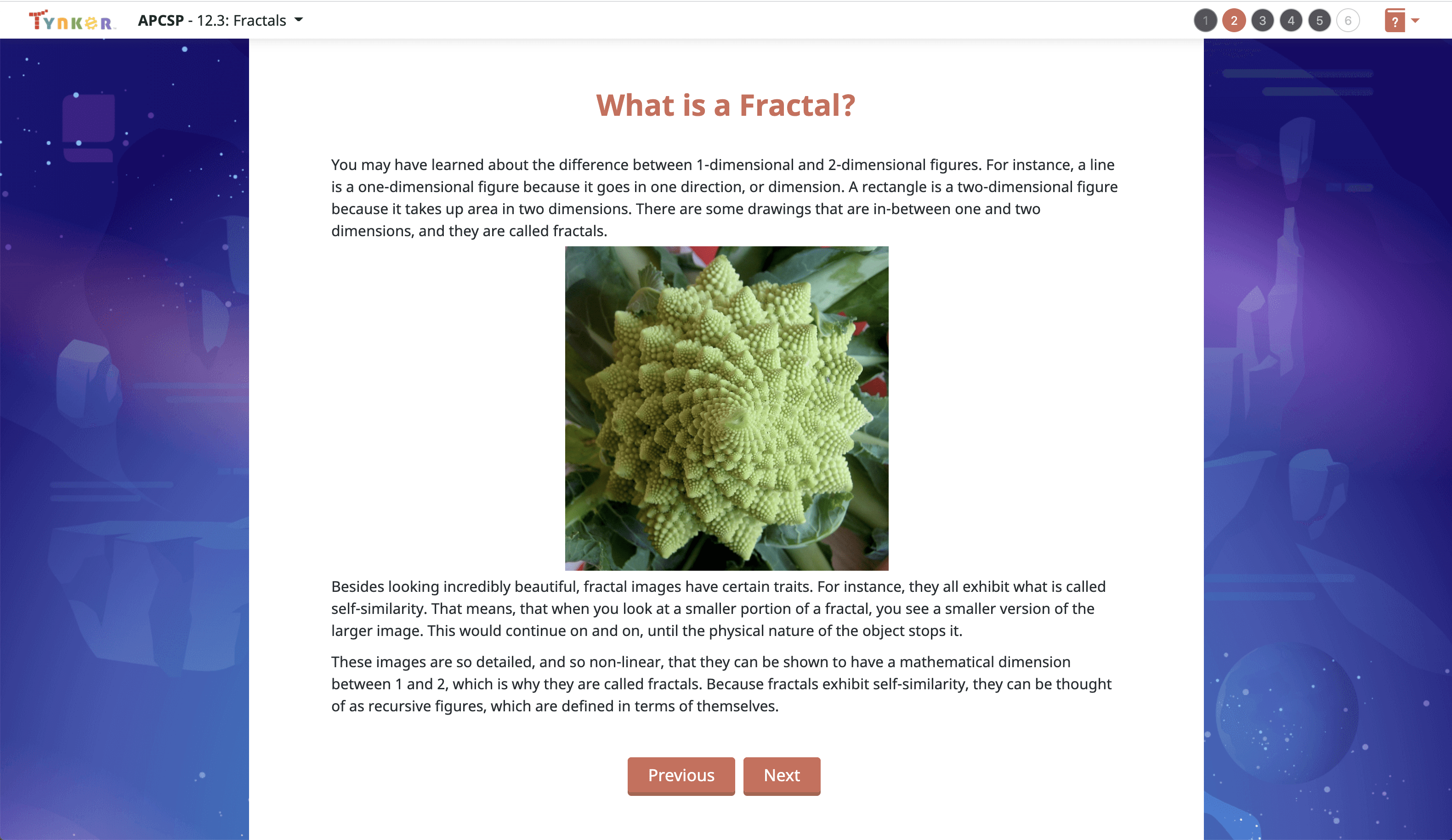
  • 12.3: Fractals
  • 12.4: Fractal Trees
  • 12.5: Review
  • 12.6 Quiz
  • 12.7 Optional Explore Task

String Handling

Retrieve and remix strings of characters in code for various purposes.

Problem Solving

Evaluate task goals and identify steps to reach them.

Critical Thinking

Analyze and develop logical solutions to problems.

Decision Making

Determine options in the execution of a task with differing outcomes.

Troubleshooting

Identify computer errors and test potential solutions.

Data Analysis

Interpret collected data and predict further outcomes.

Data Visualization

Represent collected data in a useful and meaningful way.

Collaboration

Create projects in tandem with other users.

Networking

Describe the structure of a digital network.

Cybersecurity

Identify multiple methods to keep digital data safe.

Cryptography

Explain common mechanisms used to encode data in the modern world.

Computing Applications

Describe multiple use cases of computing and computer programs in real life.

Impact of Computing

Discuss how computing has changed and will continue to change our everyday lives.

Game Design

Design simple to complex game programs that require continuous interaction.

Turtle Graphics

Create visual output using the Turtle graphics library.

Math

Utilize arithmetic, algebra, or geometry in a coding project.

Choose a Plan to Accelerate Learning

All plans include access for up to 3 children

Choose Live Online Courses

Choose a Plan to Accelerate Learning

All plans include access for up to 3 children

Choose a 3-Year Self-Paced Plan

40% OFF

Yearly

$25 $15 /month Now $180 billed annually cancel any time
40% OFF

Lifetime*

$780 $468 one time payment Best Deal
40% OFF

Quarterly

$30 $18 /month Now $54 billed quarterly cancel any time
40% OFF

Quarterly

$30 $18 /month Now $54 billed quarterly cancel any time
40% OFF

Yearly

$25 $15 /month Now $180 billed annually cancel any time
40% OFF

Lifetime*

$780 $468 one time payment Best Deal

Access everything Tynker offers

  • Thousands of hours of creative projects in Game Design, Minecraft, Python concepts, and more
  • Personalized assessments and certifications in real-world languages
  • Access to our highly rated mobile apps: Tynker, Tynker Junior & Mod Creator
  • 5,000+ lessons built to improve problem solving skills and academic performance
  • Parent dashboard with mastery stats - watch as they progress from novice to expert
  • 30 Day Money-Back Satisfaction Guarantee

3-Year All-Access plans include:

  • 70+ courses
  • 5,000+ activities
  • Block Coding
  • Text Coding
  • 3 Mobile Apps
  • Minecraft Modding
  • Game Design
  • Robotics
  • Hardware
  • Web Development
  • Python
  • JavaScript
  • Processing (P5.JS)
  • Data Science
  • Advanced CS

Tynker is designed to progress with your child. A three year plan accelerates their coding mastery from block coding to advanced text languages.