Programming Studio 2
- ALL GRADES
- ADVANCED
- WEB
- 16 LESSONS
Answer Key


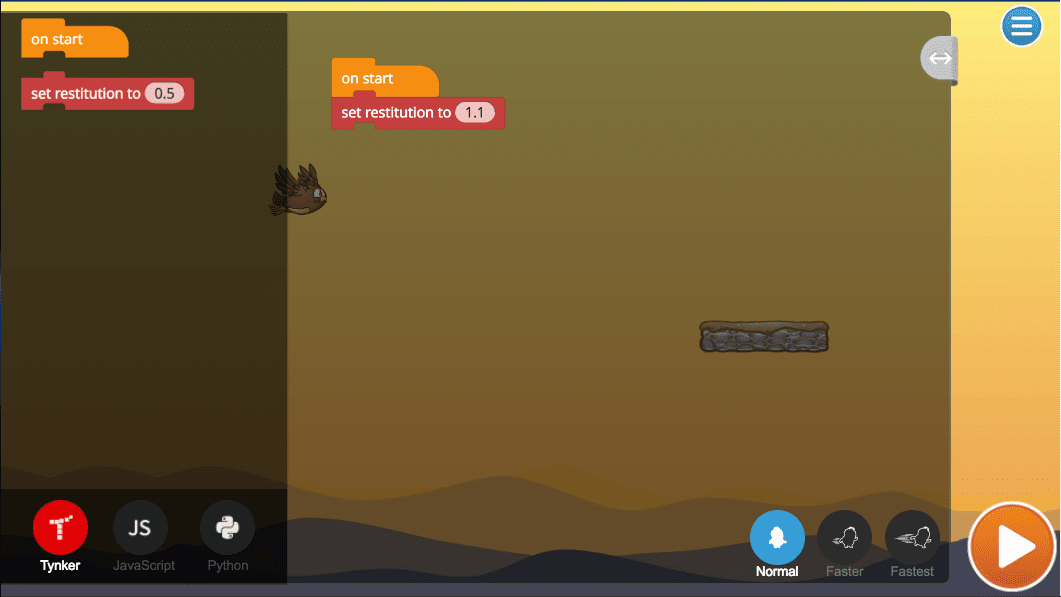
Module 5: Owl Bounce


U.S. Standards
- CCSS-Math: MP.1
- CCSS-ELA: RF.5.4.A, 6-8.RST.3, 6-8.RST.4, 6-8.RST.7
- CSTA: 1B-AP-11, 1B-AP-15, 2-AP-13, 2-AP-16, 2-AP-17
- CS CA: 3-5.AP.10, 3-5.AP.13, 3-5.AP.14, 3-5.AP.17, 6-8.AP.13, 6-8.AP.16, 6-8.AP.17
- ISTE: 1.c, 1.d, 4.d, 5.c, 5.d, 7.c
U.K. Standards
Key stage 2
Pupils should be taught to:- design, write and debug programs that accomplish specific goals, including controlling or simulating physical systems; solve problems by decomposing them into smaller parts
- use sequence, selection, and repetition in programs; work with variables and various forms of input and output
- understand computer networks, including the internet; how they can provide multiple services, such as the World Wide Web, and the opportunities they offer for communication and collaboration
- use technology safely, respectfully and responsibly; recognise acceptable/unacceptable behaviour; identify a range of ways to report concerns about content and contact
Key stage 3
Pupils should be taught to:- design, use and evaluate computational abstractions that model the state and behaviour of real-world problems and physical systems
- create, reuse, revise and repurpose digital artefacts for a given audience, with attention to trustworthiness, design and usability
- understand a range of ways to use technology safely, respectfully, responsibly and securely, including protecting their online identity and privacy; recognise inappropriate content, contact and conduct, and know how to report concerns
Gravity and Bouncing
Gravity and Bouncing
Adjust the bounciness of an Actor by changing gravity and restitution.
Description
Students advance their coding skills designing physics-based games by adding impulses, setting angles, trajectories, and programming collisions.
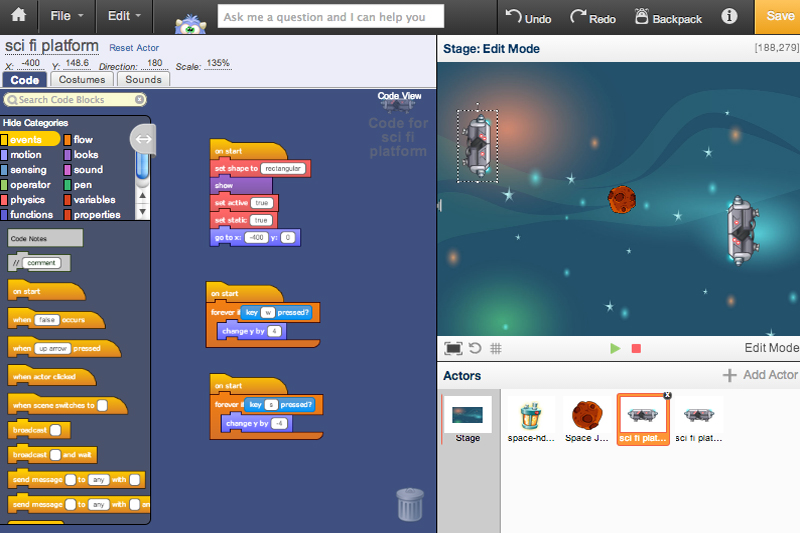
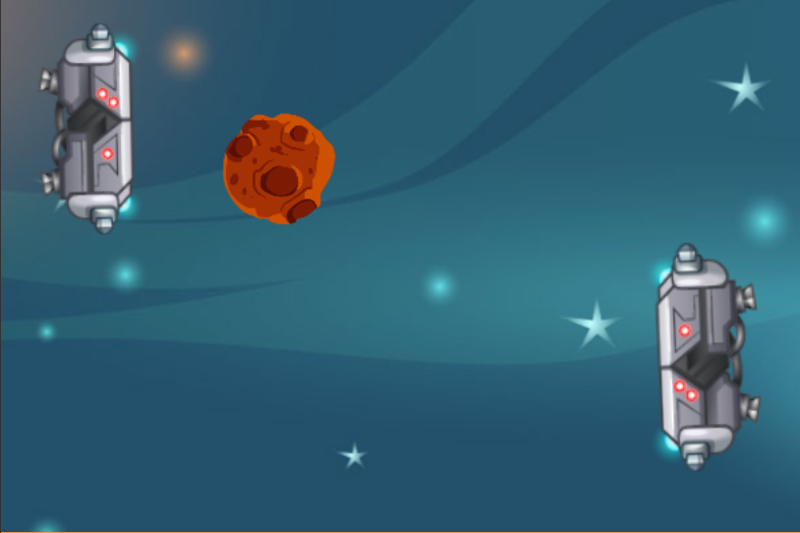
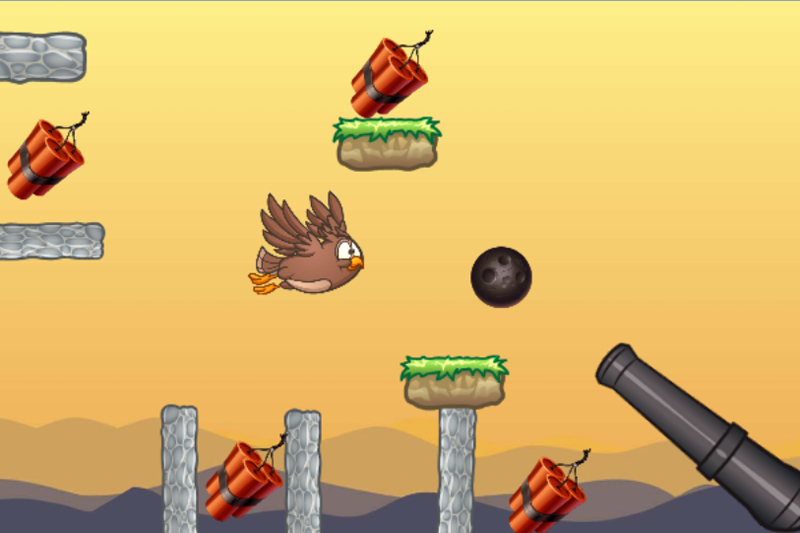
Topics Covered: Draw geometric patterns using pen-based drawing primitives to manipulate angles, direction, sizes, and color. Build a projectile based physics game using the physics engine - manipulate gravity, hit boxes, collisions, bouncing, static platforms, impulse, velocity, and force. Learn about timers, define interactions between objects, and learn to create special effects.
What Students Learn
- Draw shapes and patterns using pen drawing commands
- Program fluid motion with keyboard control
- Control Actors using messaging
- Define and use functions with parameters
- Build physics projects using gravity, impulse, and velocity
- Build their own versions of classic arcade games
Technical Requirements
* Online courses require a modern desktop computer, laptop computer, Chromebook, or Netbook with Internet access and a Chrome (29+), Firefox (30+), Safari (7+), or Edge (20+) browser. No downloads required.
Lesson
10 : Gravity and Bouncing
Programming Studio 2
Time: 60+ minutes
Introduction
Tynker Blocks Introduced
Vocabulary
Objectives
Materials
Warm-Up (15 minutes)
Activities (45 minutes)
Facilitate as students complete all Gravity and Bouncing modules on their own:
1. Bouncing Ball Example (Example)2. Bouncing Ball (DIY)
3. Gravity Simulation Example (Example)
4. Gravity Simulation (DIY)
5. Owl Bounce (Puzzle)
6. Gravity Madness Simulation Example (Example)
7. Gravity Madness (DIY)
8. Bug Ball Example (Example)
9. Bug Ball (DIY)
Extended Activities (10 minutes)
You can not access this material with your current plan.
Class Presentations, Student Experience View, & Answer Keys are all included in our teacher plans!
Upgrade now to get access to our award-winning Tynker Curriculum.