JavaScript Game Design
- ALL GRADES
- BEGINNER
- WEB
- 13 LESSONS
Answer Key
Module 2: Detect a Path

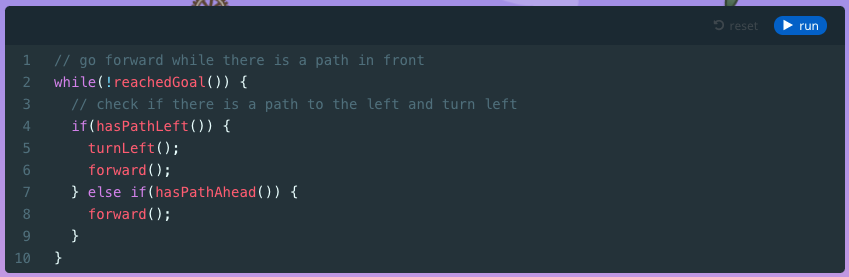
Module 3: Forward, Left
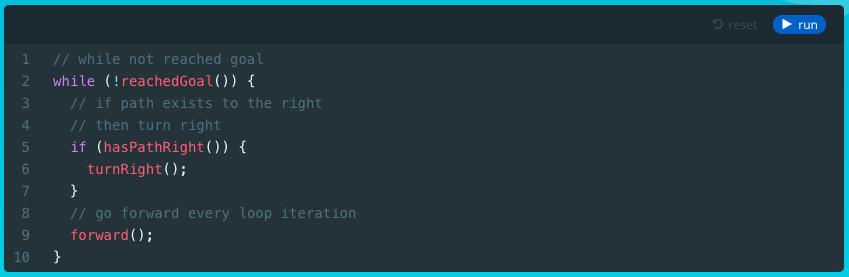
Module 4: Right, Forward
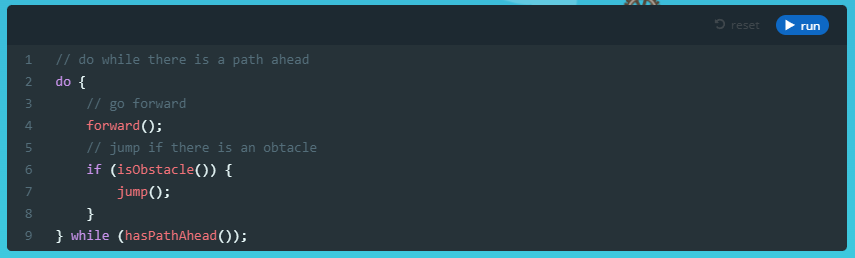
Module 6: Path Ahead
Module 7: Left Spiral
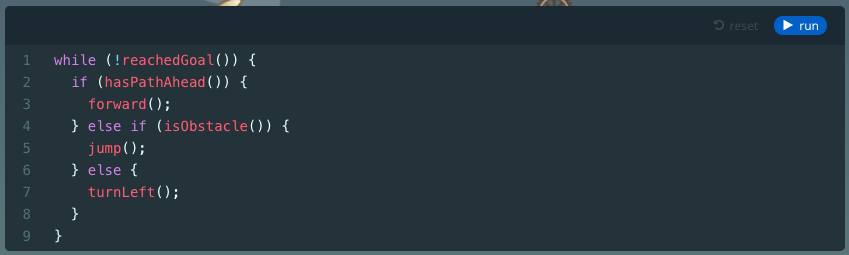
Module 8: Right Spiral
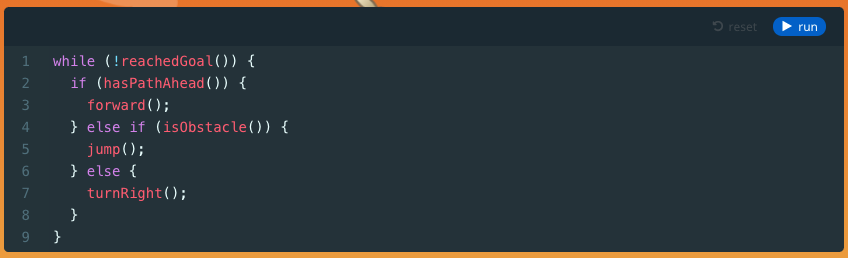
Module 9: Choose a Path
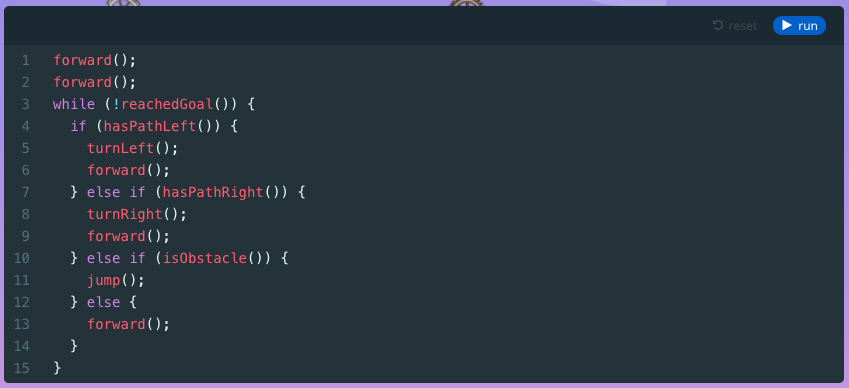
Module 11: Quiz
1.

2.
3.
4.
5.
6.
7.
8.
9.
10.
11.
12.
13.
U.S. Standards
- CCSS-ELA: SL.7.1, SL.8.1, RI.9-10.3, RI.9-10.6, L.9-10.3, L.9-10.6
- CCSS-Math: HSN.Q.A.1, HSN.Q.A.2, HSN.Q.A.3, MP.1
- CSTA: 2-AP-11, 2-AP-13, 2-AP-15, 2-AP-17, 3A-AP-17, 3A-AP-19, 3B-AP-11, 3B-AP-12
- CS CA: 6-8.AP.11, 6-8.AP.13, 6-8.AP.17, 9-12.AP.12, 9-12.AP.14, 9-12.AP.16, 9-12.AP.18
- ISTE: 1.c, 1.d, 4.d, 5.c, 5.d
U.K. Standards
Key stage 3
Pupils should be taught to:- design, use and evaluate computational abstractions that model the state and behaviour of real-world problems and physical systems
- understand several key algorithms that reflect computational thinking [for example, ones for sorting and searching]; use logical reasoning to compare the utility of alternative algorithms for the same problem
- undertake creative projects that involve selecting, using, and combining multiple applications, preferably across a range of devices, to achieve challenging goals, including collecting and analysing data and meeting the needs of known users
- create, reuse, revise and repurpose digital artefacts for a given audience, with attention to trustworthiness, design and usability
- understand a range of ways to use technology safely, respectfully, responsibly and securely, including protecting their online identity and privacy; recognise inappropriate content, contact and conduct, and know how to report concerns
Key stage 4
All pupils must have the opportunity to study aspects of information technology and computer science at sufficient depth to allow them to progress to higher levels of study or to a professional career. Pupils should be taught to:- develop their capability, creativity and knowledge in computer science, digital media and information technology
- develop and apply their analytic, problem-solving, design, and computational thinking skills
- understand how changes in technology affect safety, including new ways to protect their online privacy and identity, and how to report a range of concerns
Description
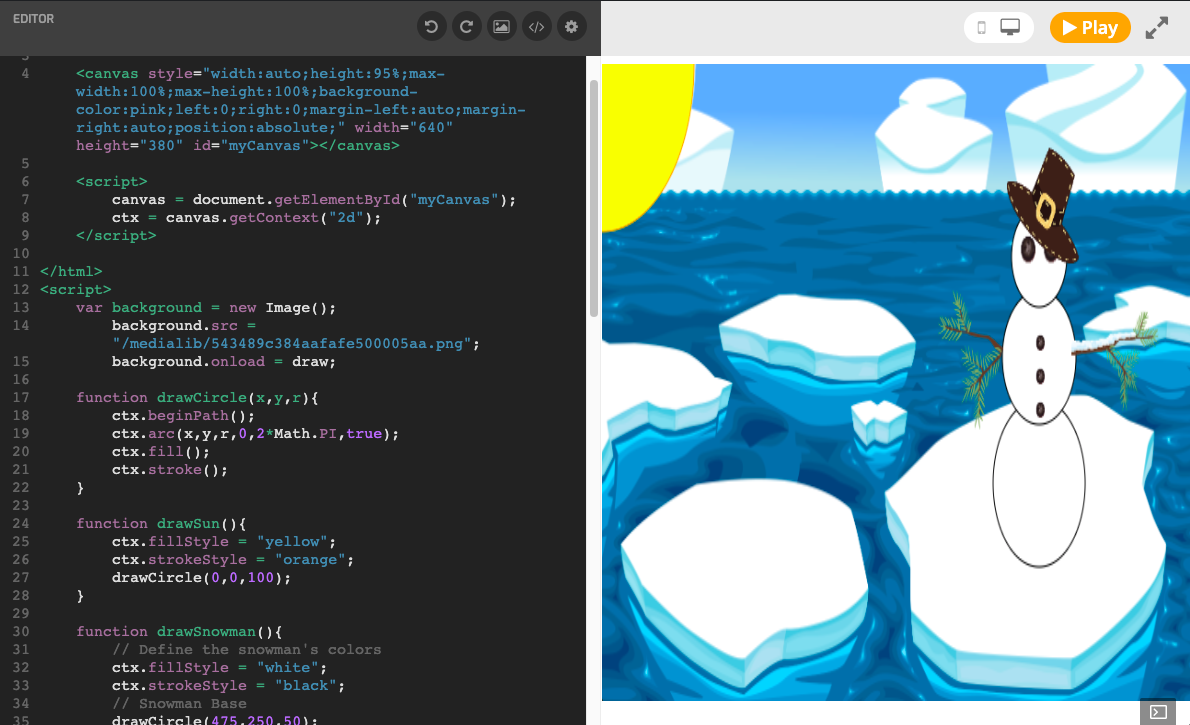
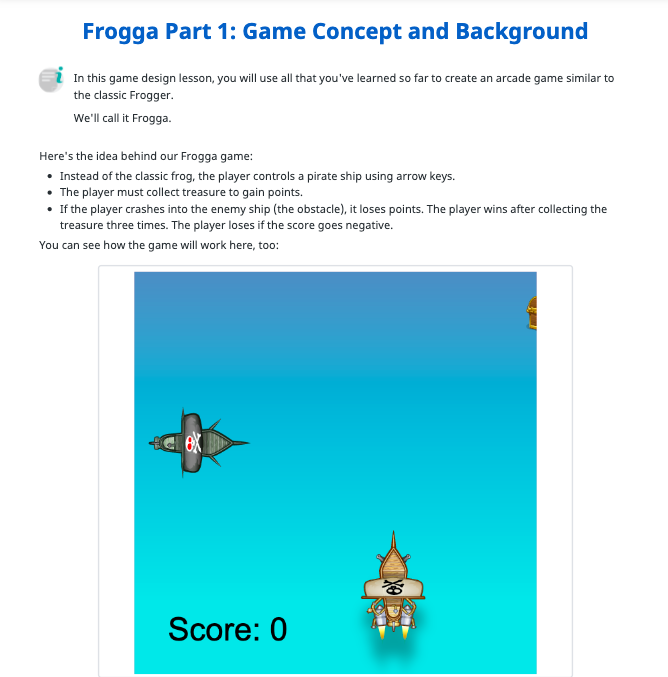
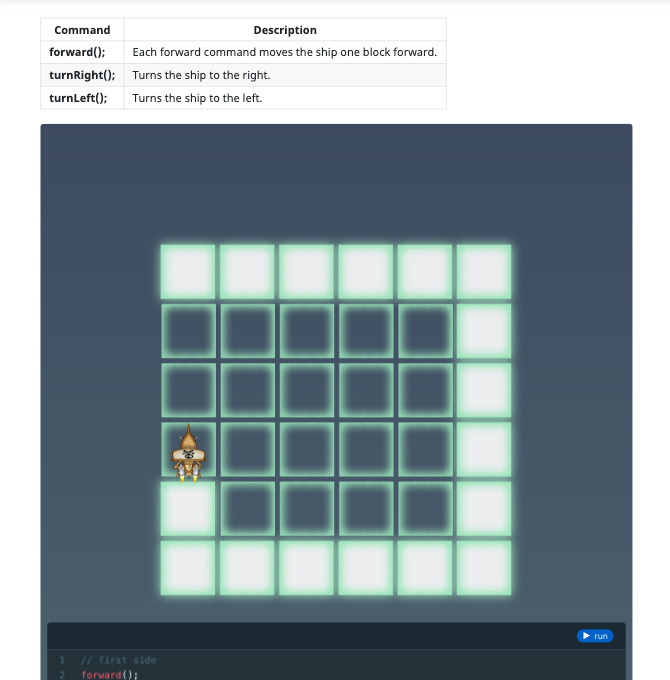
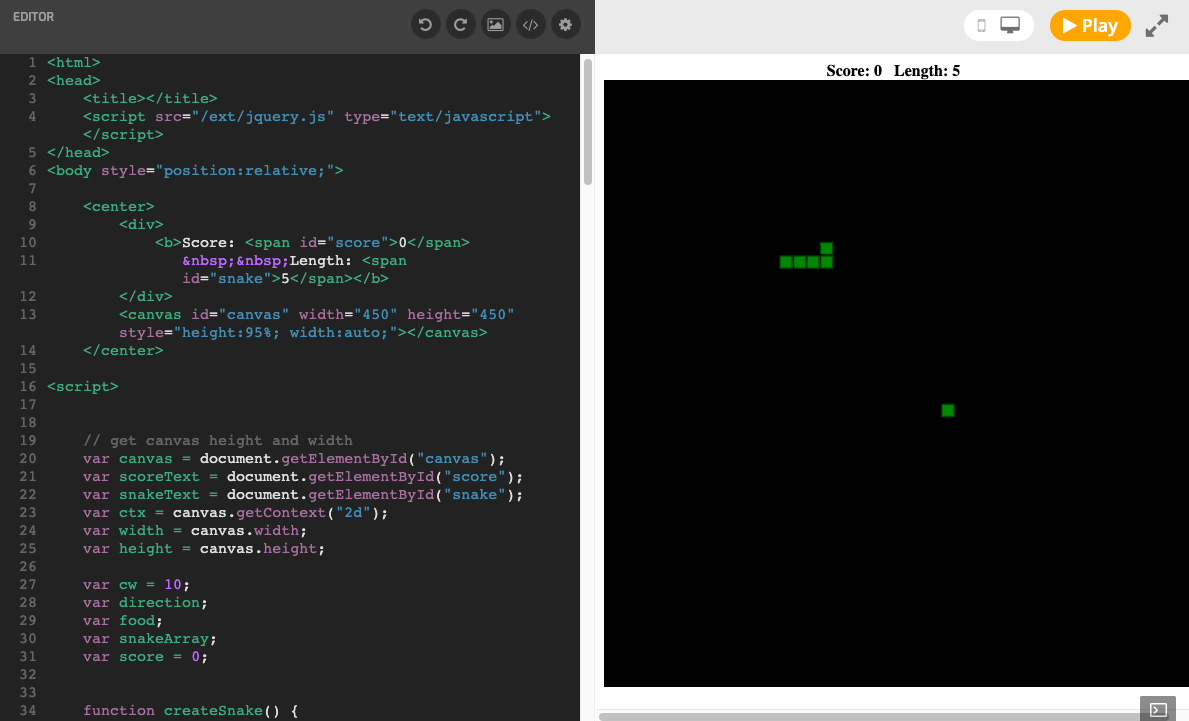
Build your own games for the web! Students will learn JavaScript and Canvas programming through fun exercises, and then build classic arcade games like Snake, Pong, and Breakout.
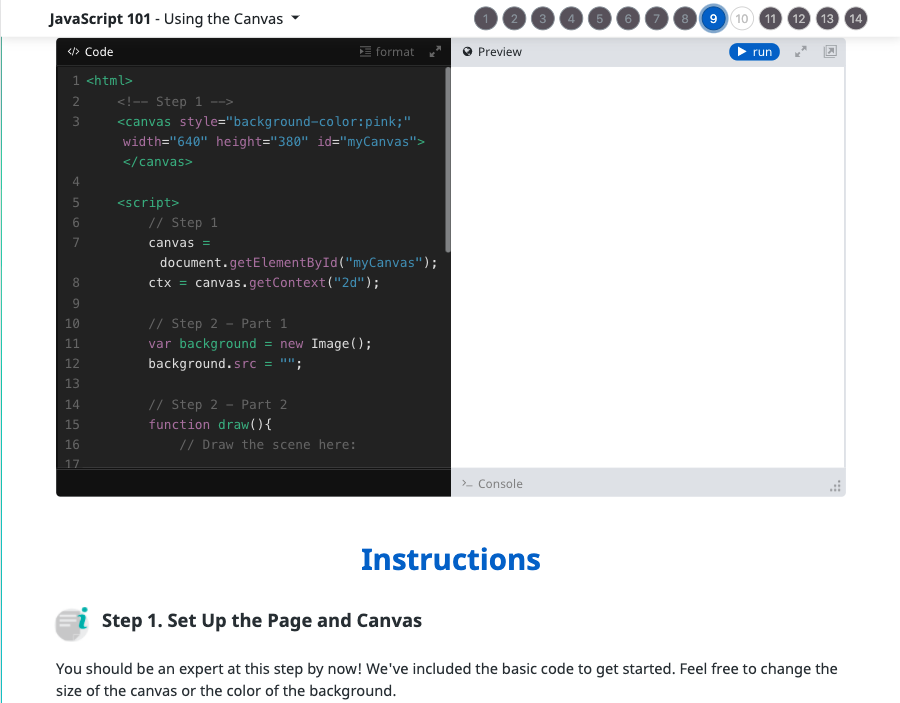
Topics Covered: JavaScript syntax, sequencing, repetition, conditional logic, nested loops, automation, pattern recognition, simple motion, keyboard and mouse events, creating and using an HTML canvas, operators, expressions, variables, collision detection, using arrays and objects to store structured data.
What Students Learn
- Learn JavaScript syntax
- Use conditional logic, loops, and conditional loops to solve problems
- Create and use variables
- Detect and handle keyboard and mouse events
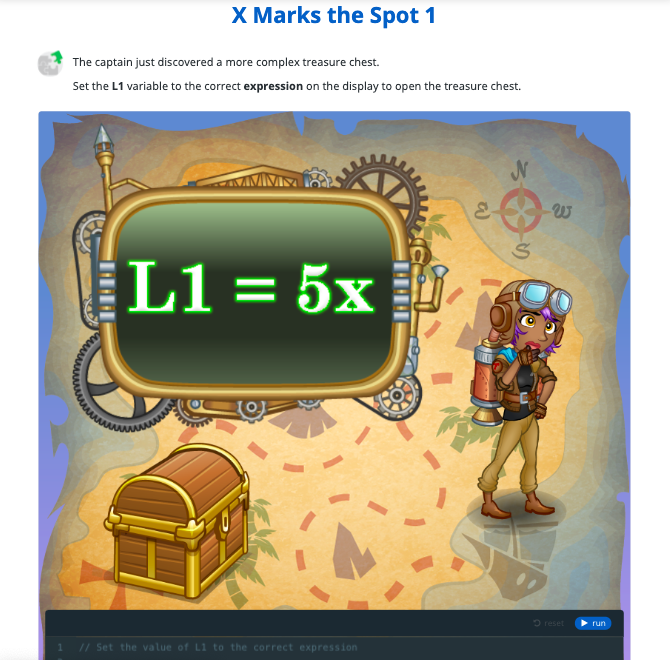
- Write and interpret JavaScript expressions
- Use the HTML canvas for drawing and displaying images
- Detect win/loss conditions in a game
- Implement collision detection between images on the canvas
- Use arrays and objects to store structured data
Technical Requirements
* Online courses require a modern desktop computer, laptop computer, Chromebook, or Netbook with Internet access and a Chrome (29+), Firefox (30+), Safari (7+), or Edge (20+) browser. No downloads required.
Lesson
4 : Conditional Loops
JavaScript Game Design
Time: 40+ minutes
Introduction
Commands Introduced
Vocabulary
Objectives
Materials
Warm-Up (5 minutes)
Activities (35 minutes)
Facilitate as students complete all Conditional Loops modules on their own:
1. What Is a "While" Loop? (Document)2. Detect a Path (Puzzle)
3. Forward, Left (Puzzle)
4. Right, Forward (Puzzle)
5. What Is a Do-While Loop? (Document)
6. Path Ahead? (Puzzle)
7. Left Spiral (Puzzle)
8. Right Spiral (Puzzle)
9. Choose a Path (Puzzle)
10. Review (Document)
11. Quiz (Multiple Choice)
Discussion Questions/Follow-Up Activities (20 minutes)
You can not access this material with your current plan.
Class Presentations, Student Experience View, & Answer Keys are all included in our teacher plans!
Upgrade now to get access to our award-winning Tynker Curriculum.